Okay, You have a box somewhere.
It’s in the back of a closet, or in the attic, maybe on a shelf in the garage. It’s filled with old photos.
And inside that box, there are a few pictures that are almost too painful to look at. A wedding photo of your grandparents, ripped down the middle. A picture of your childhood home, faded and with a nasty coffee stain. A photo of your dad from his army days, covered in a spiderweb of cracks and scratches.
You keep them because you can’t bear to throw them away. But you hide them because they feel broken. The damage isn’t just on the paper; it feels like the memory itself is torn, faded, and slowly disappearing.
It’s a race against time and decay, and it feels like a race you are losing.
You’ve probably told yourself that fixing them is a job for a museum curator with a microscope and a massive budget. For years, you would have been right.
That kind of restoration was a luxury, a complex, expensive process reserved for historical archives.
That’s not true anymore. The tools have changed.
The good news is, you don’t need to be a photo restoration expert to save your most important memories. You just need to understand what’s now possible.
The AI Fix: What an Algorithm Can (and Can’t) Actually Do
Before you even think about scanning, you need to set the right expectations. AI photo restoration isn’t magic, but it’s close. It’s a trained algorithm that’s looked at millions of images—both damaged and clean—and has learned to make incredibly educated guesses about what’s missing.
Here’s what today’s AI is brilliant at fixing:
- Scratches and Cracks: This is the most common problem. An AI can analyze the pixels around a scratch and intelligently fill in the gap, making thin cracks and spiderwebs vanish completely.
- Minor Tears and Rips: If you have a torn photo and both pieces, the AI can be fantastic at stitching the image back together and smoothing over the seam.
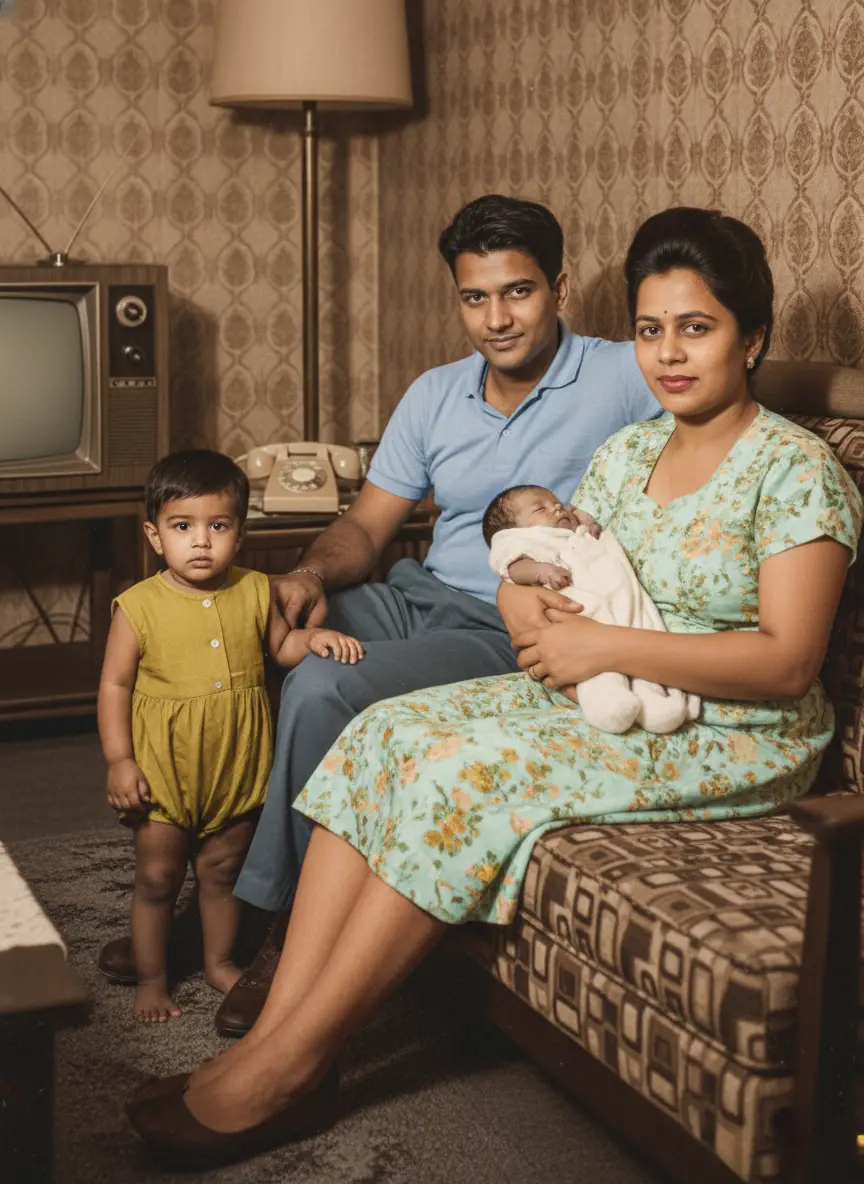
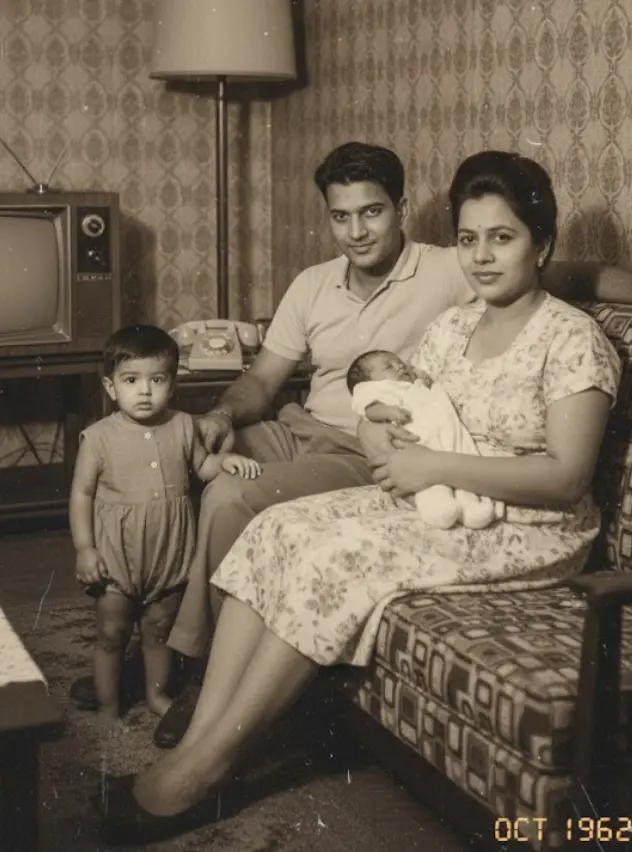
- Fading and Color Loss: This is where AI truly shines. It can analyze a faded black-and-white photo or a washed-out color print and restore the original contrast, vibrancy, and depth, making it look like it was taken yesterday.
- Small Stains & Blemishes: Minor water spots, mildew dots, or chemical stains can often be digitally removed, especially if they haven’t destroyed the underlying details of the photo.
But let’s be real about what it can’t do:
AI can’t read minds. If a huge chunk of the photo is completely gone—if your grandmother’s face is missing half or entirely—the AI can’t invent her. It might try, but it won’t be her.
For severe damage like that, a human artist is still the only way, condition only if you have a reference to tell him/her too. But for the 90% of photos that are just faded, scratched, and gently worn by time, AI is the fastest and most affordable way to bring them back to life.
How AI Can Fix Tears, Scratches, and Water Damage in old photos
Okay, so how do you actually do this? The process is simpler than you think. You don’t need a fancy lab. You need a phone and about five minutes and some bucks to spend to get your memories back to life again.
Step 1: Get the Best Scan Possible
This is the most important step. Don’t just take a quick, shadowy photo of the picture. Use an app like Google Photoscan or even your phone’s built-in scanner function to create a flat, glare-free digital copy.
This gives the AI the best possible information to work with. Remember the old saying: “garbage in, garbage out.” A clean scan is the foundation of a great restoration.
Step 2: Upload to an AI Restoration Tool
This is where BringBack AI photo restoration tool comes in. You upload your scanned, damaged photo. Our tool doesn’t just run a generic “fix” filter. It analyzes the specific type of damage—scratches, tears, water damage—and applies a targeted model to repair it.
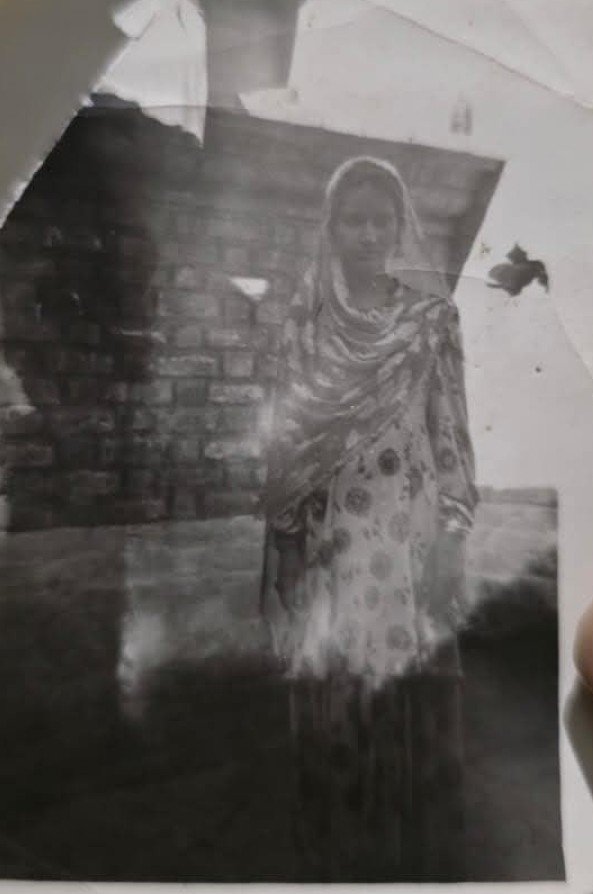
Step 3: See the Result in Seconds
You get back a clean, repaired digital version of your photo. The scratch is gone. The tear is sealed. The colors are vibrant again. The person you remember is looking back at you, clear as day.
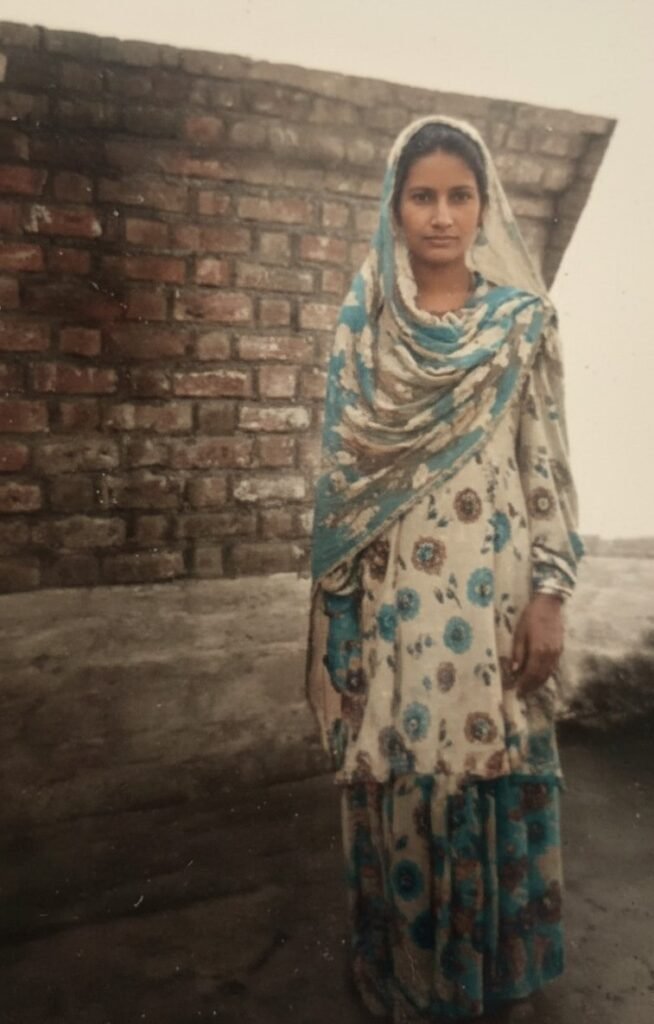
This Isn’t About Fixing Pixels. It’s About Restoring a Connection.
A restored photo is more than just a clean image. It’s a conversation starter. It’s the photo you can finally frame and put on the wall. It’s the picture you can share with your family, sparking stories and memories that were trapped in that dusty box.
When you remove the damage from a photo, you remove the barrier between you and the person in it. You’re not just doing “digital photo restoration“; you are doing the essential work of memory preservation. You’re ensuring that the faces of the people who made you who you are aren’t lost to a coffee stain or a crease in a wallet.
Don’t let your most precious memories fade to grey in a box. The technology to save them is finally here, and it’s easier to use than you ever imagined.
Upload your first damaged photo. See who you can bring back.