01
Figure & Person Erasure
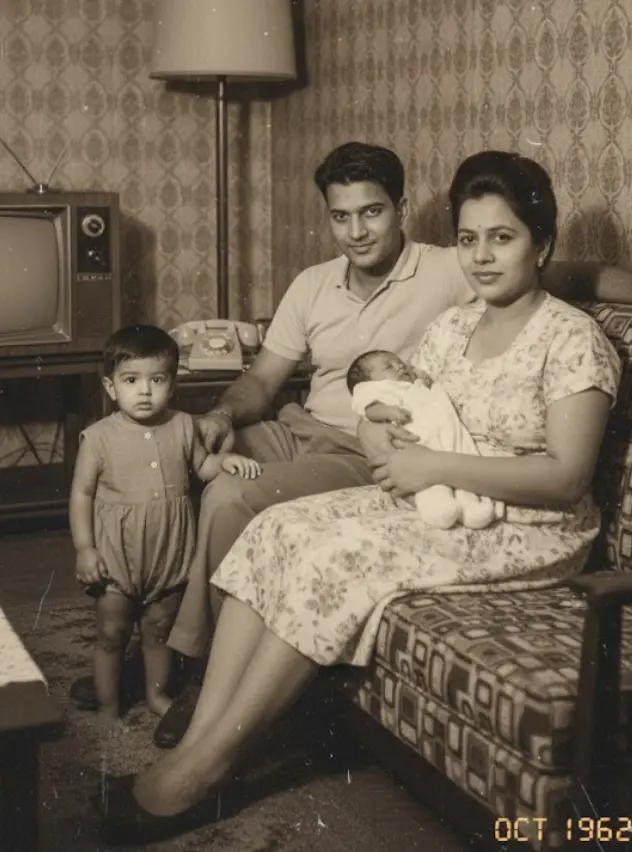
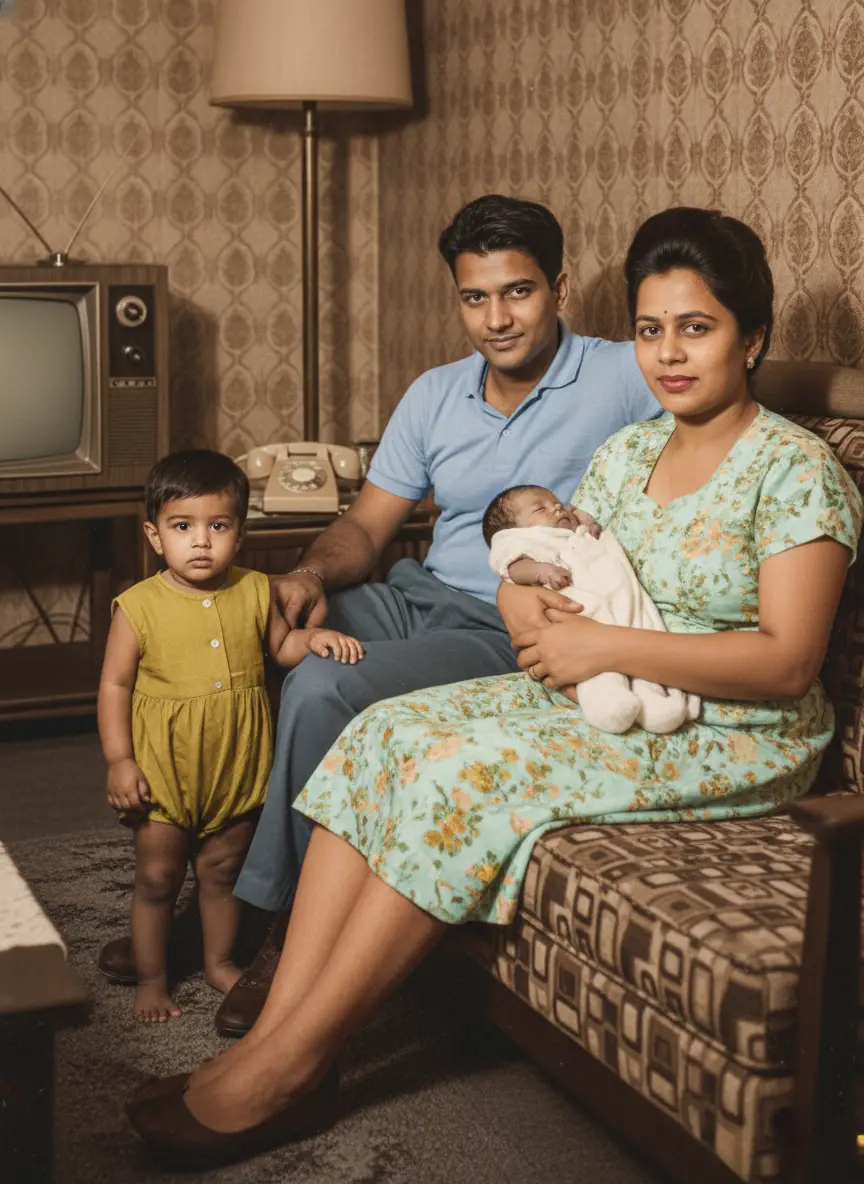
Remove specific individuals, photobombers, or background strangers. The AI cuts out the figure mask cleanly and fills the missing area using surrounding scene context.
Preserves main subjects intact

Select the photo containing photobombers, strangers, or an unwanted person.
Supports JPG, PNG, and WebP images up to 20MB. High resolution works best.
Simply brush over or select the figure or object you want erased from the picture.
Our AI automatically detects body contours, clothing edges, and surrounding hair.
BringBack erases the figure and synthesizes matching background patterns in seconds.
Rebuilds foliage, wall textures, wood paneling, and ground shadows seamlessly.
Review your photo side-by-side in your dashboard and download high-res print quality.
No smudges, no ghost outlines, and matching vintage film grain retained.
Remove specific individuals, photobombers, or background strangers. The AI cuts out the figure mask cleanly and fills the missing area using surrounding scene context.
Remove distracting objects such as telephone poles, trash cans, parked cars, or stray furniture from vintage photos to focus attention on the main subjects.
Rebuilds hidden brickwork, wood paneling, foliage, or sky gradients behind the erased subject.
Harmonizes film grain and lighting so the inpainted area has zero visible seams.
Review the result side-by-side before downloading. Originals are always preserved untouched.
Safe digital image editing principles.
Your original uploaded image is never overwritten.
Files stay in your dashboard until you delete them.
Family photos are never used to train external models.
Edits are for personal keepsakes and archives.
Photos are processed securely for the feature you request. Generated files stay in your account until you delete them. We do not use your family photos to train general-purpose AI models.
Continue editing or discover specialized workflows.
See Example InpaintingWhen a pristine family vacation photo is spoiled by passersby, tourists, or photobombers in the background, BringBack clean-erases them while seamlessly restoring the landmark architecture behind them.
For family genealogy projects, historical album cleanups, or personal archives, you can remove unwanted figures from group photos without destroying the surrounding family members.
Remove stray trash cans, cars, utility poles, or clutter that distract from the main subject in vintage family snapshots.
Clean up busy surroundings to turn a casual group photo into a focused portrait ready for wall frames or photo albums.
Unlike basic lasso tools that cut jagged lines, BringBack automatically detects the outline of hair, clothes, and body contours so the figure is erased cleanly without leaving ghost silhouettes.
When a person is erased, the AI doesn't just smudge neighboring pixels—it analyzes surrounding wallpaper, brickwork, wood paneling, or foliage to reconstruct authentic background textures in place of the removed subject.
Basic eraser tools produce unnaturally smooth patches that stand out against old photos. BringBack measures the surrounding photo grain and reintroduces matching vintage film texture into the cleaned area.
Removing a figure also means recalculating lighting cast. Our AI adjusts background brightness and shadow gradients so the remaining subjects sit naturally within their environment.
| // CriteriaWhat matters | BringBack RecommendedAutomated AI archival restoration | // AlternativePhotoshop / Clone StampSpecialized human studio | // AlternativeBasic Cutout AppsBasic automated filters |
|---|---|---|---|
Inpainting Quality | Context-Aware AI | High (Skill Dependent) | Smudged / Blurry Patches |
Background Reconstruction | Extrapolates Patterns | Manual Clone Stamping | Simple Blur |
Film Grain Matching | ISO Noise Matching | Manual Noise Filter | Smooth Plastic Patches |
Turnaround Time | < 30 Seconds | Hours to Days | Fast (Low Quality) |
Cost Per Edit | ~$2 (Affordable) | $20 - $50+ Per Edit | Free (Watermarked) |
Ease of Use | 1-Click Detection | Pro Software Needed | Manual Eraser Brush |
| // SummaryBottom line | Zero Smudge Tech | Steep Learning Curve | Leaves Visible Smudges |
$4.99one-time
Low-risk way to restore a few important photos. Not enough credits for animation or hug video.
4 credits$1.25 each
Restores up to 4 photos. Credits never expire.
$9.99one-time
Enough credits for restorations plus animation or family reunions.
20 credits$0.50 each
Best value for photo restoration + realistic animation.
$21.99one-time
For whole albums and multi-person projects.
60 credits$0.37 each
Best value for whole albums and multi-person projects.
Repair scratches, tears, and sepia fading while preserving authentic facial character.
Combine separate individual photos into one natural, high-definition family portrait.
Seamlessly insert a missing relative or passed loved one into an existing family snapshot.
Bring historical black & white photographs to life with historically accurate realistic colors.