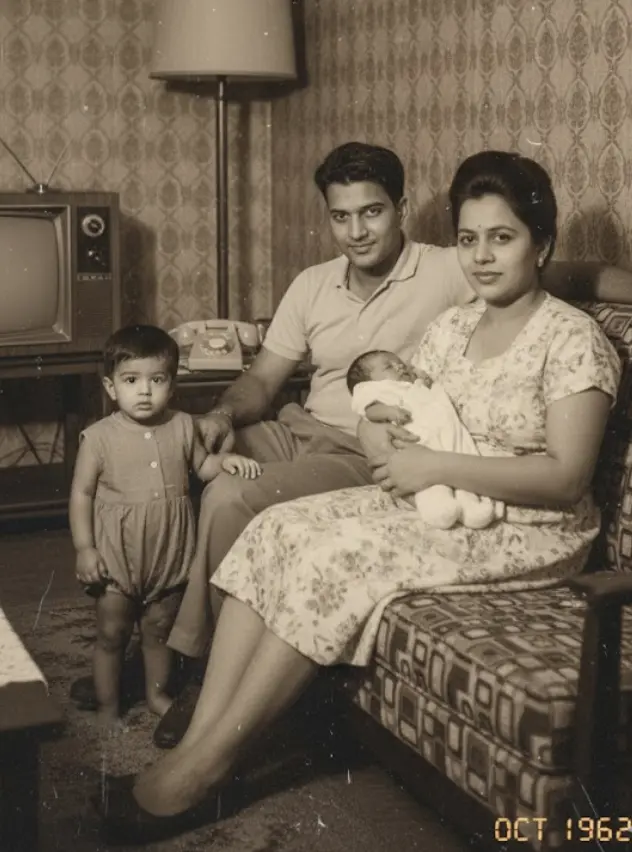
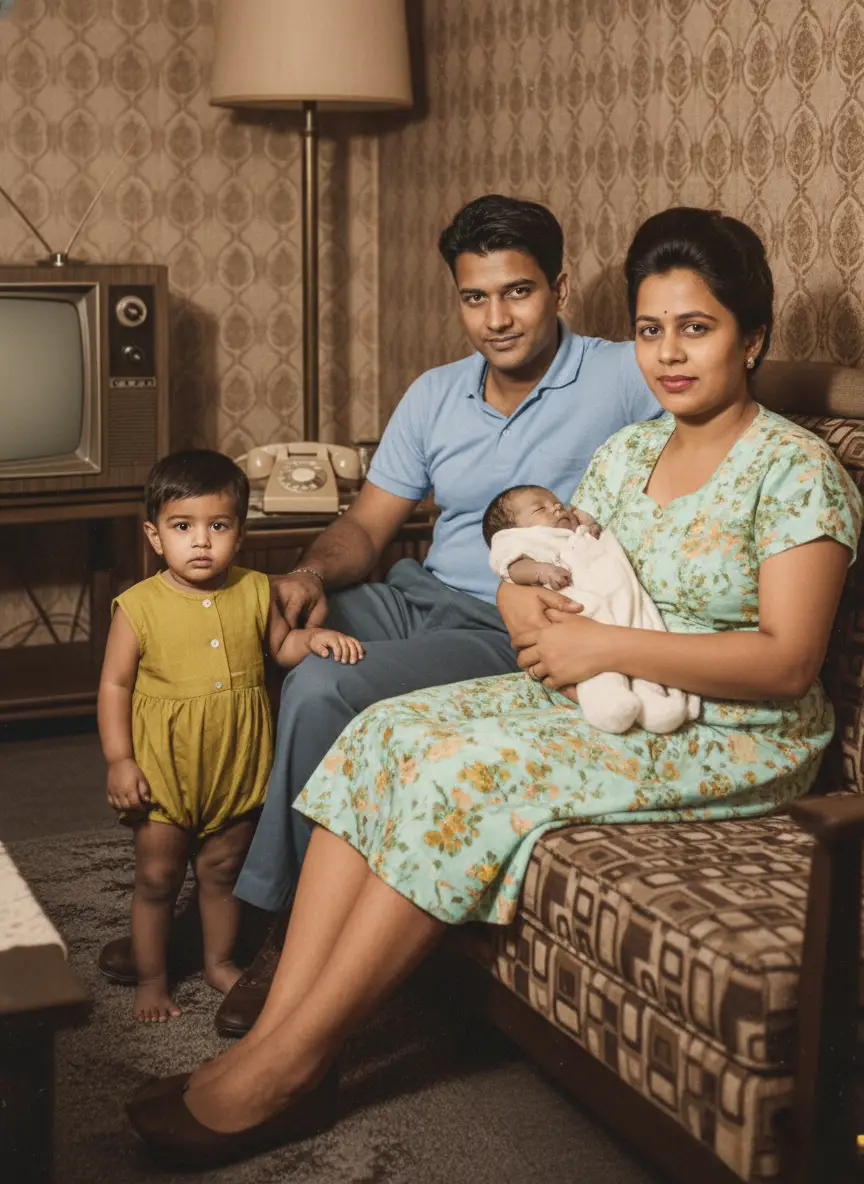
Gentle Smile
A gradual smile with restrained facial movement. Clear, front-facing portraits usually provide the best reference.


Scan your print flat or photograph it in even daylight. JPG, PNG and WebP files up to 10 MB work. A clear, front-facing portrait gives the motion engine the most faithful facial reference.
Choose from nine restrained styles—such as Warm Gaze, Gentle Smile, or Subtle Blink. Movement is deliberately restrained to protect genuine bone structure, eyelid crease, and authentic likeness.
Watch your five-second silent video in your private dashboard before downloading the high-definition MP4. Each animation costs 10 credits, and generated clips never expire from your account.
A gradual smile with restrained facial movement. Clear, front-facing portraits usually provide the best reference.
Adds a smile and attempts a short hand wave. Use a photo where the upper body and hands are visible for a more usable result.
Adds a blink and small head tilt while keeping the rest of the frame relatively still.
Adds a smile with eye and head movement. Review eye direction and facial details before using the clip.
Uses restrained eye movement and a slight smile for a quieter portrait animation.
Adds a small nod with limited background movement, suited to formal or tightly framed portraits.
Uses minimal breathing and facial movement when you want less change from the source image.
Adds soft eye movement and a small smile. Results are most predictable when faces are clear and similarly sized.
Adds speech-like mouth and facial movement without generating audio. It does not recreate the person's real voice or mannerisms.
Choose from presets such as Gentle Smile, Smile + Wave, Blink + Head Tilt, Warm Gaze, and Soft Nod. Preview the result because motion and likeness can vary.
Use a restored portrait in a family slideshow, memorial keepsake, or genealogy project when a short motion clip suits the story.
Download the generated five-second MP4 for personal slideshows, compatible digital displays, or family storytelling projects.
Photos are processed securely for the feature you request. Generated files stay in your account until you delete them. We do not use your family photos to train general-purpose AI models.
$4.99one-time
Low-risk way to restore a few important photos. Not enough credits for animation.
4 credits$1.25 each
Restores up to 4 photos. Credits never expire.
$9.99one-time
Enough credits for restorations plus animation or family reunions.
20 credits$0.50 each
Best value for photo restoration + realistic animation.
$21.99one-time
For whole albums and multi-person projects.
60 credits$0.37 each
Best value for whole albums and multi-person projects.
Before you buy: family portraits and Add Person work for up to 8 people in total. In bigger groups AI distorts faces, so they aren't a good fit for large group photos.
Repair scratches, tears, and sepia fading while preserving authentic facial character.
Combine separate individual photos into one natural, high-definition family portrait.
Seamlessly insert a missing relative or passed loved one into an existing family snapshot.
Bring historical black & white photographs to life with historically accurate realistic colors.