// Family Photo AI //

AI family portrait generator from separate photos.

Upload up to 8 family reference photos, choose from 24 curated portrait themes, and include the people and pets who belong in the scene. BringBack creates one new shared portrait rather than a pasted collage.

Works for up to 8 people in total. In bigger groups AI distorts faces.

BringBack customer
BringBack customer
BringBack customer
3.1K+
Trusted by 3.1K+ Families
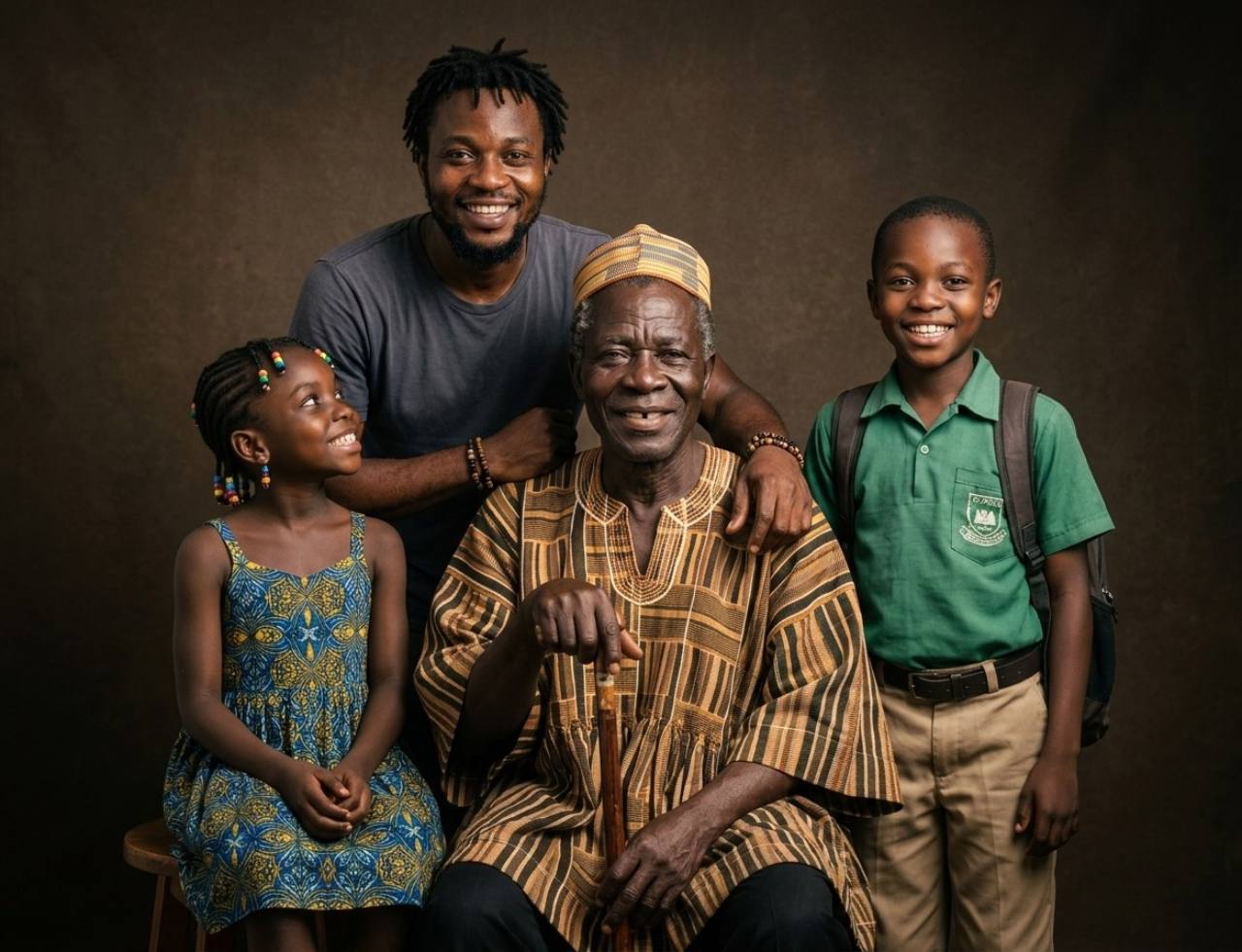
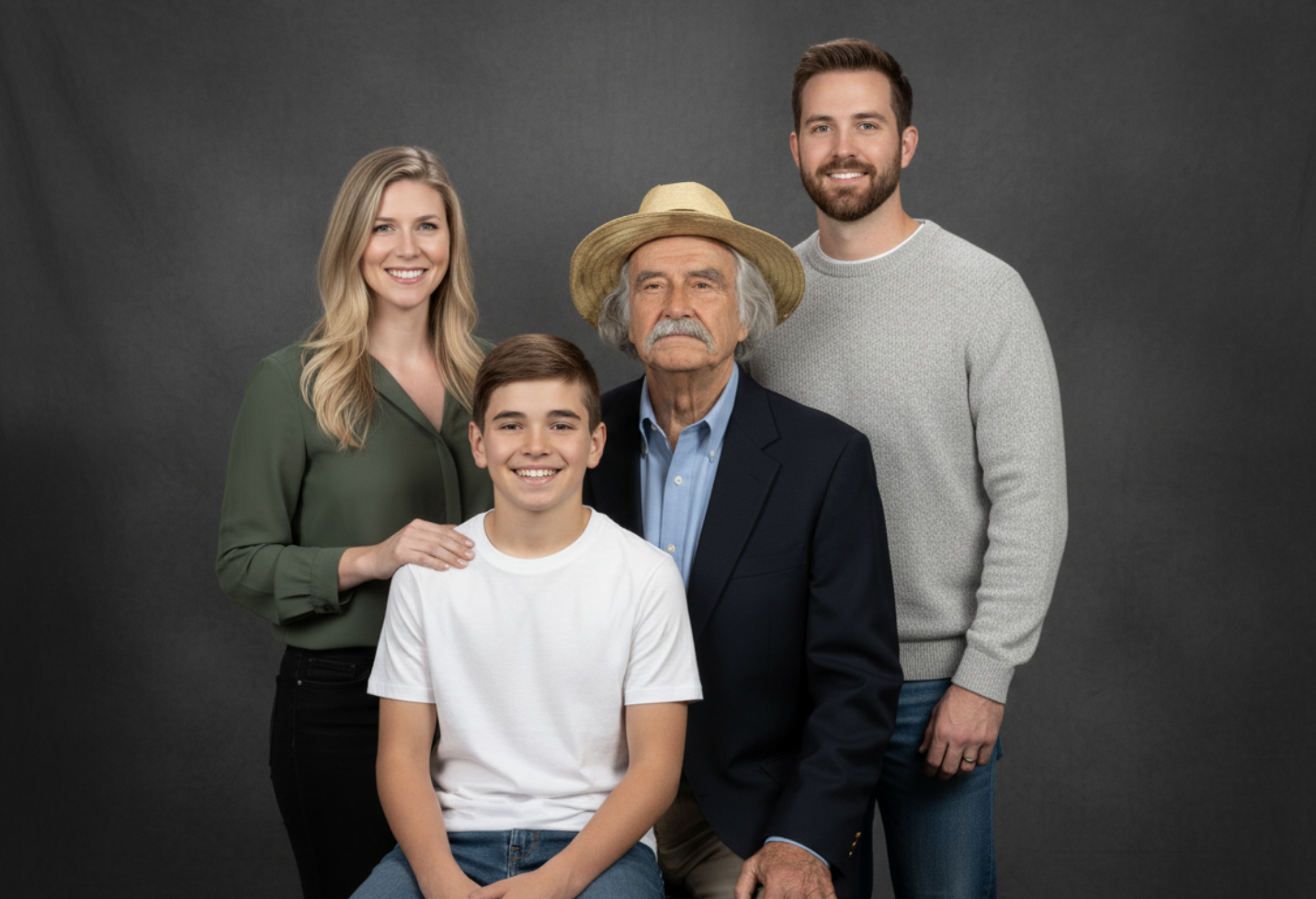
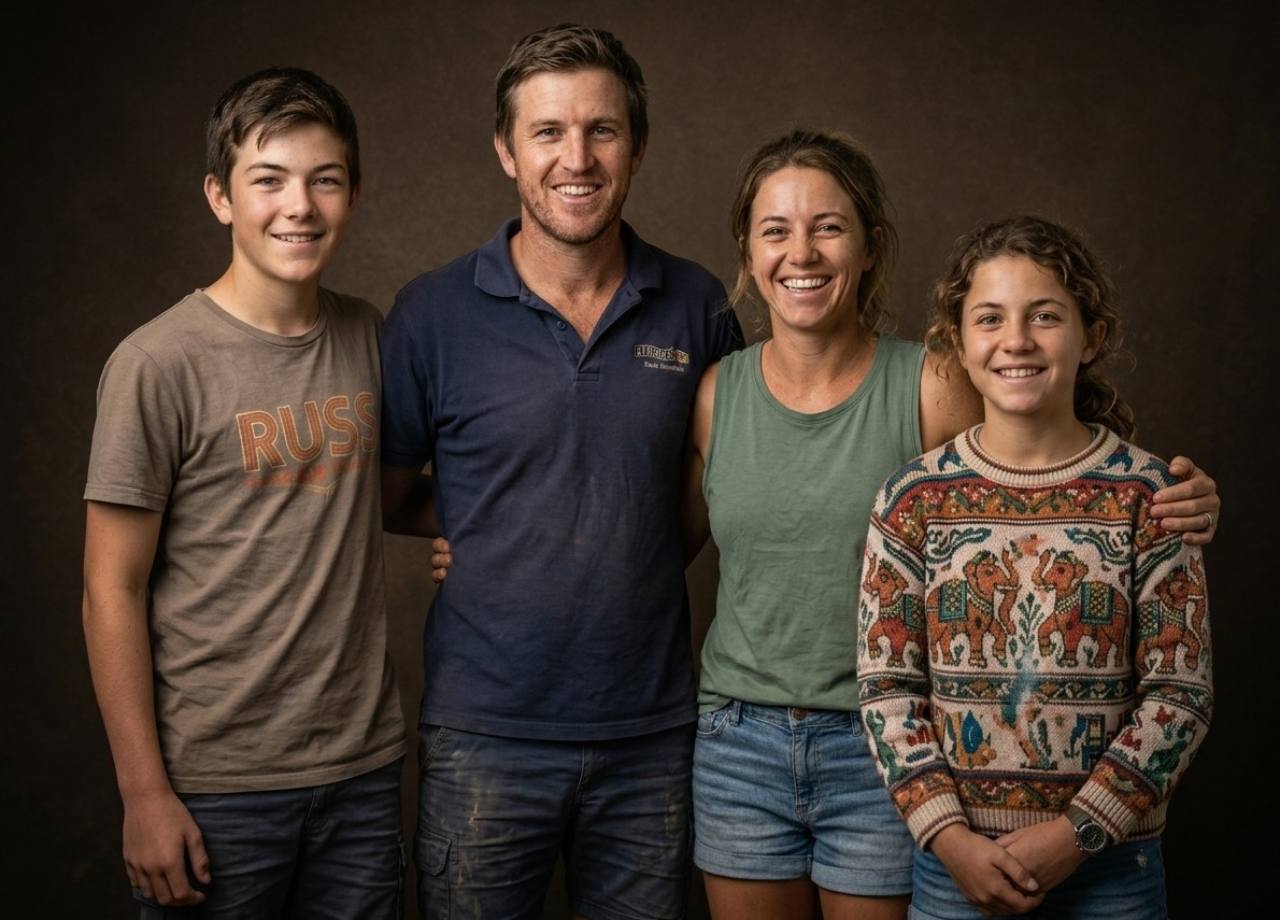
Four family members brought together from separate photos in one unified studio portrait

Making this year's card? Create a Christmas family photo →

Multi-generation family portrait composed from separate reference photos against a matte black studio backdrop
Studio Matte Black Portrait
Grandparents, parents, and children brought together in a warm dark-brown vignette family portrait
Studio Dark Brown Vignette Portrait
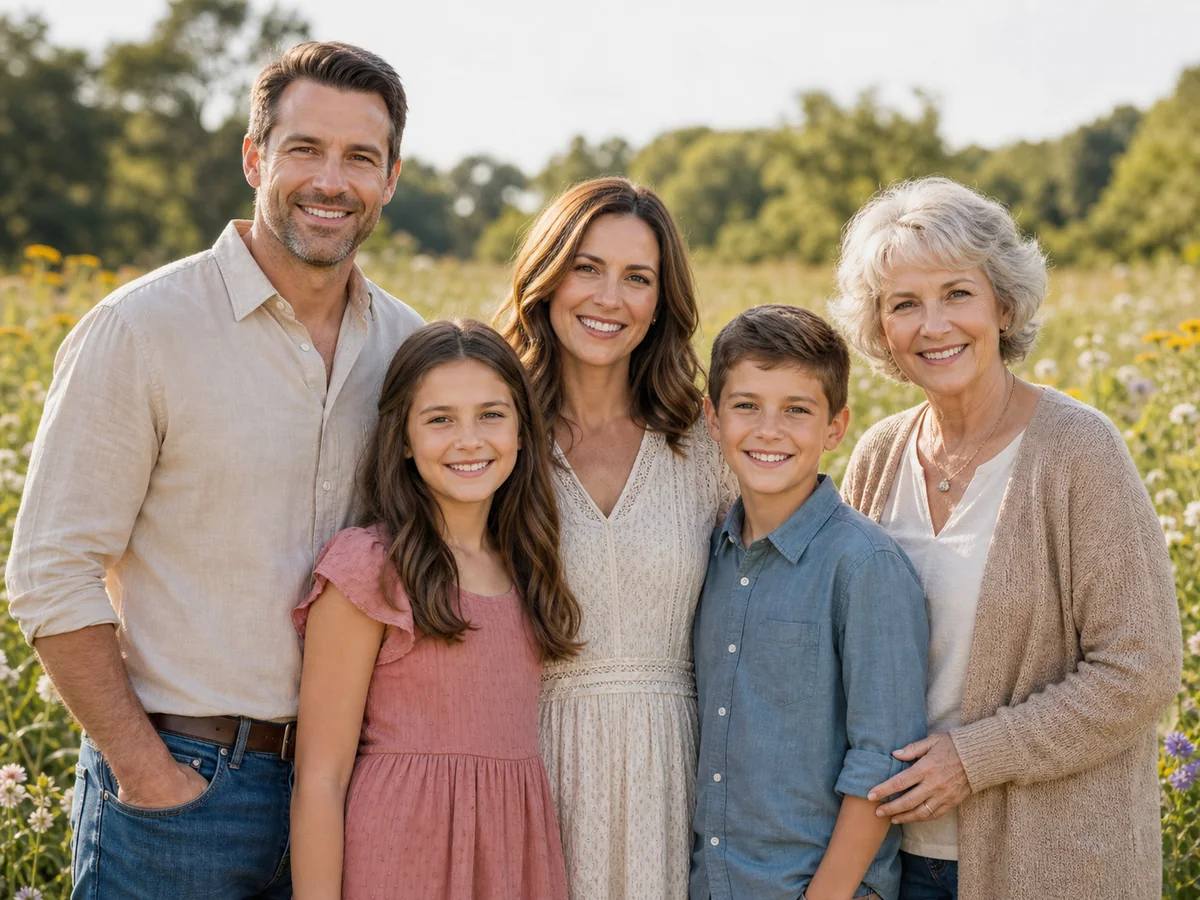
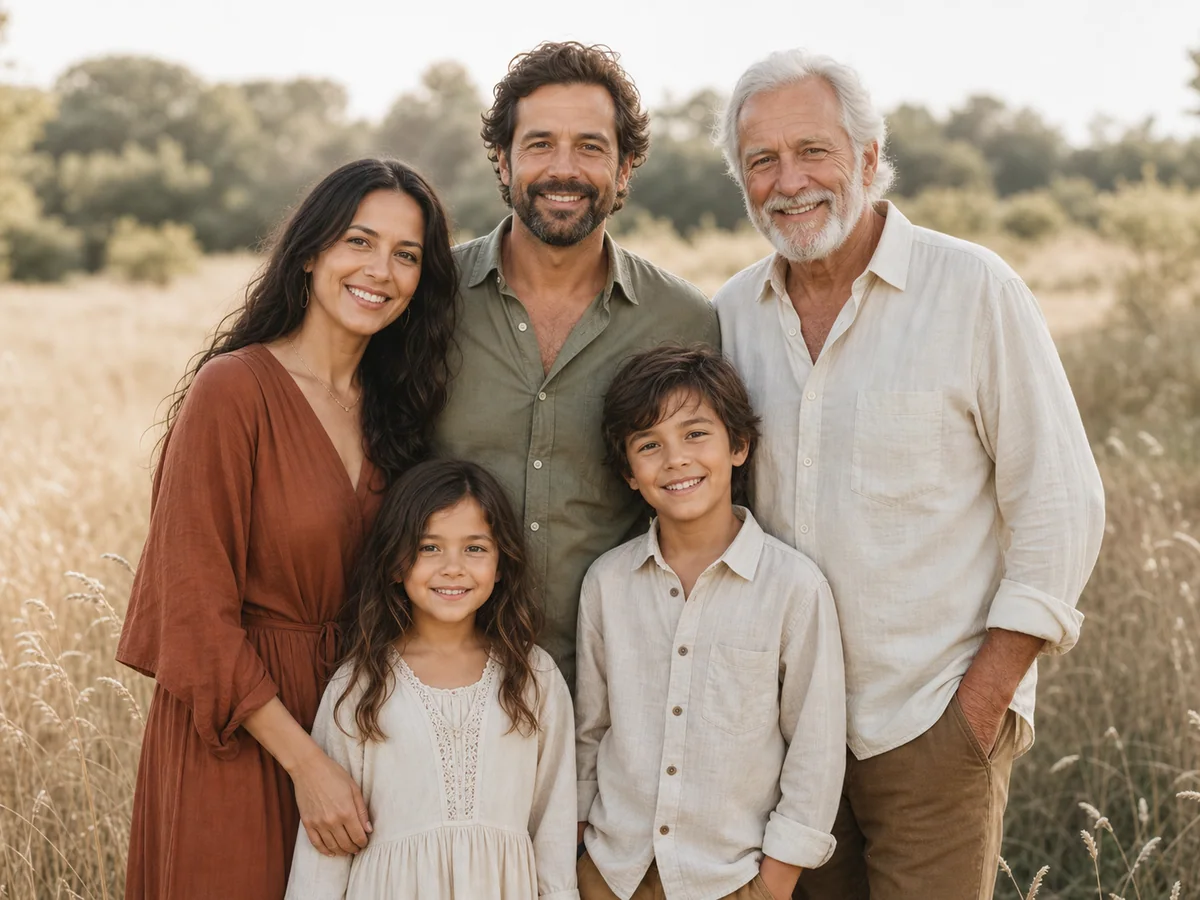
Five family members standing together in a sunlit wildflower meadow portrait
Wildflower Meadow
Family gathered beside a turquoise swimming pool for a bright summer portrait
Poolside Summer
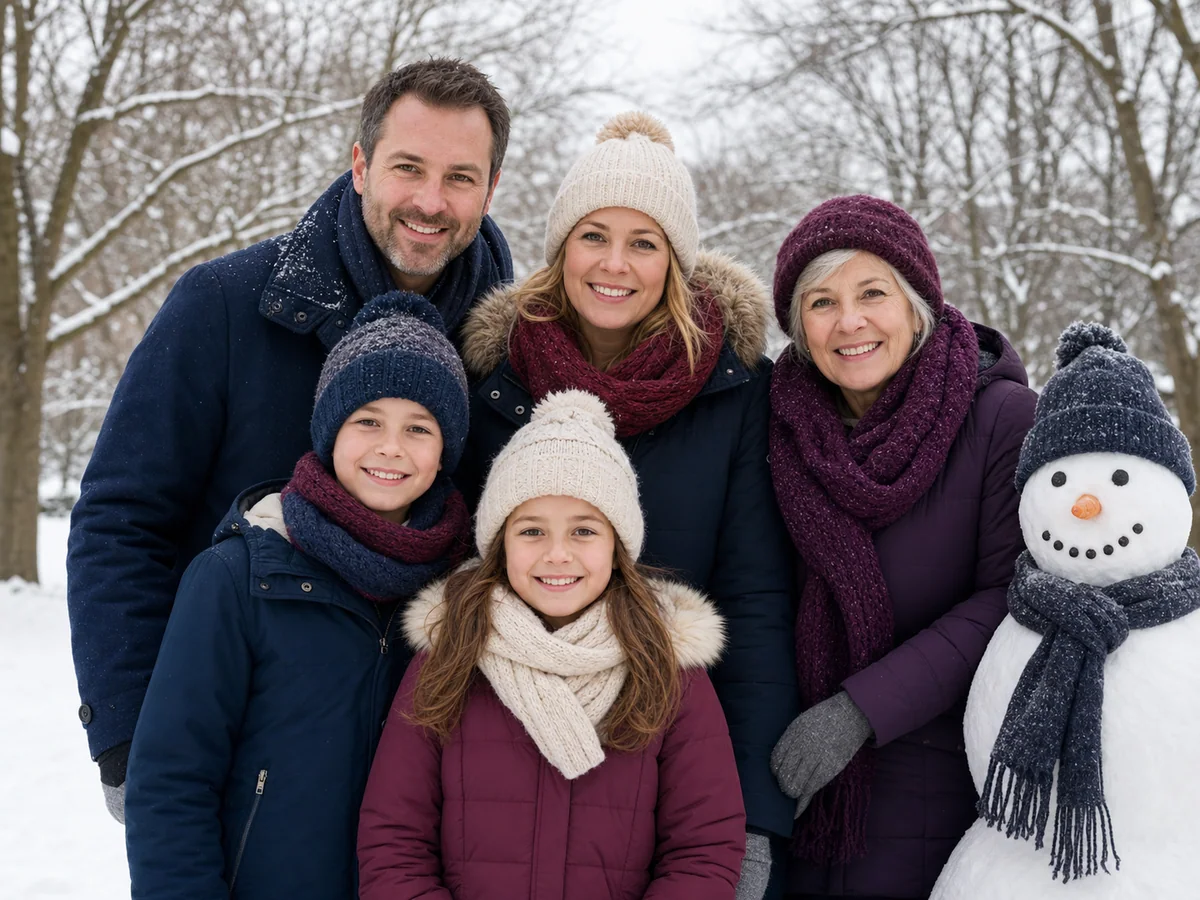
Family in coordinated winter clothing posing beside a snowman in a snowy park
Winter Snow Day
Multi-generation family in smart-casual clothing posing on a quiet brick-lined city street
Urban Street
Multi-generation family wearing coordinated earth tones in a quiet bohemian meadow portrait
Boho Meadow
Family road-trip portrait beside a parked classic convertible at a desert mountain overlook
Scenic Road Trip
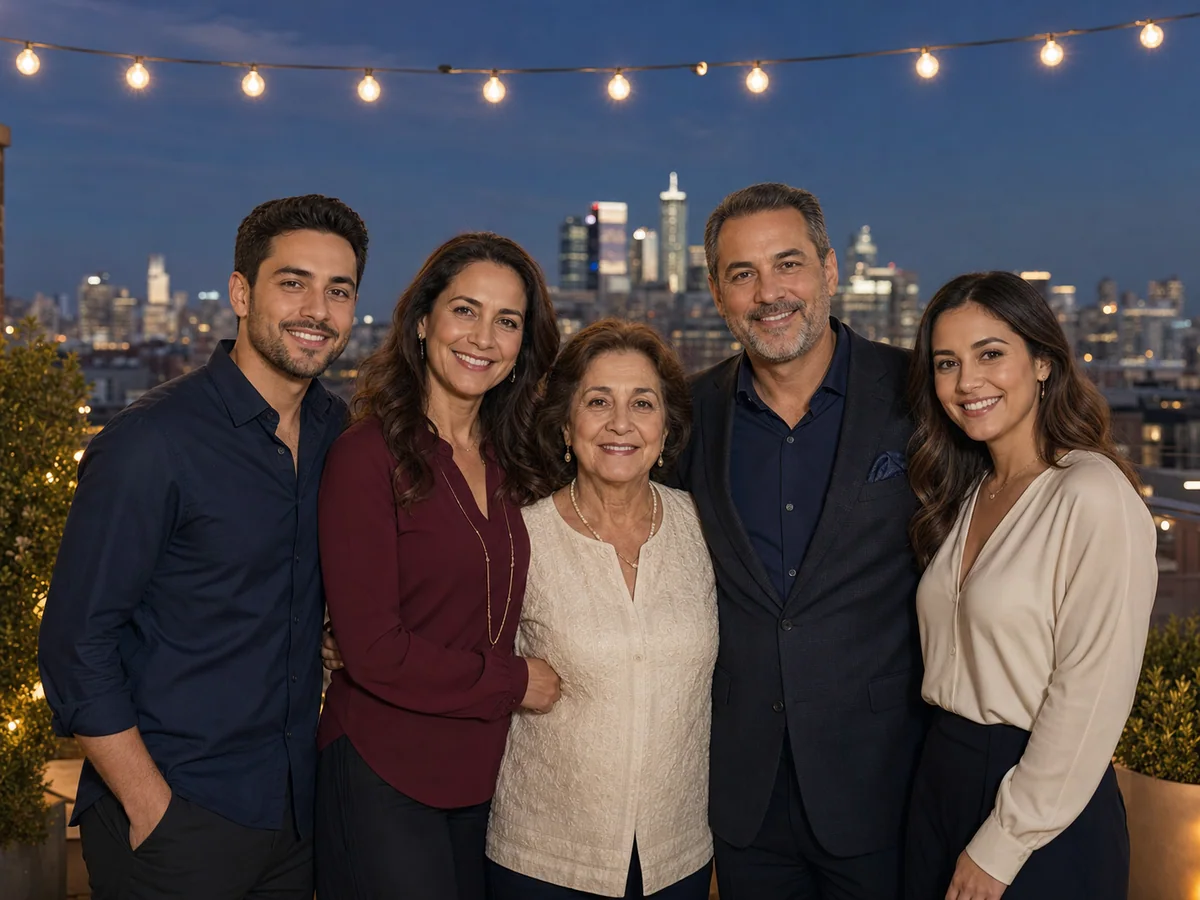
Five family members together on a rooftop under warm string lights at twilight
Rooftop Evening
// Common use cases //

See separate source photos become one family portrait.

Practical examples for long-distance families, multi-generation reunions, restored ancestor photos, and memorial keepsakes.
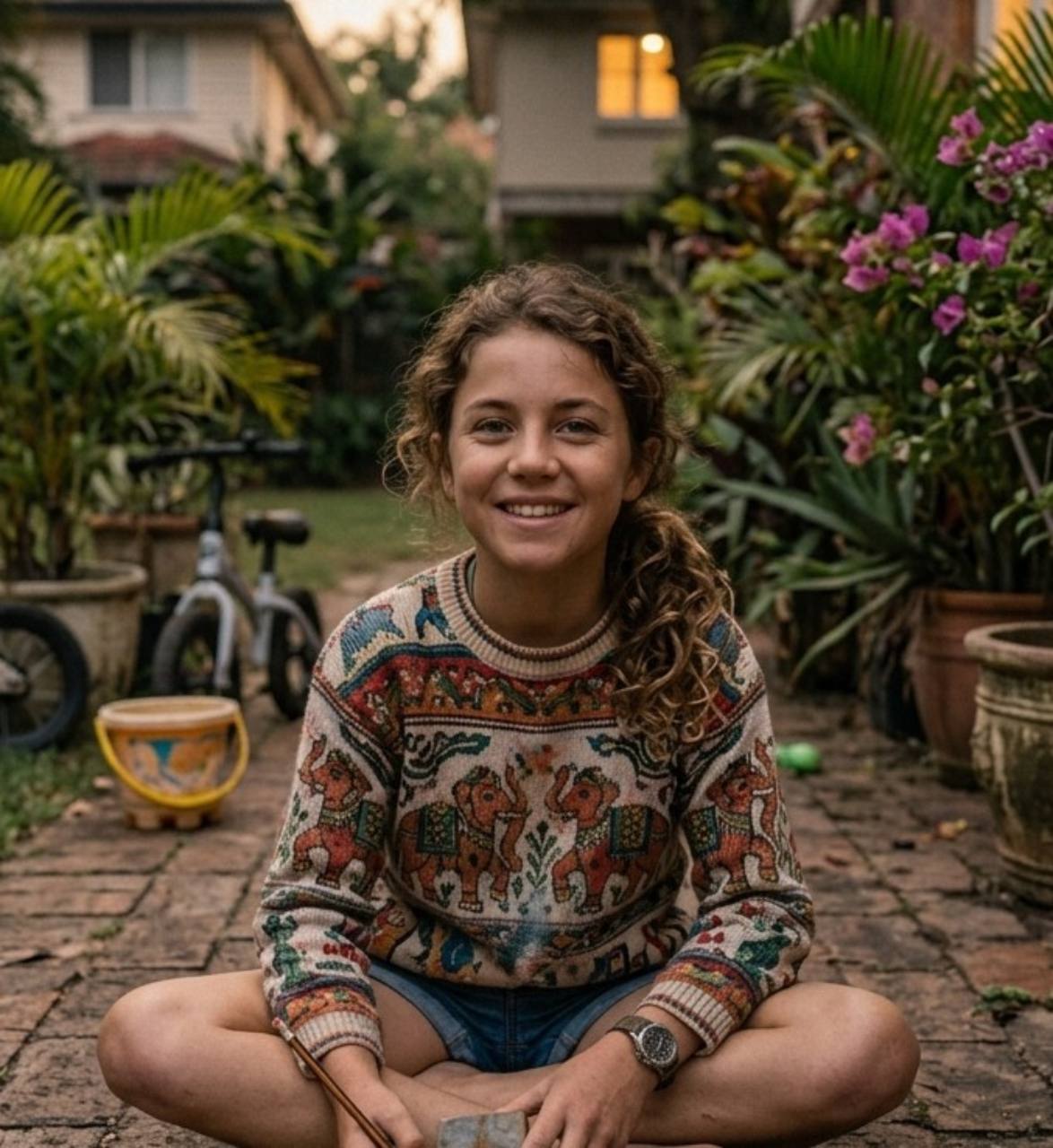
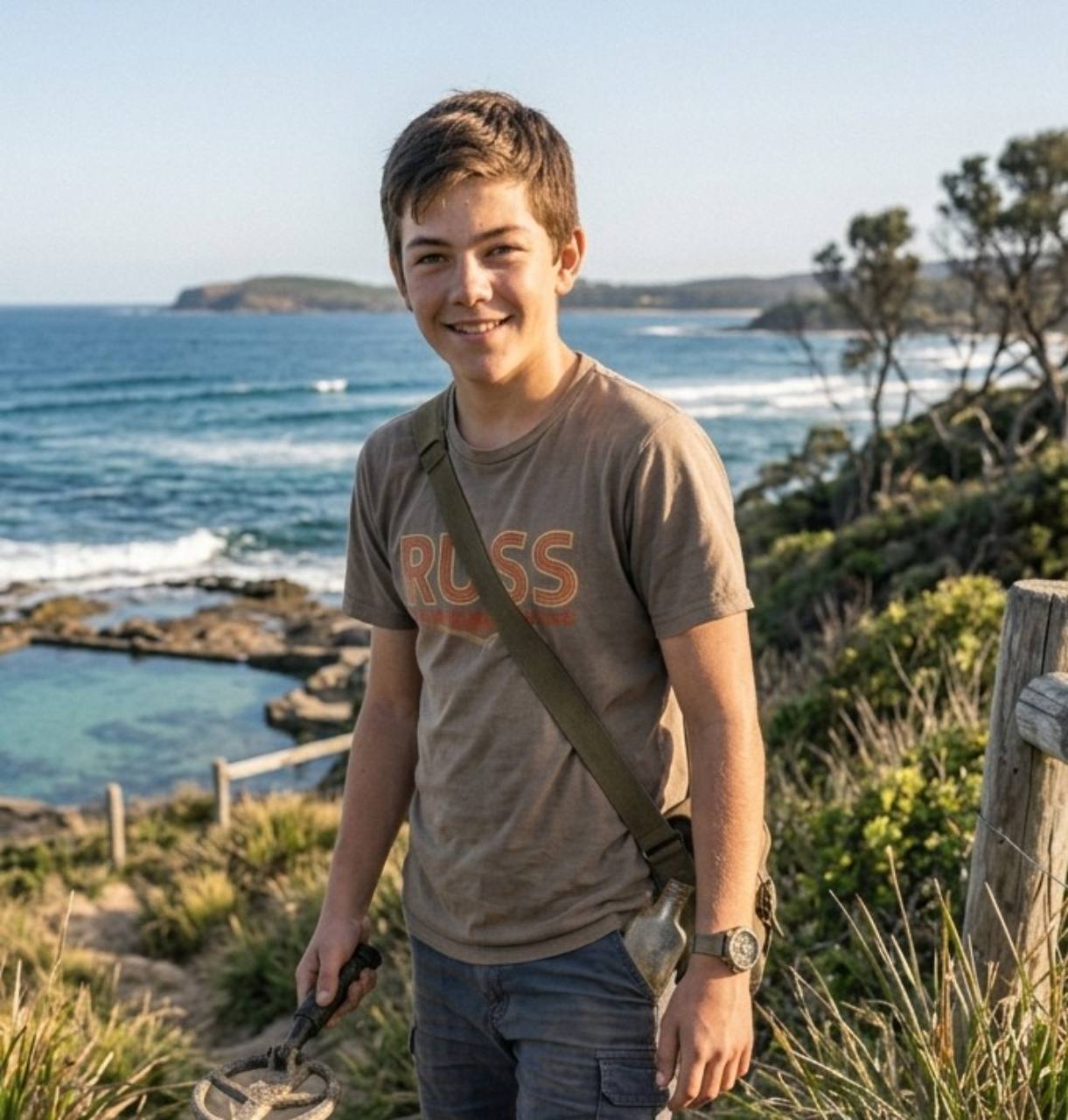
Combined family portrait: Combine up to 8 separate photos into one family portrait
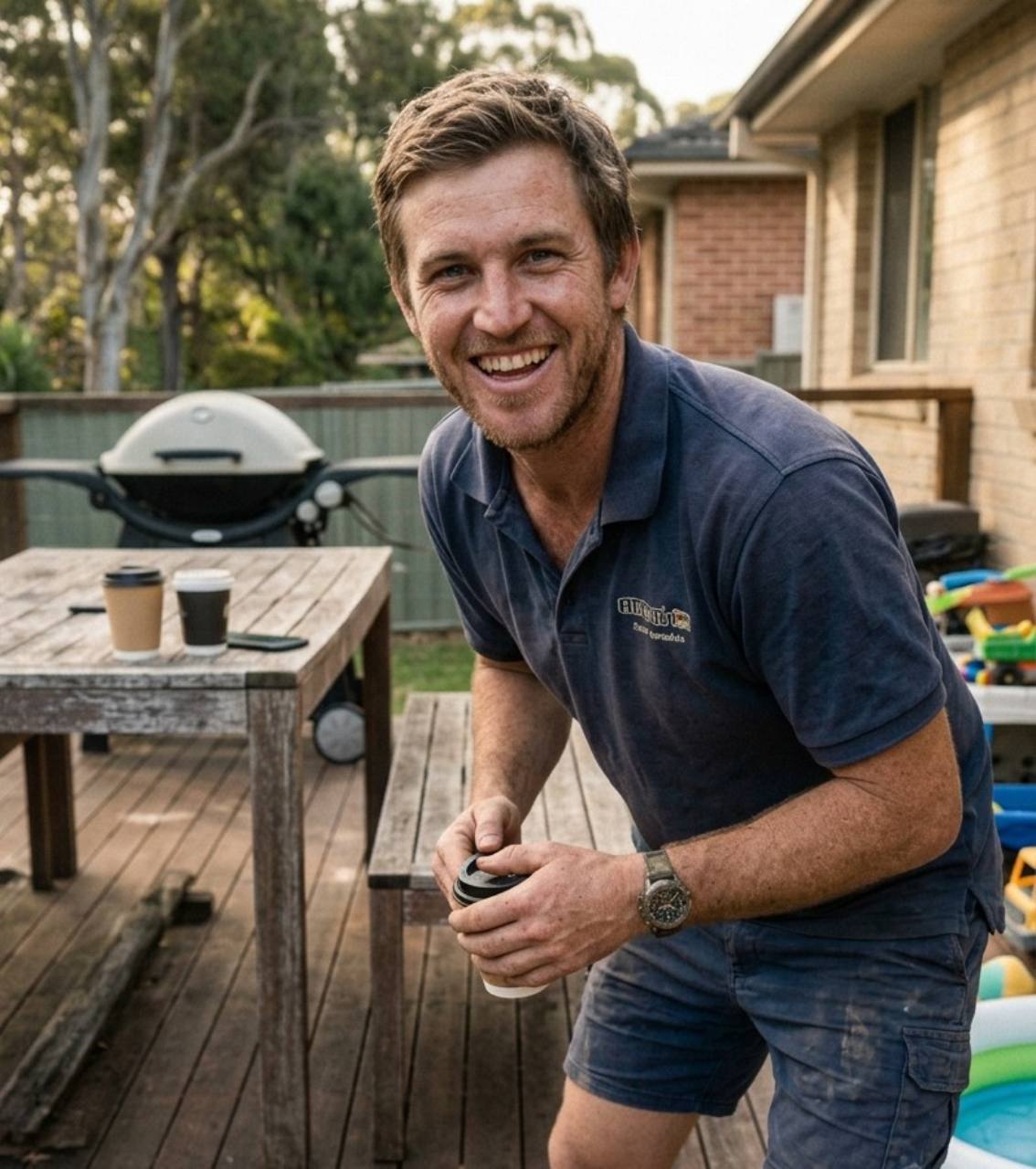
Source photo: Father
Father
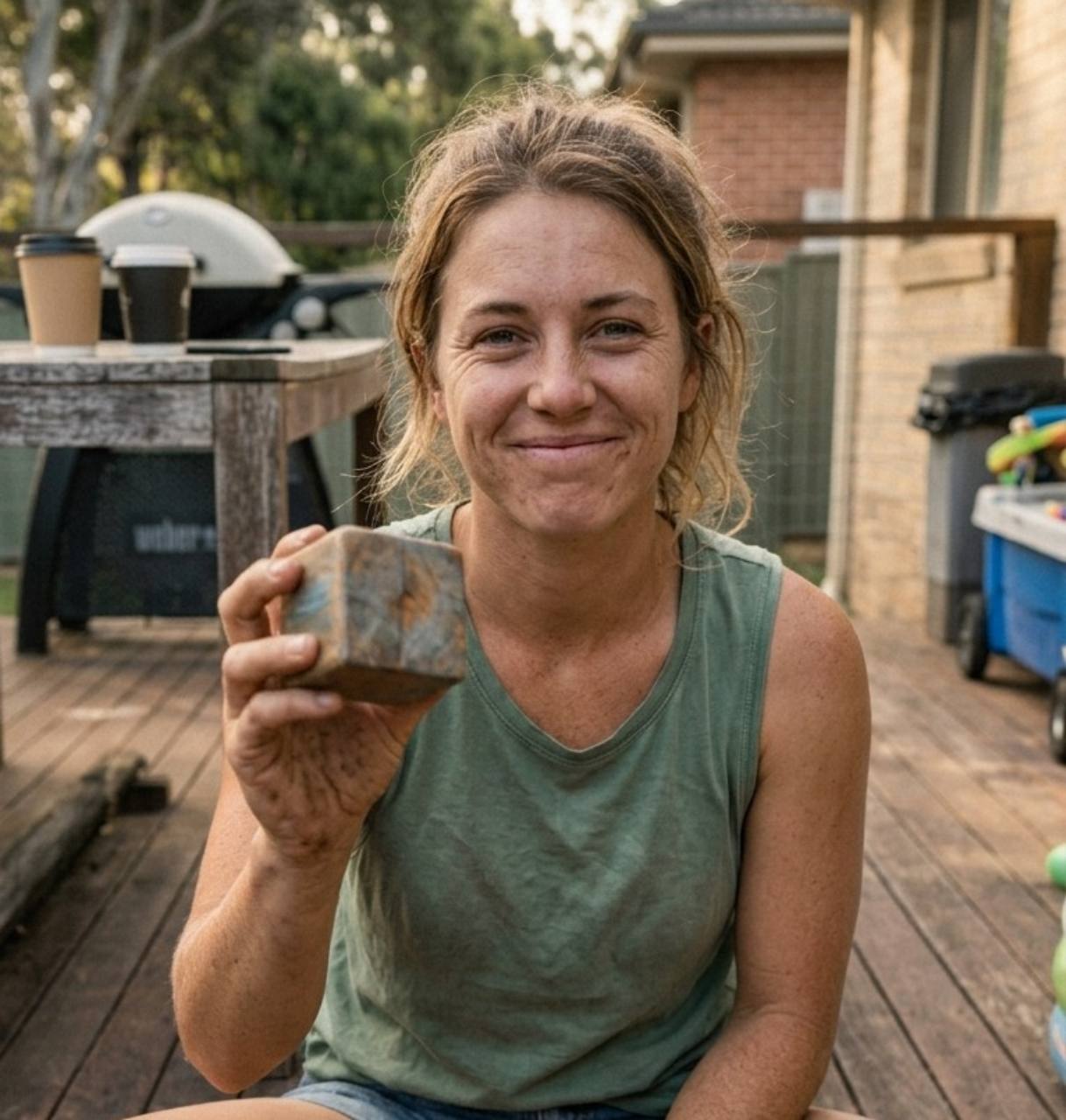
Source photo: Mother
Mother
Source photo: Daughter
Daughter
Source photo: Son
Son
Separate photos into one

Combine up to 8 separate photos into one family portrait

Create one family photo from individual pictures taken in different countries, at different events, or years apart. It is useful for long-distance families and occasions when everyone could not be photographed together.

Create from separate photos
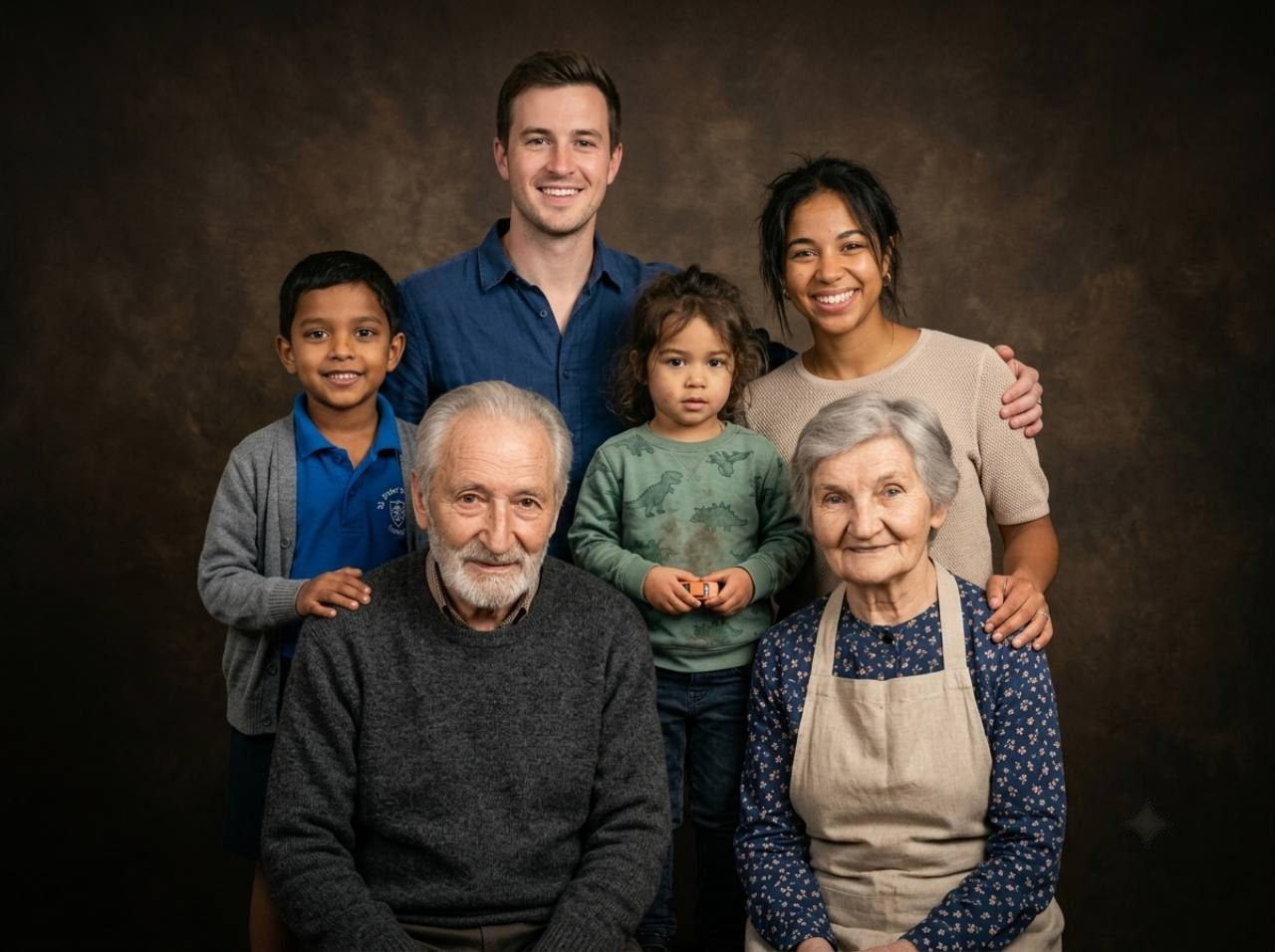
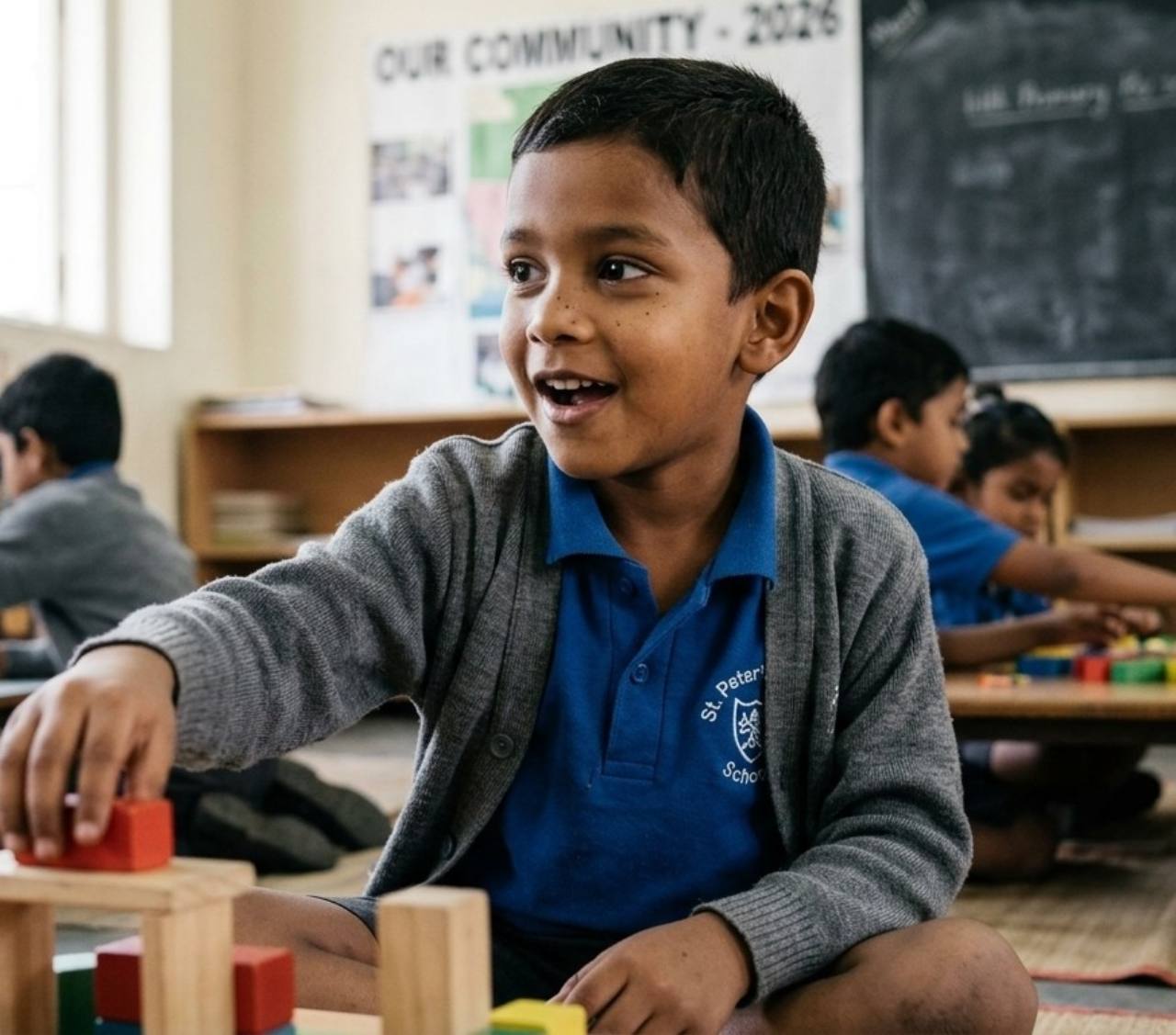
Combined family portrait: Combine grandparents, parents, and children into one portrait
Source photo: Son
Son
Source photo: Daughter
Daughter
Source photo: Parents
Parents
Source photo: Grandparents
Grandparents
Three-generation reunion

Combine grandparents, parents, and children into one portrait

Build a multi-generation family portrait from separate grandparent, parent, and child photos, even when the generations never shared a camera. Restored ancestor photos can be combined with modern portraits in one family keepsake.

Create a generational portrait
Combined family portrait: Add a late grandfather to a family portrait
Source photo: Father
Father
Source photo: Son
Son
Source photo: Daughter
Daughter
Source photo: Late grandfather
Late grandfather
Memorial portrait

Add a late grandfather to a family portrait

Create a memorial family portrait that brings a deceased parent or grandparent together with children and grandchildren. The result is a new commemorative portrait made from the family photos you provide, not a historical photograph.

Create a memorial portrait

Watch a real run, start to finish.

Recorded on BringBack with a real photo and real credits. Nothing is staged. Only the wait is sped up, and the video says so while it happens.
bringback.pro/dashboard/family-portrait
Cost
2 credits
Real wait
57s
Recorded
11 Nov 2026
Try it on your photo
// How it works //

How BringBack AI creates believable AI family portraits.

From choosing clear references to reviewing the result, the workflow helps you create one portrait while keeping realistic expectations about AI-generated details.
  1. 01

    Upload individual portraits

    Add up to 8 clear photos from phones, scans, or family albums, then crop each one. Front-facing faces with visible features give the strongest likeness.

    JPG, PNG or WebP · up to 8 references
  2. 02

    Choose style and clothing

    Pick from 24 curated portrait themes, then preserve the clothing from the source photos or coordinate it with the selected setting.

    Studio, outdoor, lifestyle and more
  3. 03

    Set the group and canvas

    Confirm the number of people and pets, then choose a 1:1, 3:4, 4:3, or 16:9 canvas that gives the group enough room.

    Explicit people and pet counts
  4. 04

    Generate, review, and download

    BringBack generates one new scene with shared lighting and perspective. Compare every face and detail with the references before downloading.

    Review likeness before sharing or printing
// Family & pets //

Create one family portrait with the pets you love.

Bring dogs, cats, and other companion animals into the same newly composed portrait as relatives photographed at a different time or place.
Four family members with a golden retriever and tabby cat in one family portrait
Example composition: four people, one dog, and one cat in a shared studio portrait.

Prepare clear pet references

Upload relatives and pets from separate photos, then set the people and pet counts independently. BringBack accepts up to eight reference photos and supports up to five pets in one portrait.

  1. 01

    Show the details that make your pet recognizable.

    Choose a clear photo where the eyes, ears, muzzle, and distinctive coat markings are visible. Crop out empty background, but keep enough of the body to show the pet's size and shape.

  2. 02

    Tell the generator exactly how many pets belong in the group.

    People and pets have separate count controls. You can include up to five pets, which gives the model a clear target when it arranges the finished portrait.

  3. 03

    Leave enough canvas space for a mixed group.

    For several relatives and animals, a 4:3 or 16:9 canvas gives each subject more room. Place the clearest references first and avoid photos where a pet is tiny or partly hidden.

AI may reinterpret coat markings, eye color, body size, collars, or paws. Compare the finished portrait with every source photo before printing or sharing it.

Create a family portrait with pets

Making this year's Christmas photo?

Our Christmas page has festive scenes, card sizes and post dates for family who live apart.
// Why BringBack //

One shared scene. Every detail considered.

Not another generic merge app. True group composition, real creative controls, transparent credits, and private results you control in My Media.
Likeness-first

One composed scene—not a pasted collage

BringBack builds true AI family photos from your references—one shared scene with unified lighting, color, and perspective. Faces stay recognizable, and the result feels like a real family sitting together, not cutouts on a background.

Real controls

28 styles & flexible canvas ratios

Pick a tested studio, outdoor, lifestyle, seasonal, formal, retro, royal, or fine-art direction. Preserve clothing or match it to the theme, set people and pet counts, and choose 1:1, 3:4, 4:3, or 16:9 for the group.

Fair pricing

Studio-session quality without the session cost

A multi-subject photoshoot can run hundreds of dollars. Family portrait costs 2 credits—the $4.99 Restoration Starter includes 4 credits (up to 2 portraits). Pay once; credits never expire.

Your media

Private family photos, under your control

Photos are processed securely for the feature you request. Generated files stay in your account until you delete them. We do not use your family photos to train general-purpose AI models.

// Pricing //

Pay once. No monthly subscription.

Restoring a photo costs 1 credit, a family portrait 2, an animation 10. Credits never expire.

Restoration Starter

One-time payment

$4.99one-time

Low-risk way to restore a few important photos. Not enough credits for animation.

  • Up to 4 photo restorations
  • OR up to 2 studio family portraits
  • OR up to 2 add/remove person edits
  • Does not include animation
  • High-resolution master downloads
  • 30-day money-back guarantee

4 credits$1.25 each

Restores up to 4 photos. Credits never expire.

Start with restorations

Value Pack

Most Popular

$9.99one-time

Enough credits for restorations plus animation or family reunions.

  • Up to 20 photo restorations
  • OR up to 2 photo animations
  • OR up to 10 studio family portraits
  • OR up to 10 add/remove person edits
  • Full animation & reunion unlock
  • 30-day money-back guarantee

20 credits$0.50 each

Best value for photo restoration + realistic animation.

Bring memories to life

Family Pack

Best Value

$21.99one-time

For whole albums and multi-person projects.

  • Up to 60 photo restorations
  • OR up to 6 photo animations
  • OR up to 30 studio family portraits
  • OR up to 30 add/remove person edits
  • Lowest price per credit
  • 30-day money-back guarantee

60 credits$0.37 each

Best value for whole albums and multi-person projects.

Preserve family history
Not sure it will work on your photos? Watch it work first.

Before you buy: family portraits and Add Person work for up to 8 people in total. In bigger groups AI distorts faces, so they aren't a good fit for large group photos.

30-day money-back guarantee · Credits never expire · No subscription
// FAQ //

Questions about your family portrait.

References, styles, pets, pricing, and privacy—answered plainly.

Up to 8 people and pets in total. Past that, every AI model we have tested starts to distort some faces, and they can look melted when you zoom in. If your photos add up to more than that, we stop before using any credits, so you do not pay for a result that will not hold up.

Yes. Upload up to 8 reference photos and BringBack generates one new group image with a shared setting, lighting direction, and composition. It can help when relatives live far apart, generations never met, or each person was photographed at a different time.

The result is generated as one new scene rather than assembled from pasted cutouts. This can make lighting and perspective more consistent, but the quality still depends on the references and every face should be reviewed.

When facial detail is missing, damaged, or very low resolution, AI may reconstruct plausible features rather than recover the exact original face. Always compare the result to the original before sharing or printing.

  • Use JPG, PNG, or WebP images under 20MB each.
  • Choose clear, well-lit face photos where the person is looking toward the camera.
  • Avoid heavy shadows, sunglasses, covered faces, or very tiny faces in a large group photo.
  • For old, torn, faded, or blurry images, run Old Photo Restoration first and upload the restored version.

You can upload up to 8 reference photos, then specify up to 8 people and pets in total across those references. A single reference may contain more than one subject. Larger groups are more demanding, so use clear faces, choose 4:3 or 16:9, and review every identity carefully.

Yes. Upload clear pet photos with the family references, then set Number of Pets from 1 to 5 before generating. Keep the eyes, ears, muzzle, and distinctive coat markings visible, and use a wider canvas for a large mixed group. Because the result is newly generated, check the pet's markings, eye color, size, paws, and collar against the source photo.

Yes. You can combine black-and-white and color photos in one portrait. If the older photo is damaged, faded, scratched, or blurry, restoring it first usually gives the generator a clearer likeness reference. The final color treatment remains an AI interpretation.

Yes. A clear portrait of a loved one who has passed can be used with current family references to create a memorial keepsake. The result is a new AI-generated image, not a historical photograph.

Yes. You can combine a grandparent or ancestor from an older portrait with children or grandchildren photographed today. Restore severe damage first and check age, facial details, pose, and scale in the generated result.

Yes. BringBack supports 1:1, 3:4, 4:3, and 16:9 canvases plus 24 curated themes across studio, formal, cozy, outdoor, lifestyle, retro, holiday, royal, and fine-art categories. You can also preserve the clothing in the references or let the chosen theme coordinate it.

No. Family Portrait is for composing people into one new image. Old Photo Restoration is for repairing scratches, tears, fading, blur, and damage. If your source image is old or low quality, restore it first, then use it here.

BringBack is a pay-once credit product, not a free unlimited generator. Family portrait costs 2 credits. The $4.99 Restoration Starter includes 4 credits (enough for up to 2 portraits). Credits never expire.

We process uploads to deliver the feature you requested (restore, animate, reunite, etc.). Generated media is stored in your account so you can download it later; you can delete media anytime from My Media. Third-party processors (hosting, payments, AI inference) handle data only as needed to run the service. See our Privacy Policy for processors and retention details.

Skip it for legal or forensic identification, when you only have tiny or heavily damaged face crops, or when a simple side-by-side collage is enough. For inserting someone into an existing scene (not a new studio portrait), use Add Person instead.

A manual artist edits individual pixels and can make detailed, directed corrections. BringBack instead generates a new themed family portrait automatically for 2 credits. Choose manual work when exact placement or historically precise details matter.

Some tools make collages, while others generate a new scene. BringBack is built around identity references, explicit people and pet counts, 24 curated portrait themes, clothing control, four canvas ratios, and a My Media account where you can review and delete results.
// Start with one family //

Everyone you love, in one portrait.

A family portrait costs 2 credits, credits never expire, and you review every face against your photos before you download.
  • Family in a sunlit wildflower meadow portrait
  • Family in winter clothing beside a snowman
  • Family portrait composed from separate photos in a studio