Family in different cities or countries
Grown-up children, siblings and cousins who won't be home this year can still be on the same card.
Family spread across cities this year? Upload one photo of each person and BringBack creates one Christmas family photo with everyone by the tree, in the same light, ready for this year's card.
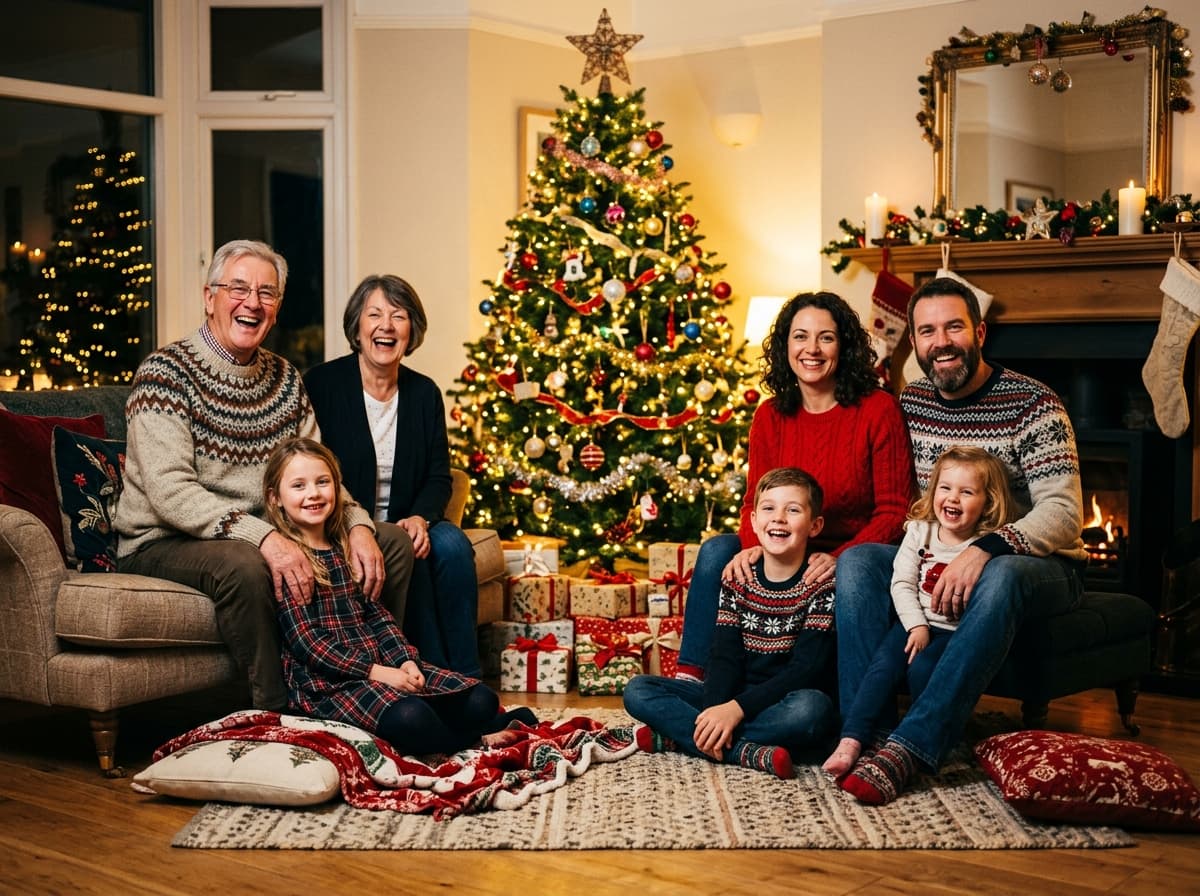
Ask each person for one recent, clear photo where their face is easy to see. Upload up to 8 photos, set how many people and pets belong in the picture, and choose the Christmas Holiday setting. BringBack creates one new Christmas family photo with everyone in the same scene and light. Check every face, then download it for your card. Each photo uses 2 credits.
4 separate photos


One family photo

Four photos taken in four different places, on different days, in different light. One family photo with everyone in it.
Every year, someone is missing from the tree. These are the families who use separate photos instead of waiting for a year when everyone is home.
Grown-up children, siblings and cousins who won't be home this year can still be on the same card.
Put Grandma and Grandpa beside the grandchildren without anyone making a long winter journey.
Shifts, deployments and semesters abroad don't have to leave a gap in this year's photo.
Welcome the newest family member onto the card even if the whole family hasn't met them yet.
When children spend the holidays between two homes, everyone can still share one picture.
The day went by, the tree came down, and there's no group photo. Your phone already has everyone's.
Pick the scene that suits your card. Each one can coordinate everyone's outfits, which hides the fact that one photo was taken on a beach in July and another in a winter coat, or you can keep everyone's own clothes.
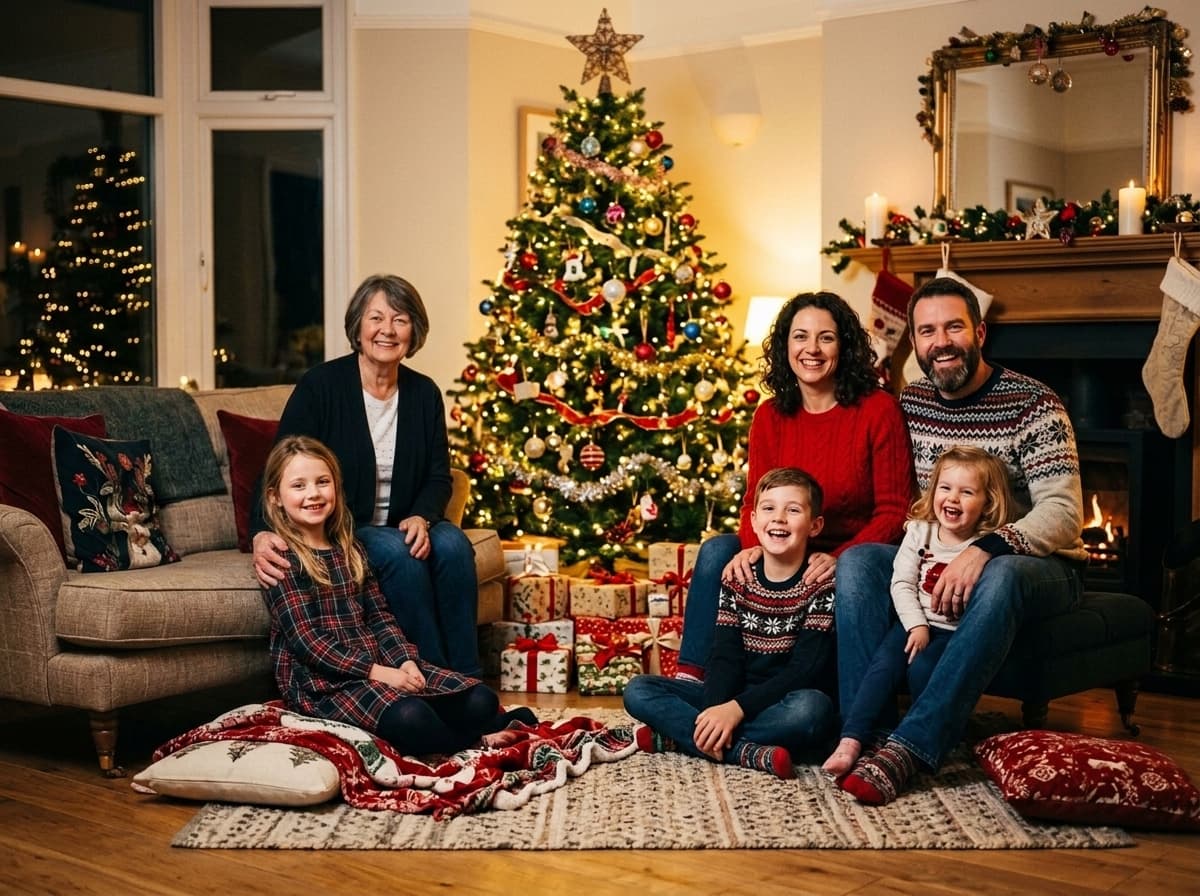
Festive red & green holiday sweaters beside a towering decorated pine tree with fairy lights.
The classic Christmas card: tree, lights, presents and red and green knitwear.

A cheerful snowy portrait beside a classic family-built snowman.
Seasonal without being overtly Christmas, so it suits a "Season's Greetings" or New Year card.

Warm cable-knit sweaters gathered around a glowing fireplace in a cozy timber home.
A quieter, warm living-room scene if you'd rather not go full tree and tinsel.
Recent, face clearly visible, looking toward the camera, no sunglasses or beauty filters. Waist-up works best. A couple can share one photo.
Upload up to 8 photos, set how many people (up to 12) and pets (up to 5) belong in the picture, and pick Christmas Holiday, Winter Snow Day or Cozy Living Room.
Let the setting coordinate everyone's outfits, or keep their own clothes. Pick 4:3 for most cards, 16:9 for big groups, 3:4 for an upright card.
Look at each person at full size, count everyone, and share a preview with the family before you order cards.
Send this to the family group chat
“Hi all! I'm making a Christmas family photo with everyone in it. Could you each send me one photo of yourself by [date]? Please make it: recent, face clearly visible and looking at the camera, taken in daylight or a well-lit room, no sunglasses or hats, no filters or beauty mode, waist-up if you can. Please send the original file (HD or "send as document"), not a screenshot. Thank you!”
Most bad results start with one bad photo: a tiny profile picture, sunglasses, or a beauty filter. Asking everyone for the same kind of photo is the single biggest thing you can do for a natural result. Children change fast, so use this year's photo for them.
If most of the family made it into this year's photo, keep the real moment and add the missing person instead. Here's how the options compare.
| Your situation | Best option | One real-looking scene? | Cost |
|---|---|---|---|
| Nobody can be photographed together | Christmas family photo from separate photos (this page) | Yes, a new group scene | 2 credits per photo |
| Most of the family is in this year's photo, one person is missing | Add the missing person to your real photo | Yes, and you keep the real moment | 2 credits per person |
| You just want everyone on the card | Multi-photo collage card template | No, separate boxes | Free in most card apps |
| You need exact control over every pixel | Photographer or retoucher composite | Yes, if done well | Usually much more, takes days |
Remembering someone who has passed this Christmas? You can add a deceased loved one to a family photo you already took. Need a family portrait for any other time of year? Use the AI family portrait generator with 24 year-round themes.
Choose the card shape before you create the photo, because cropping a group afterwards usually cuts someone off. Then check the file is big enough for the print size.
| Shape | Best for | Why |
|---|---|---|
| 4:3 | Most family Christmas cards | Landscape, fits 5×7 landscape cards with a small trim. Good for 3–7 people. |
| 16:9 | Big families, TV and online | Wide, gives 8–12 people room without squeezing anyone at the edges. |
| 3:4 | Upright cards, couples | Portrait, suits a couple or small family on a folded card. |
| 1:1 | Social media posts | Square, for Instagram and Facebook greetings. |
About 300 pixels per inch. Check the downloaded file's dimensions before ordering.
4×6 in photo card
1200 × 1800 px
5×7 in card
1500 × 2100 px
8×10 in print
2400 × 3000 px
AI can subtly change a face, especially from a small or filtered photo. Let each person approve their own face before the cards go out.
Exact credit costs: restore 1, family portrait / add person 2, animation 10, hug video 19. Starter cannot fund animation or hug.
Low-risk way to restore a few important photos. Not enough credits for animation or hug video.
Enough credits for restorations plus animation or family reunions.
For albums, multi-person projects, and the private Family Memory Book.
Practical answers about making a Christmas family photo from separate photos: people, pets, outfits, printing and pricing.
Repair scratches, tears, and sepia fading while preserving authentic facial character.
Combine separate individual photos into one natural, high-definition family portrait.
Seamlessly insert a missing relative or passed loved one into an existing family snapshot.
Bring historical black & white photographs to life with historically accurate realistic colors.
Christmas Family Photo
Collect one photo from each person, pick a Christmas scene, and create a family photo you can print, post and send.
Create a Christmas Family Photo