Bring old family photos back to life

Restore torn, faded and water-damaged prints, reunite relatives in one portrait, and add gentle motion to the faces you miss. Pay once. No subscription.
3,100+ family archives restored · credits never expire
bringback.pro/dashboard/restore
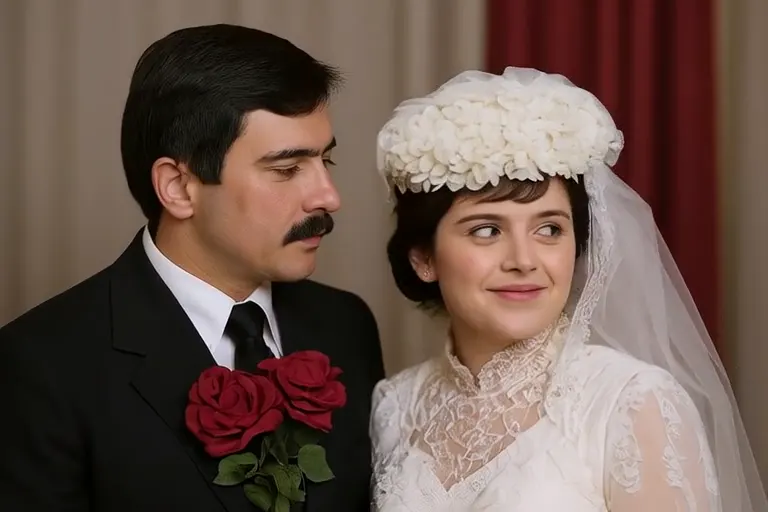
A torn, creased photo of a young couple, repaired and given natural colour.A real run, nothing staged. Only the wait is sped up (4×, it took 20s). 1 credit
Restore a photo
// How it works //

Three steps. No editing skills needed.

If you can attach a photo to an email, you can restore one.
  1. A scratched black-and-white photo of a family at Christmas, ready to upload
    01

    Upload a scan or a phone photo

    Photograph the print flat in daylight or use a scanner. JPG, PNG and WebP files up to 10 MB work, and you can add up to five photos at once and crop each one first.

  2. The same family photo restored and colorized
    02

    Restore in about a minute

    Tears, creases, stains and fading are repaired and faces are sharpened. Natural colour is added unless you switch on Preserve original colors. You can leave the page while it works.

  3. Smile + Wave
    03

    Compare, download, animate

    Drag the line across each face to check it against the original before you save. Then download the full-resolution PNG or turn it into a short video.

// Restoration //

Every kind of damage, repaired without losing who they were.

Drag the line on any photo. The left side is the print as it came out of the box; the right side is what you download.
Black-and-white photo of a father and baby, torn into pieces

Torn into pieces

Pieces that were taped, folded or split apart are joined again, and missing paper is filled in from what surrounds it. Faces keep the shape they had in the print.

Cracked, flaking photo of two women and a child

Cracks and flaking

Cracked emulsion, scratches and dust are lifted without smoothing away skin, hair or the weave of a dress.

Faded black-and-white photo of a brother and sister

Black and white to colour

Restore and colorize in one pass, or switch on Preserve original colors to keep the print black and white.

Water-damaged photo of three sailors in front of a ship

Water damage and stains

Tide marks, mould spots and lifted patches are cleared, and the faces underneath come back into focus. The ship behind them stays where it was.
Also fixes fading, yellowing, blur and dark exposures. 1 credit per photo.
See how restoration works
// Family portrait //

Relatives who never shared a photo, together in one portrait.

Send one photo of each person, including someone you have lost, and choose a setting. BringBack matches the light and scale so everyone looks like they were there together.
An old black-and-white portrait of a grandfatherGrandfather · his old print
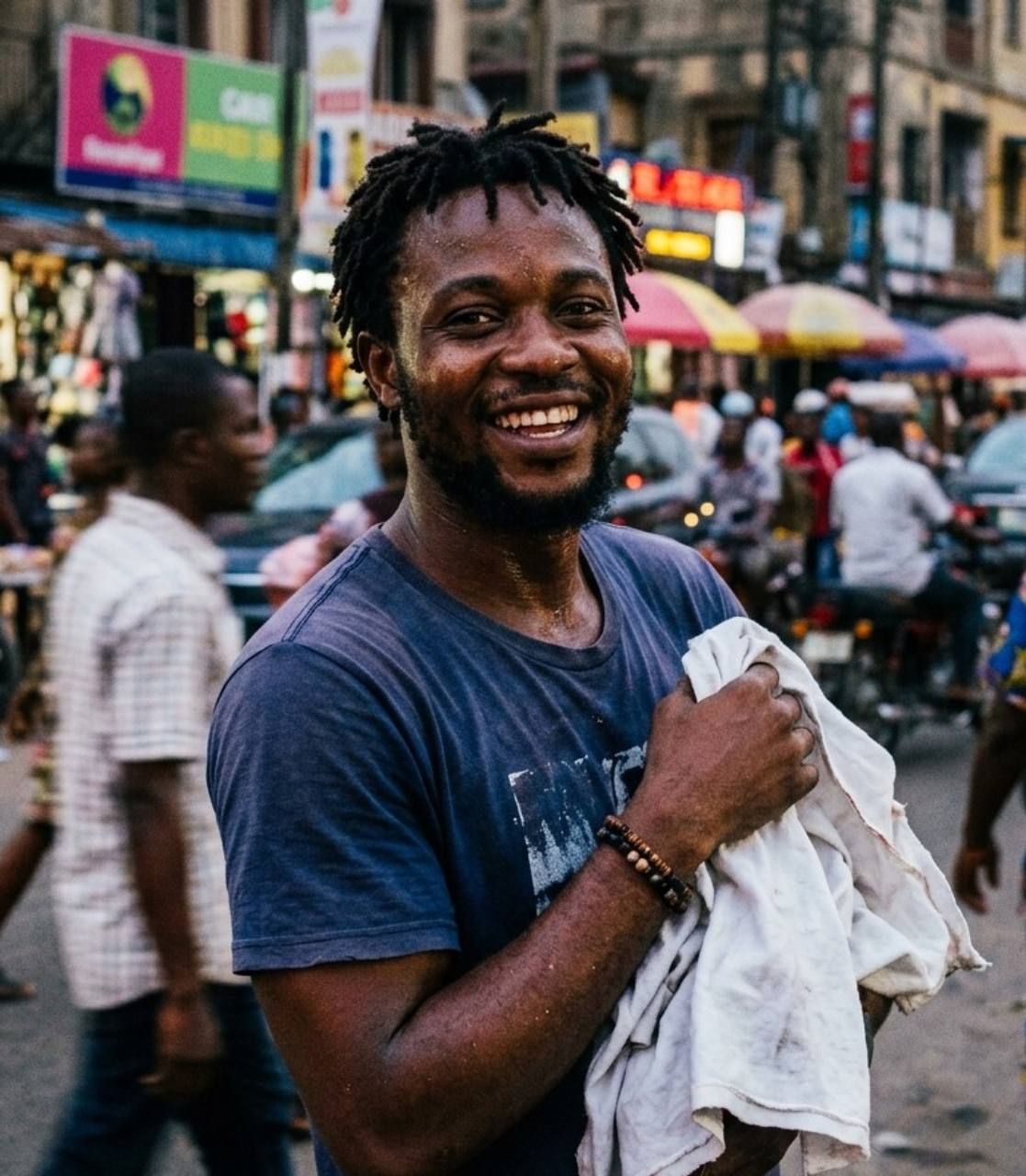
A recent photo of the father at a marketFather
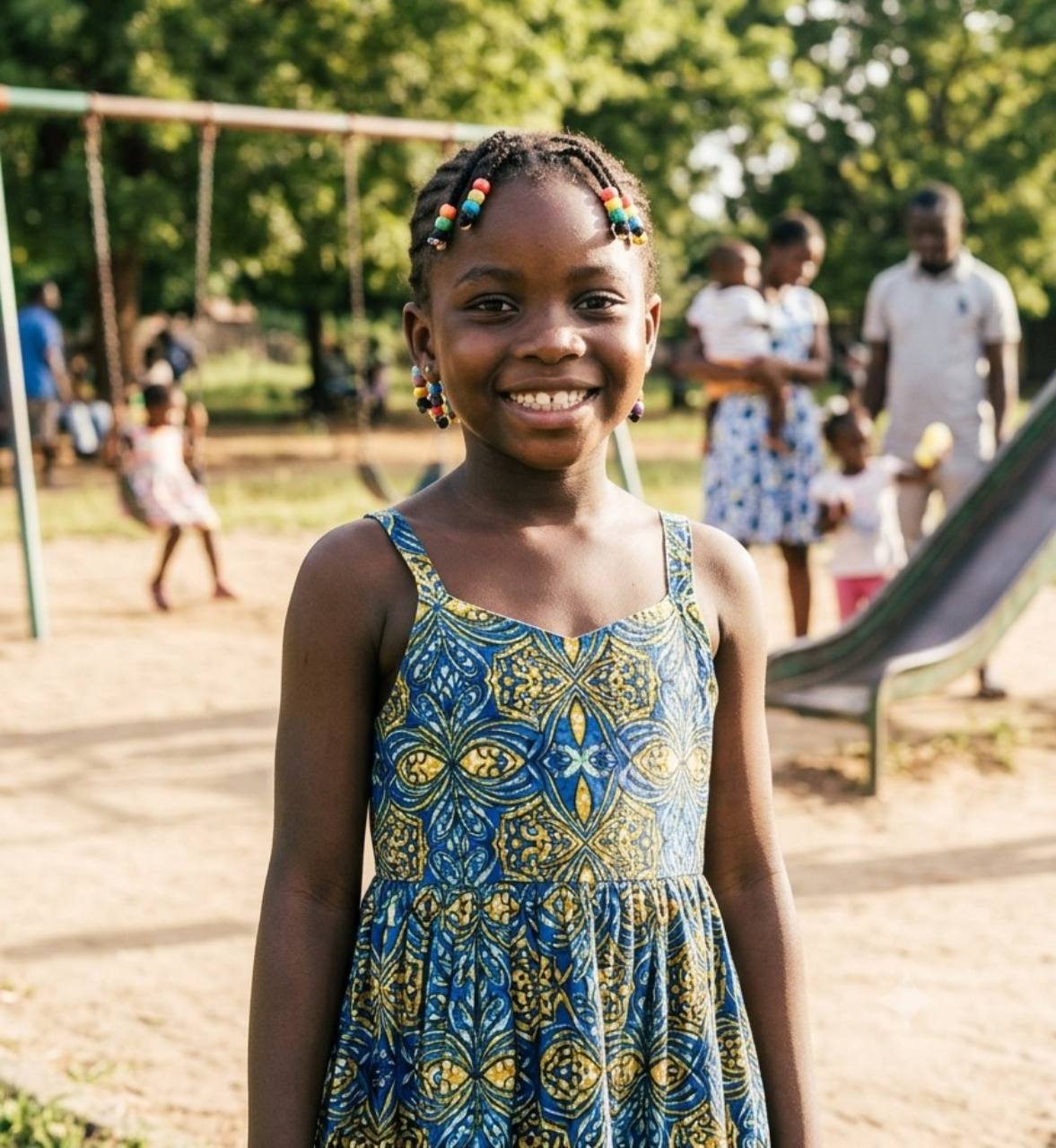
A recent photo of the daughter in a playgroundDaughter
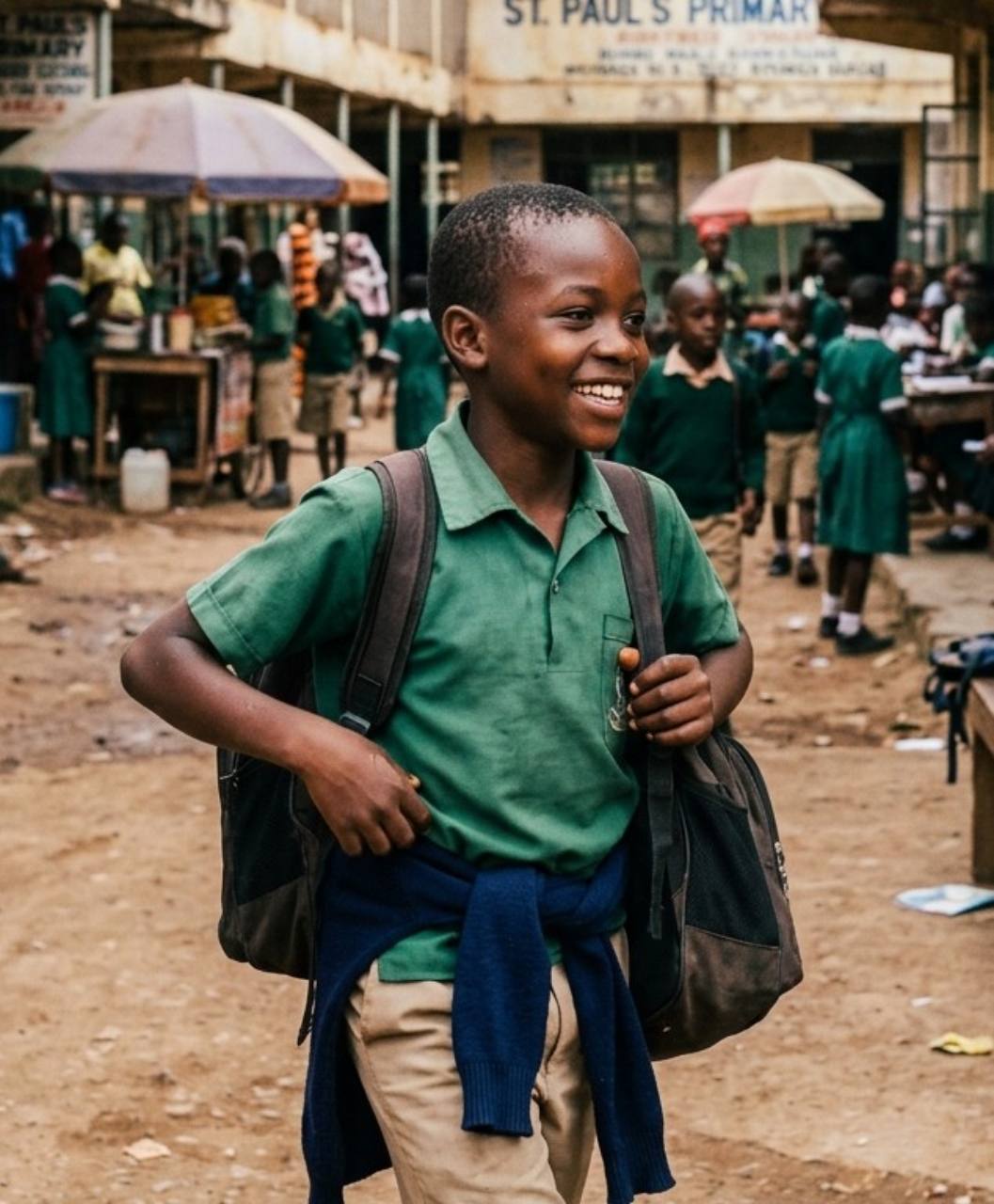
A recent photo of the son on his way to schoolSon
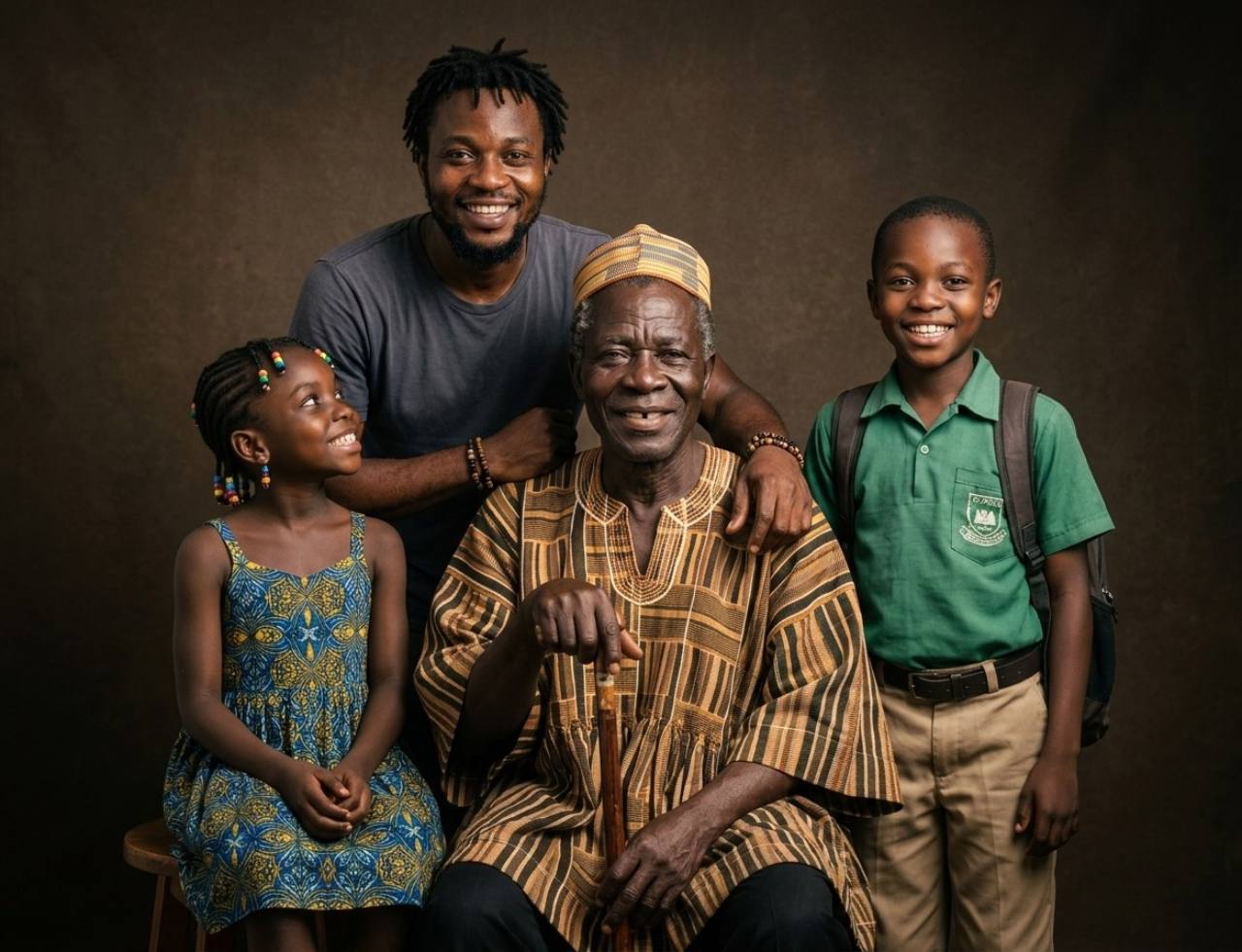
The grandfather with his son and grandchildren in one family portraitTogether, in one portrait

The photo they never got to take

A late grandfather's old black-and-white print, joined with recent photos of his son and grandchildren. You pick the setting from 24 scenes. The result is a new commemorative portrait made from your photos, not a historical photograph.

2 credits per portrait.
Create a family portrait
// Gentle Motion for Family Photos //

Watch them blink, smile and look at you once more.

Nine gentle animation styles, from a slow blink to a small wave. Each clip lasts a few seconds and stays close to the photo, so it still feels like them.
Warm Gaze
Smile + Look Around
Gentle Smile
Subtle Blink + Head Tilt
Smile + Wave

Restored first, then animated

The large clip is the couple from the top of this page, restored and then animated with Warm Gaze. Restore a damaged photo before you animate it and the faces come out clearest. Clips are silent and a few seconds long.
10 credits per animation.
Explore photo animation
// Our principles //

Restored, not replaced.

A restoration should look like the day the photo was taken, not like a new person. These are the rules every BringBack result follows.
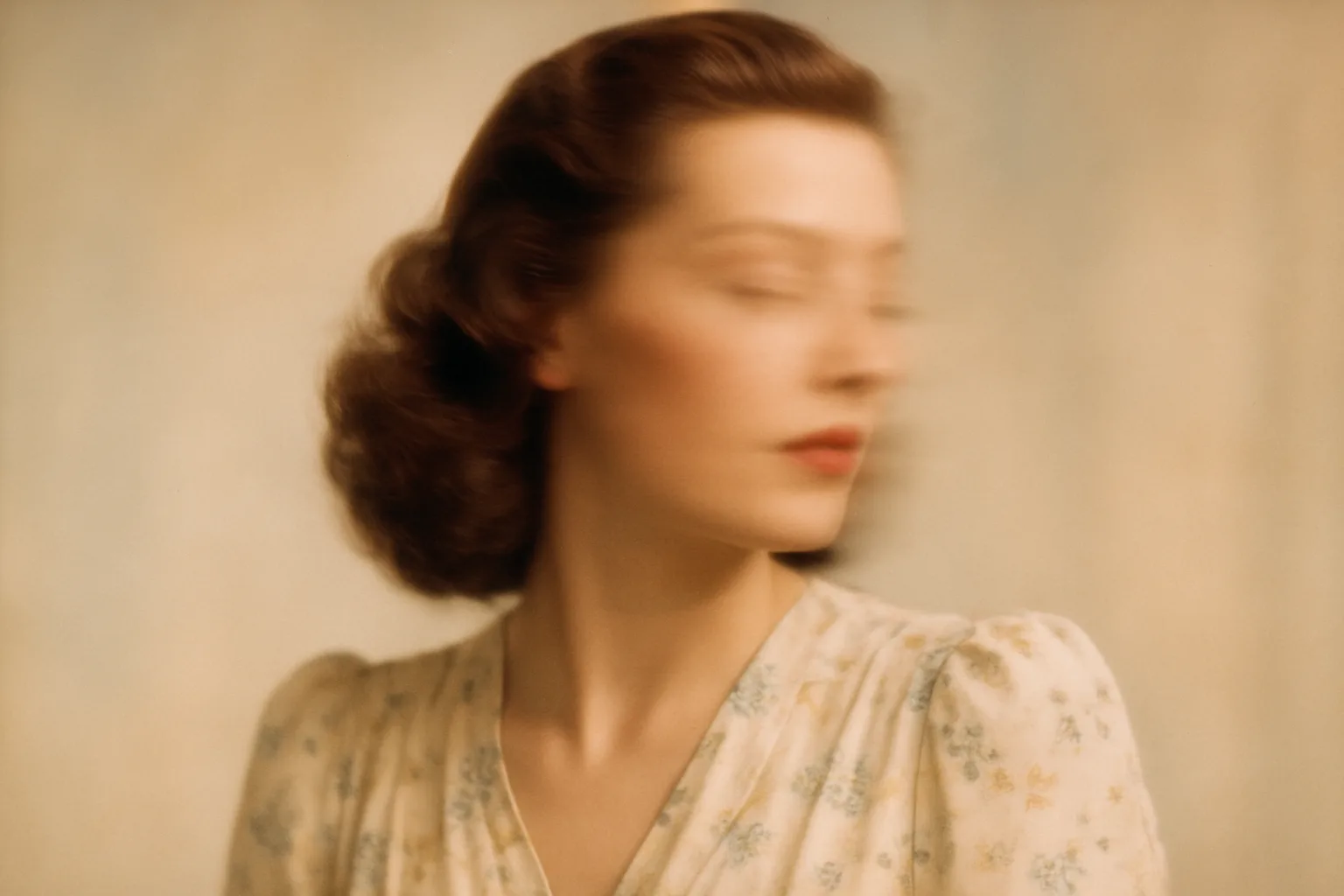
  1. Blurred portrait of a woman
    01

    The original stays the reference

    Every result opens beside the photo you uploaded, with a line you can drag across each face. You decide whether it still looks like them before you download.

  2. Black-and-white photo of three children laughingKept black and white
    The same photo of three children with natural colourColour added
    02

    Colour only when you want it

    Switch on Preserve original colors and a black-and-white or sepia print is repaired without being colorized. Leave it off for natural colour.

  3. Badly faded photo of two girls
    03

    Honest about missing detail

    When a face is badly faded or blurred, detail has to be rebuilt. We say so plainly, and the comparison shows you exactly what changed.

  4. My MediaPrivate to your account
    04

    Your photos stay yours

    Results stay in My Media until you delete them. Your family photos are not used to train general-purpose AI models.

// Pricing //

Pay once. No monthly subscription.

Restoring a photo costs 1 credit, a family portrait 2, an animation 10. Credits never expire.

Restoration Starter

One-time payment

$4.99one-time

Low-risk way to restore a few important photos. Not enough credits for animation.

  • Up to 4 photo restorations
  • OR up to 2 studio family portraits
  • OR up to 2 add/remove person edits
  • Does not include animation
  • High-resolution master downloads
  • 30-day money-back guarantee

4 credits$1.25 each

Restores up to 4 photos. Credits never expire.

Start with restorations

Value Pack

Most Popular

$9.99one-time

Enough credits for restorations plus animation or family reunions.

  • Up to 20 photo restorations
  • OR up to 2 photo animations
  • OR up to 10 studio family portraits
  • OR up to 10 add/remove person edits
  • Full animation & reunion unlock
  • 30-day money-back guarantee

20 credits$0.50 each

Best value for photo restoration + realistic animation.

Bring memories to life

Family Pack

Best Value

$21.99one-time

For whole albums and multi-person projects.

  • Up to 60 photo restorations
  • OR up to 6 photo animations
  • OR up to 30 studio family portraits
  • OR up to 30 add/remove person edits
  • Lowest price per credit
  • 30-day money-back guarantee

60 credits$0.37 each

Best value for whole albums and multi-person projects.

Preserve family history
Not sure it will work on your photos? Watch it work first.

Before you buy: family portraits and Add Person work for up to 8 people in total. In bigger groups AI distorts faces, so they aren't a good fit for large group photos.

30-day money-back guarantee · Credits never expire · No subscription
// FAQ //

Questions families ask before they start.

Restoration, animation, privacy and pricing, answered plainly.

You upload a scan or a phone photo of the print. BringBack finds tears, cracks, stains, fading and blur, repairs them and sharpens faces while keeping the person's features. Natural colour is added unless you switch on Preserve original colors. The result opens beside the original so you can compare before you download.

Tears and missing pieces, cracks, scratches, dust, water stains, mould spots, fading, yellowing, blur, and dark or washed-out exposures. The more of a face that survives in the print, the closer the result stays to the real person.

Where a face is clearly visible, it is kept close to the original. Where it is torn away or badly blurred, detail has to be rebuilt and may not match exactly. Drag the comparison line across each face and download only when you are happy with it.

Nine: Gentle Smile, Smile + Wave, Soft Nod, Subtle Blink + Head Tilt, Smile + Look Around, Warm Gaze, Peaceful Presence, Loving Recognition and Gentle Talking. Clips are silent and a few seconds long. Gentle Talking moves the mouth but does not create a voice.

Restoration Starter is $4.99 for 4 credits, Value Pack is $9.99 for 20 credits, and Family Pack is $21.99 for 60 credits. Restoring or colorizing a photo costs 1 credit, a family portrait or adding or removing a person 2 and an animation 10. Credits never expire and there is no subscription.

JPG, PNG and WebP files up to 10 MB each, and up to five photos at once for restoration. A scan gives the best result; a flat, evenly lit phone photo of the print also works. Restored photos download as full-resolution PNG files.

Most restorations finish in about a minute. Animations take longer and keep rendering if you leave the page; finished results appear in My Media.

Photos are processed only for the tool you choose. Results stay in My Media until you delete them. Your family photos are not used to train general-purpose AI models.

Yes. Credit packs come with a 30-day money-back guarantee. If a restoration fails, the credit for that photo is returned to your account automatically.
// Start with one print //

Every photo in the shoebox can come back.

Restoring a photo costs 1 credit, credits never expire, and you see the result beside the original before you download.
  • A creased 1950s portrait of a couple, restored
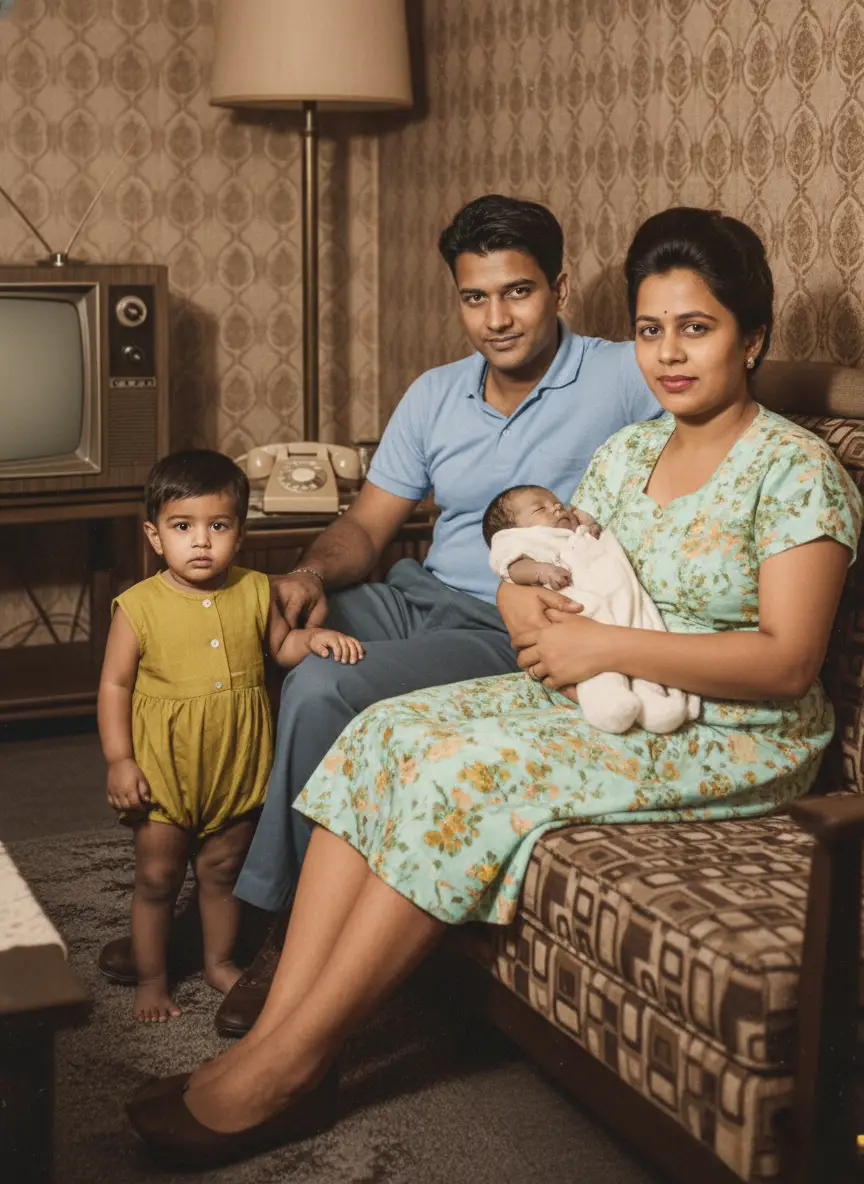
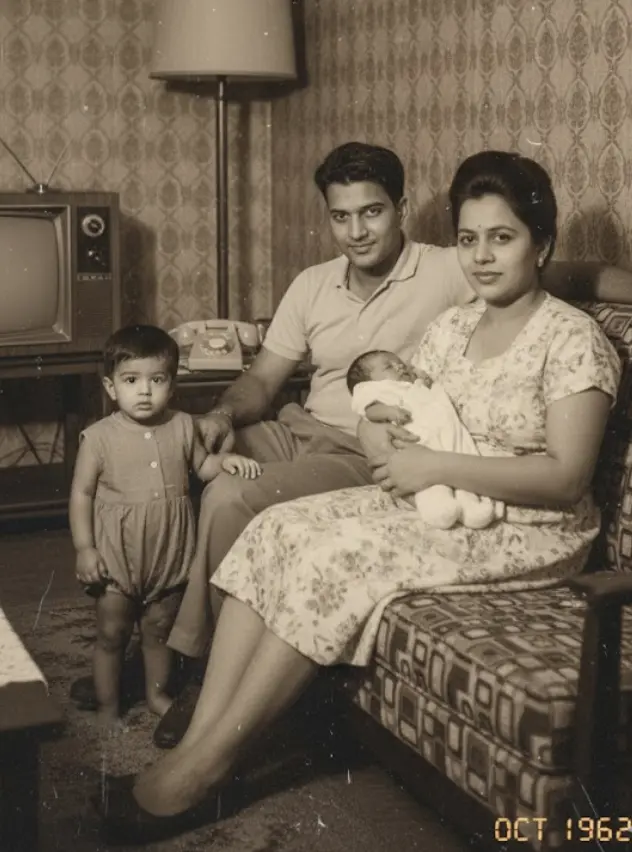
  • A 1962 family photo at home, restored in colour
  • A faded family photo on a porch, restored