// Remembering someone at Christmas //

Add a deceased loved one to your Christmas family photo.

The first Christmas without someone can be very hard, and so can the tenth. If it would mean something to have them in this year's picture, you can make one from photos you already have.
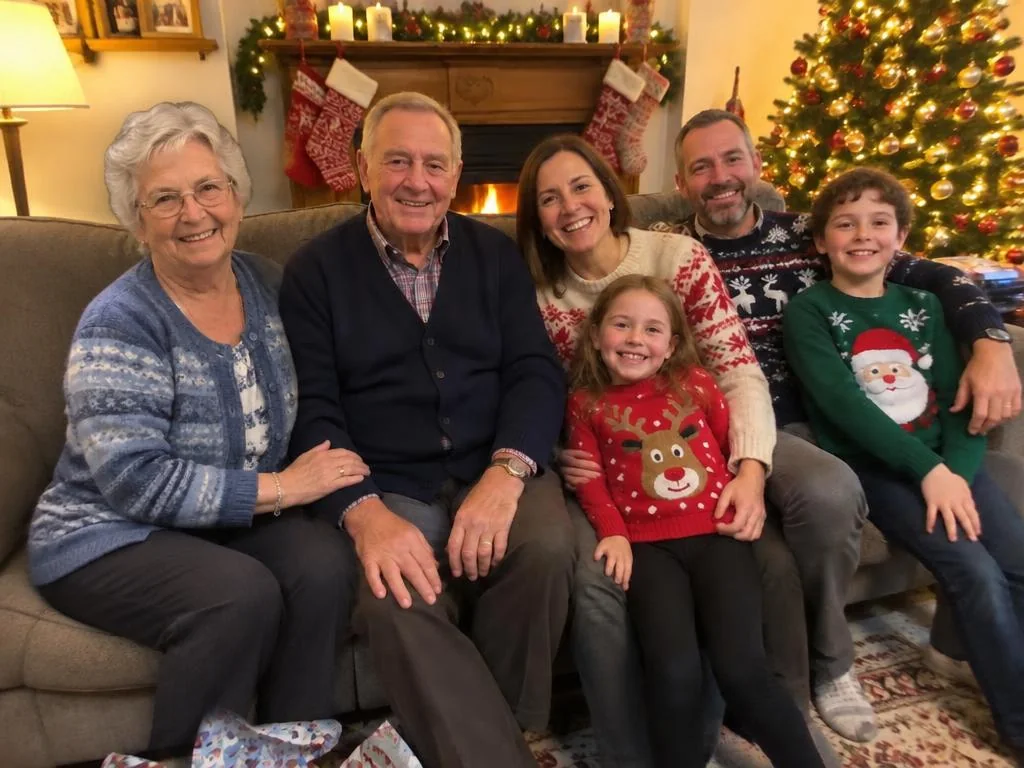
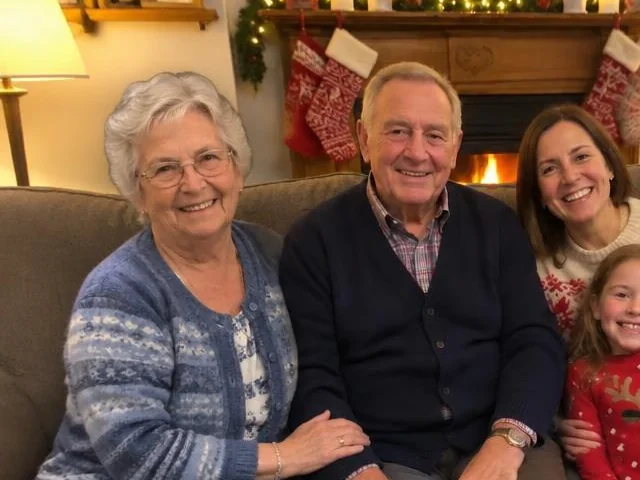
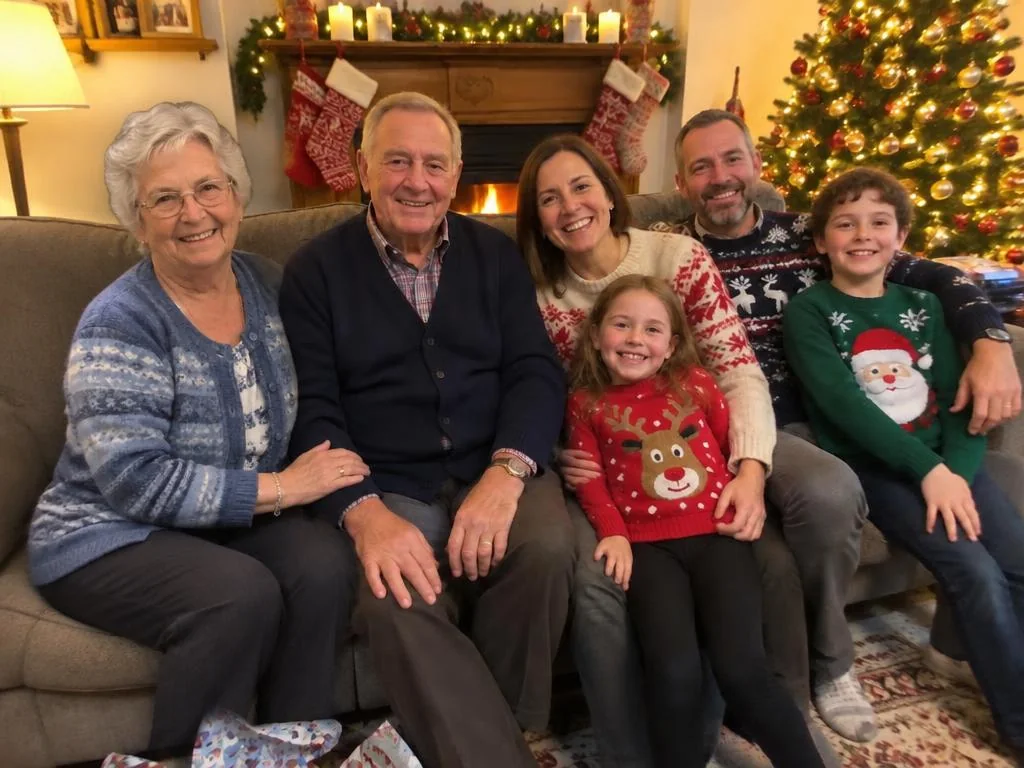
The same Christmas family photo with the grandmother included beside her husband
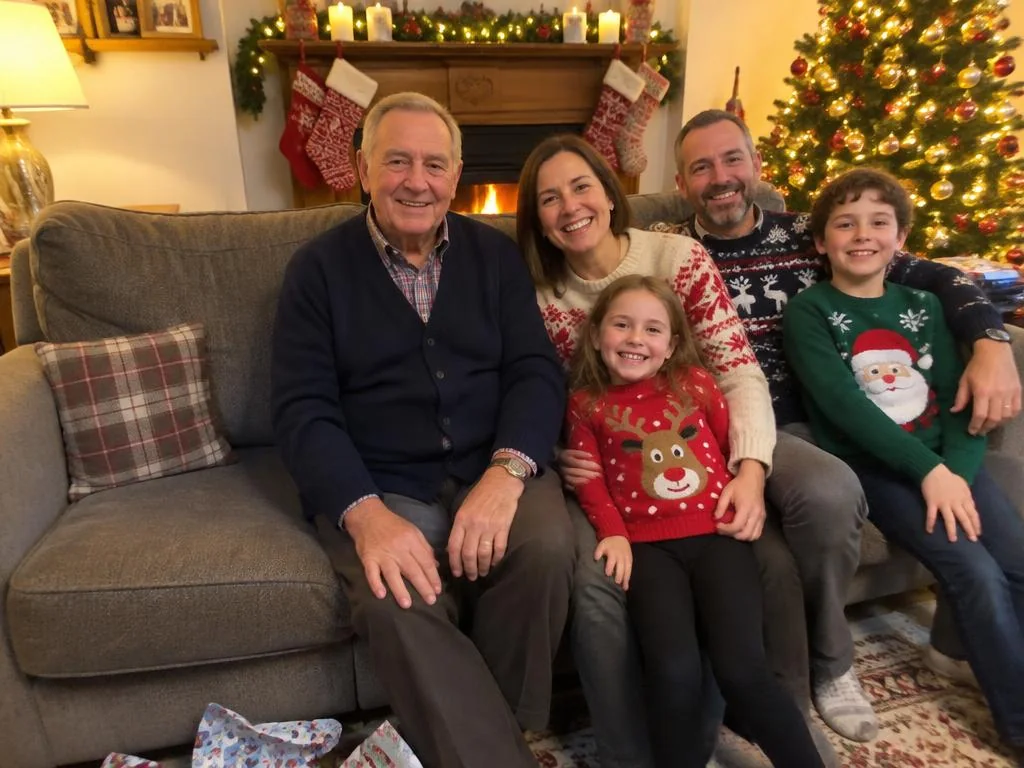
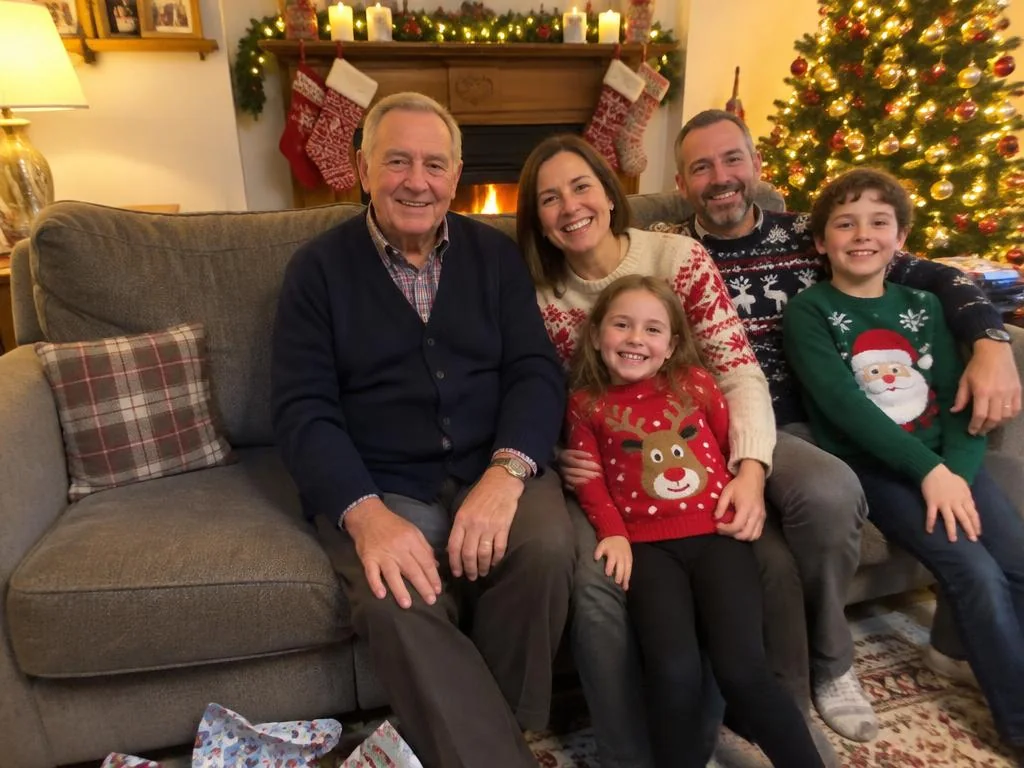
A family on a sofa on Christmas Day, with an empty seat beside the grandfather
Your photo
With her included
An AI-made example. Your picture will depend on the photos you use.
// How it works //

Three steps to include them in this year's Christmas photo.

To add a deceased loved one to a Christmas photo, upload a photo of your family and one clear photo of them on their own, then show where they should sit or stand. BringBack's add-a-person tool places them in the picture and matches the light of the room. Each attempt costs 2 credits, with packs from $4.99, paid once. The result is a new AI-made image, so it's a keepsake and not a record of a real moment.
  1. A family photo on Christmas Day with space on the sofa
    01

    Start with this year's photo

    Use the Christmas photo you took, or take one and leave a little room where they would be. A gap on the sofa or beside someone gives the most natural result.

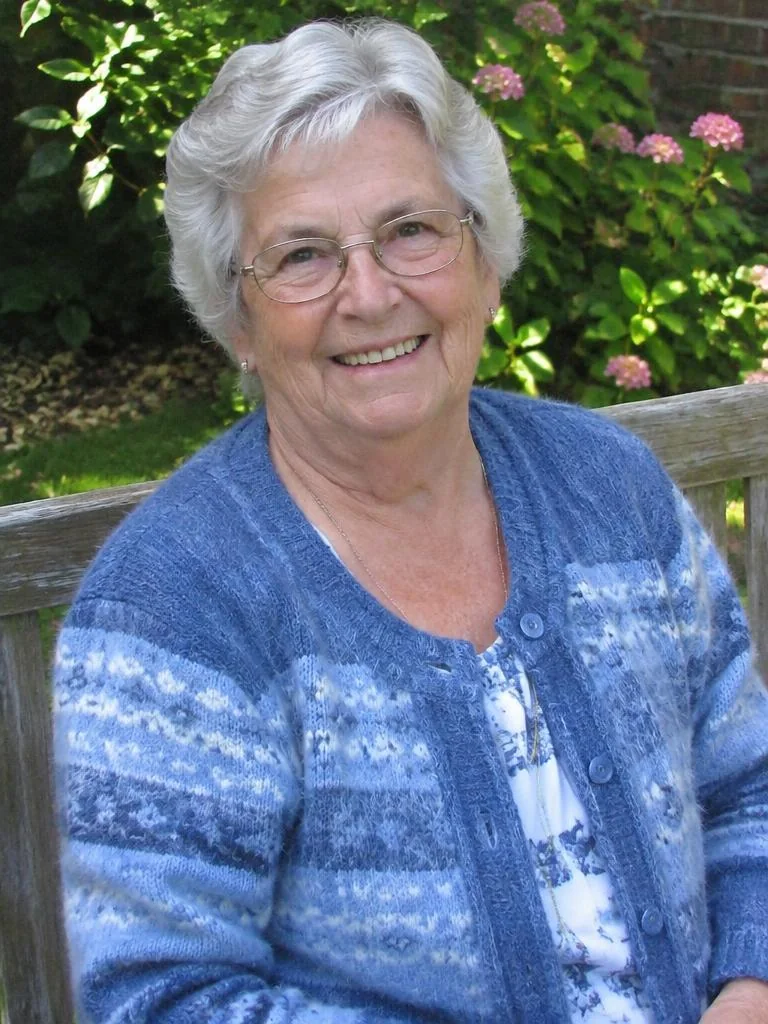
  2. A clear photo of a grandmother on her own in a garden
    02

    Add a clear photo of them

    Choose one photo of them alone, with their face well lit and looking towards the camera. It doesn't have to be recent, and it doesn't have to be a Christmas photo.

  3. The finished Christmas photo with the grandmother beside her husband
    03

    Show where they belong, then compare

    Tap a spot or describe it in a few words, such as beside Grandad. Only that one person is added. Look closely at their face, and if it doesn't feel right, please don't use it.

// Where they belong //

Where to place them so it looks natural.

Only you know what would feel right. The last one needs nothing from us.
A grandmother and grandfather sitting side by side on a sofa at Christmas

Beside the person who misses them most

A husband beside his wife, or a daughter beside her dad. Placing them close to someone, touching shoulders, is what makes a picture look like it was always one photo.
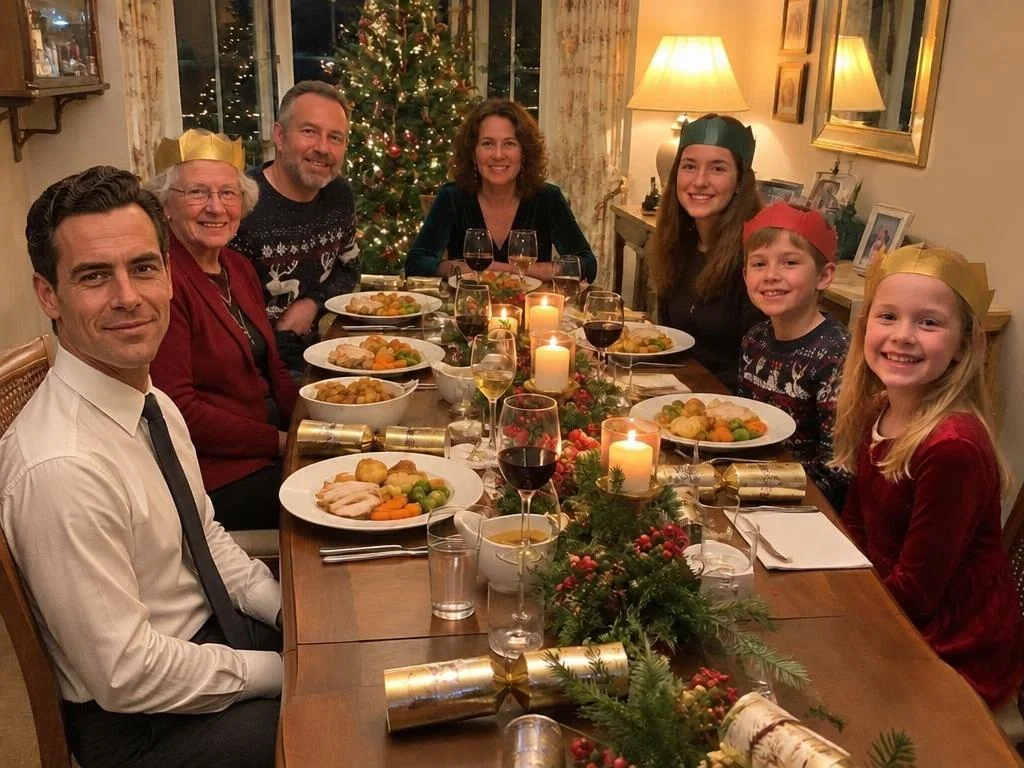
A family at Christmas dinner with a man in a shirt and tie seated at the table

In their place at the Christmas table

Leave their chair empty when you take the photo, then add them to it. This one was made from a black-and-white picture of him, so he appears in colour alongside everyone else.
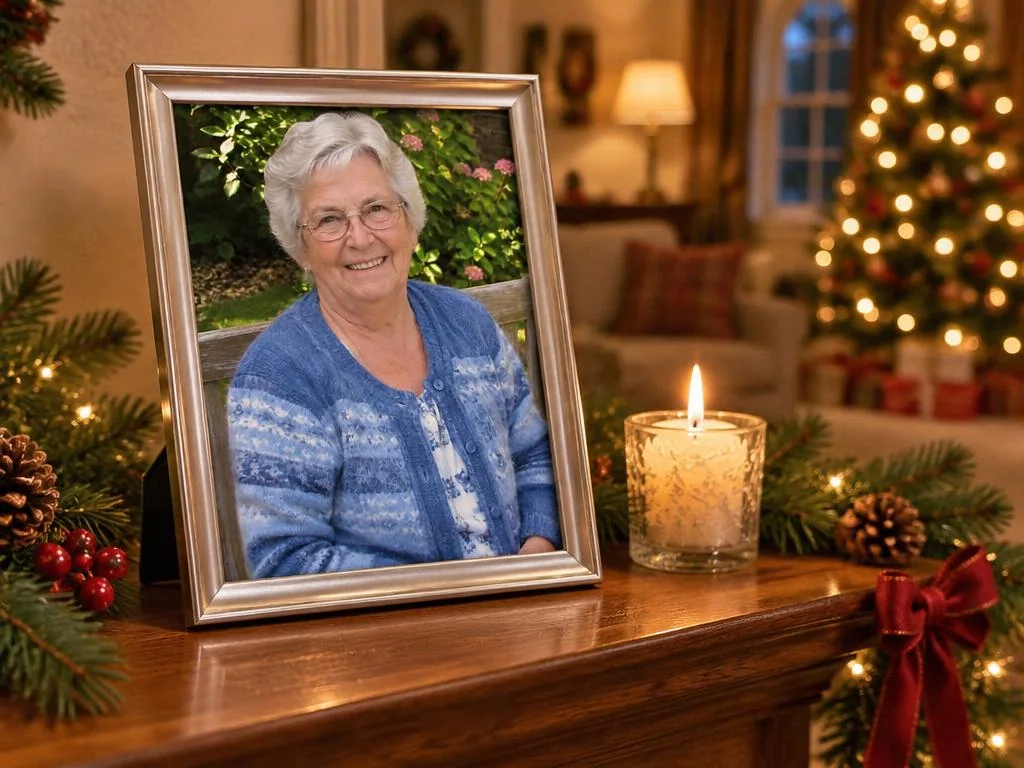
A framed photo of a grandmother on a Christmas mantelpiece beside a candle

In a frame on the mantel

Stand a real photo of them among the decorations and take your family picture around it. It's the gentlest option, it doesn't show them doing anything new, and it needs no AI at all.
// Choosing their photo //

Which photo of them gives the best result?

The photo you choose matters more than anything else. It doesn't need to be recent or perfect.
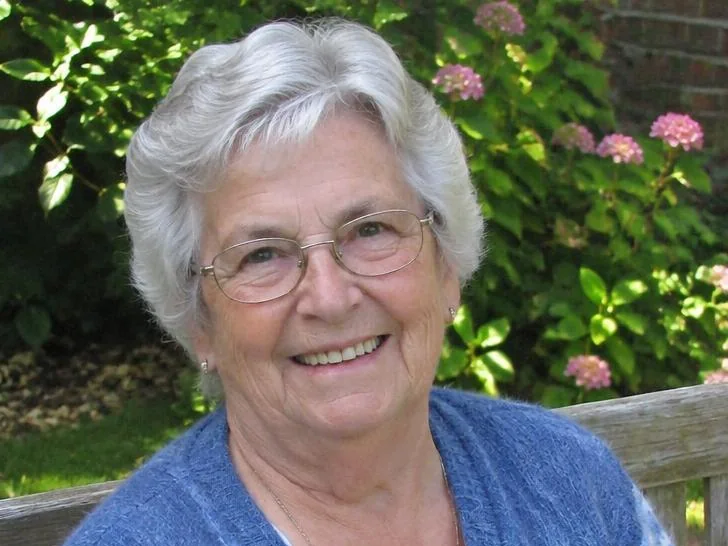
A clear, well-lit head and shoulders photo of an older woman

A clear photo of them alone

One person, face forward, in good light, is what works best. Crop other people out first if you can. Sunglasses, hats and shadows across the face make it harder.
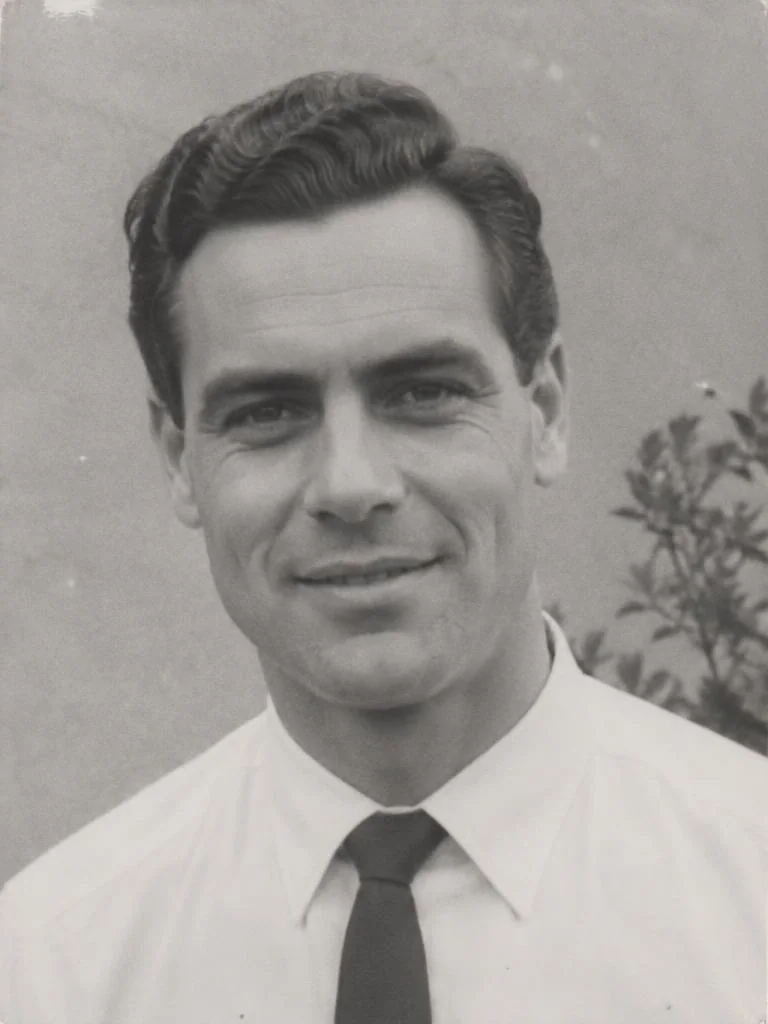
A black-and-white portrait of a man in a shirt and tie from the 1960s

An old black-and-white photo is fine

If the only good picture of them is from decades ago, use it. They're matched to the colour of your Christmas photo, though colours are the AI's best guess.
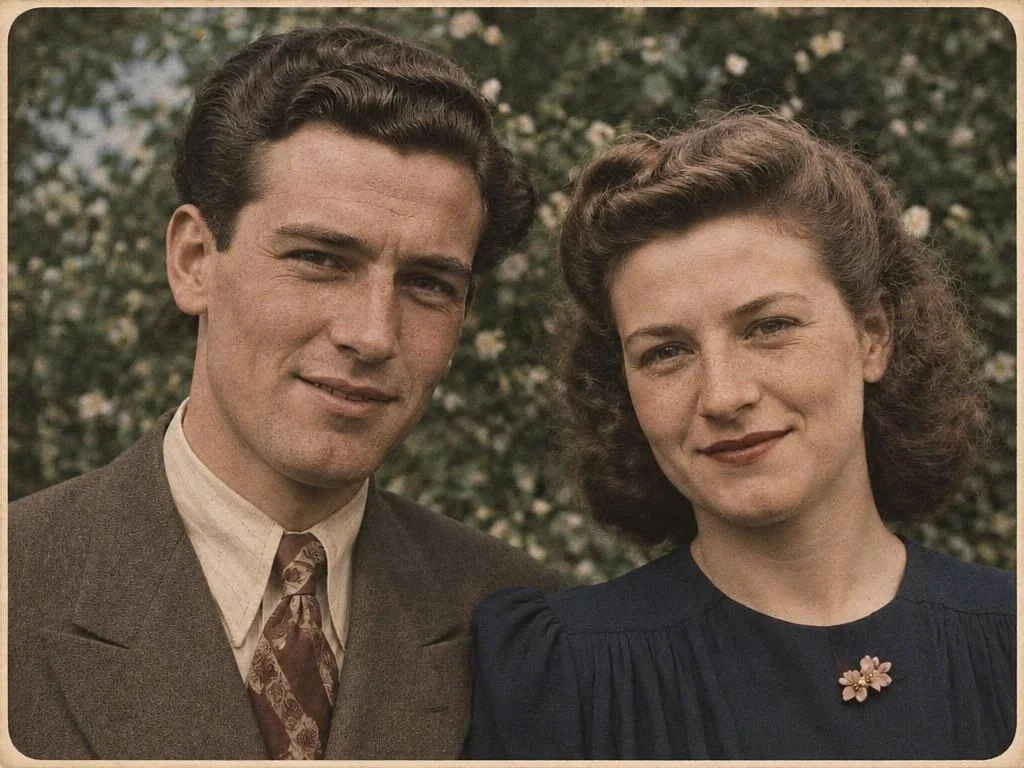
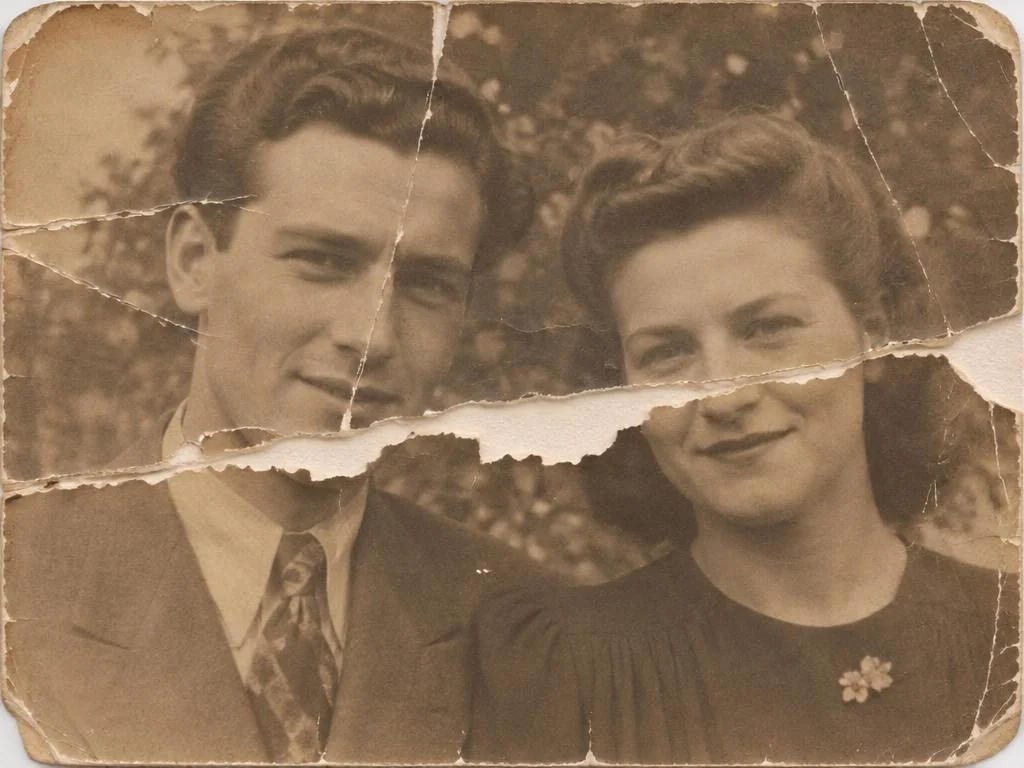
The same couple after restoration
A torn sepia portrait of a young couple
Original
Restored

Creased or faded? Restore it first

Damage gets carried into the picture. Restoring their photo first gives the tool a cleaner face to work from, and costs one extra credit.
// No group photo? //

Your family isn't in one photo this year?

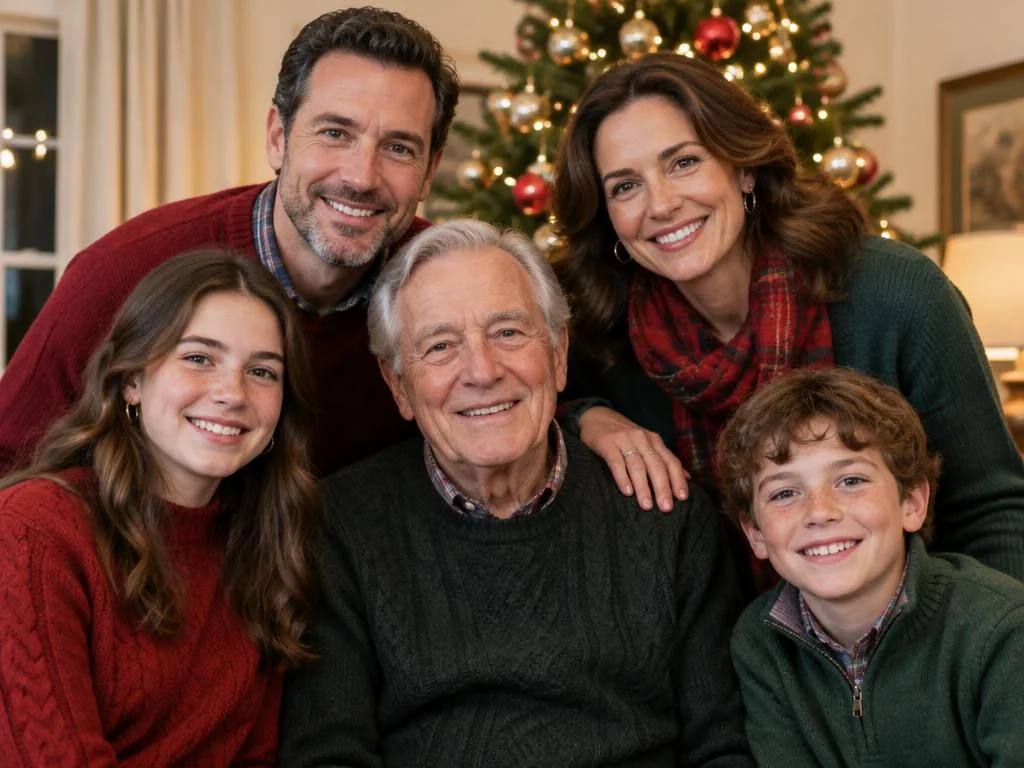
A Christmas family portrait of three generations in front of a tree

Start from separate photos instead

If your family hasn't been in one room this year, Family Portrait makes one new Christmas picture from separate photos of each person, up to 8 in total, including someone who has died.
// After you've made it //

Turn the picture into a Christmas keepsake.

You download one image file, then use it however you like. We don't print or post anything ourselves.
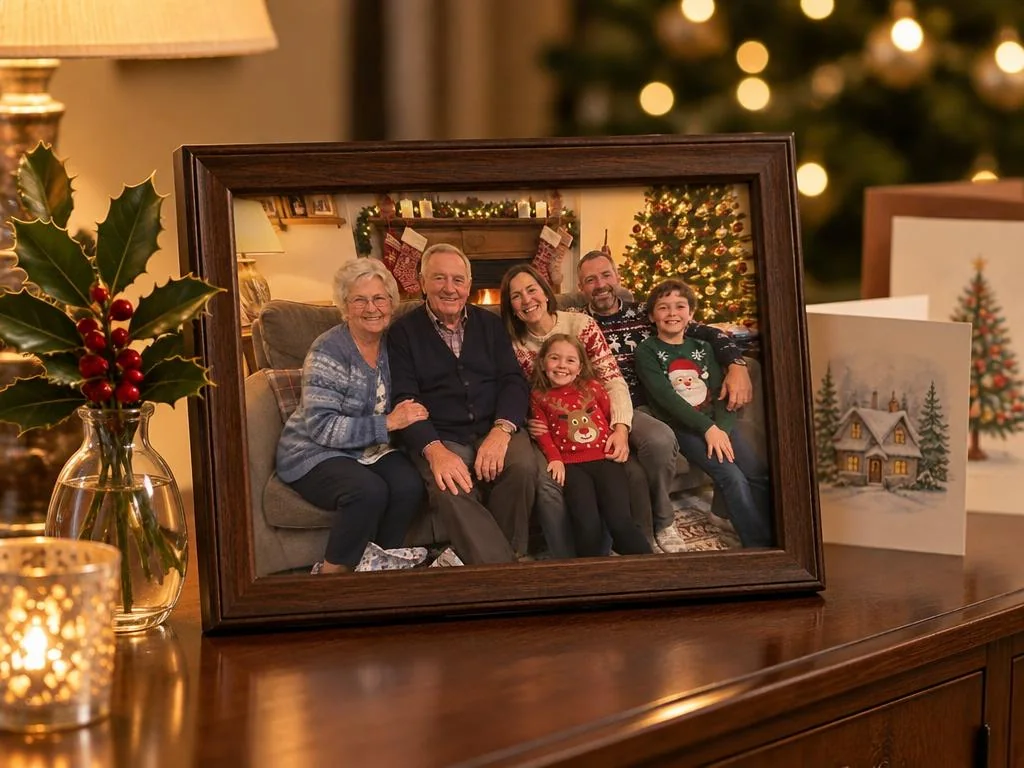
A framed family Christmas photo on a sideboard beside holly and Christmas cards

A framed print for the mantel

Download the picture and print it at a photo counter. A framed copy makes a quiet Christmas gift for a parent or sibling on a first Christmas without someone.
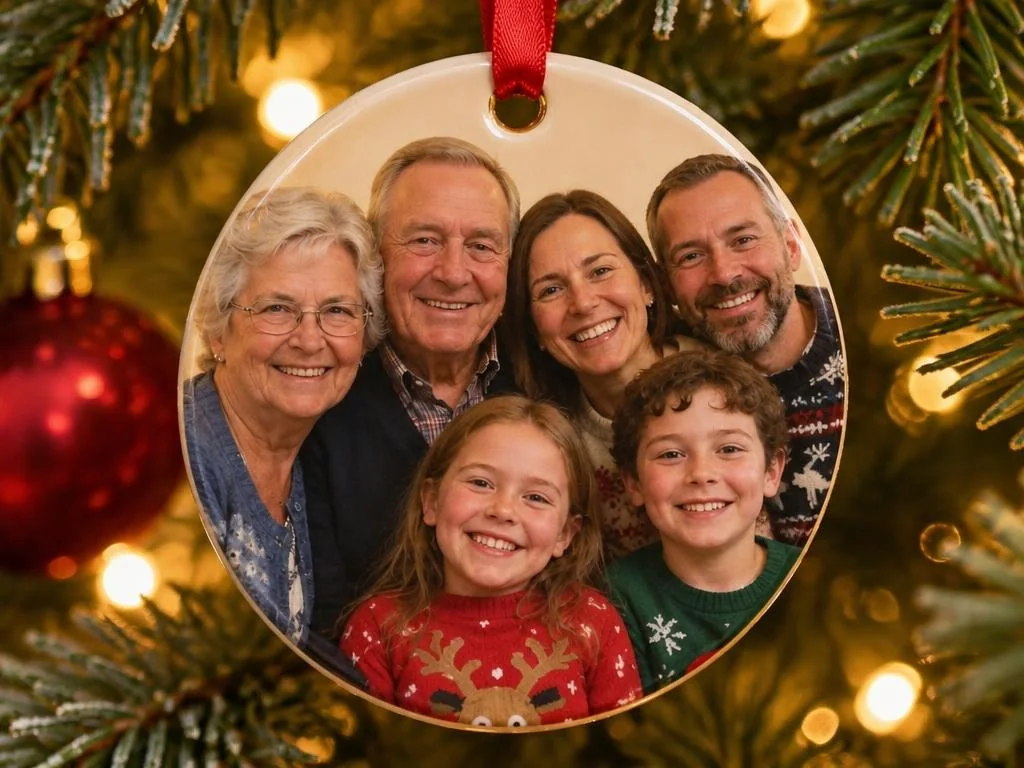
A round Christmas ornament printed with a family photo, hanging on a tree

A memorial ornament for the tree

Most photo-gift shops can print an ornament from the file you download. It's something to hang up each year, and it doesn't have to be seen by anyone else.

The One Candle Christmas card, with a single lit candle and a family photo

A Christmas card in their memory

One Candle is a quiet card for a first Christmas without someone. Add their photo or just the candle, and write their name in your own words. The card maker is free.

Before you start

Would they have liked this? Would the family? Not everyone is ready for it, and some people will never want it. It's okay to wait, and okay to decide this isn't for you. If the picture is a gift, consider asking first.

A picture, not a moment

BringBack works on photos. It can't bring anyone back, and it doesn't try to. This is a picture made by AI from the photos you provide. Your original stays exactly as it was.

Your photos

Pictures you make stay in your account until you delete them, and you can delete them at any time from My Media. We do not use your family photos to train general-purpose AI models.

Sharing it

People grieve differently, and a brother or sister may feel differently from you. You could show one person first, or keep it to yourself.

// Without AI //

Other ways to remember them at Christmas.

You may not want a picture this year, or at all. These are just as good.
A single lit candle on a window sill with snow outside

Light a candle

One candle on the table or in the window, lit before the meal or at a time that meant something to them.
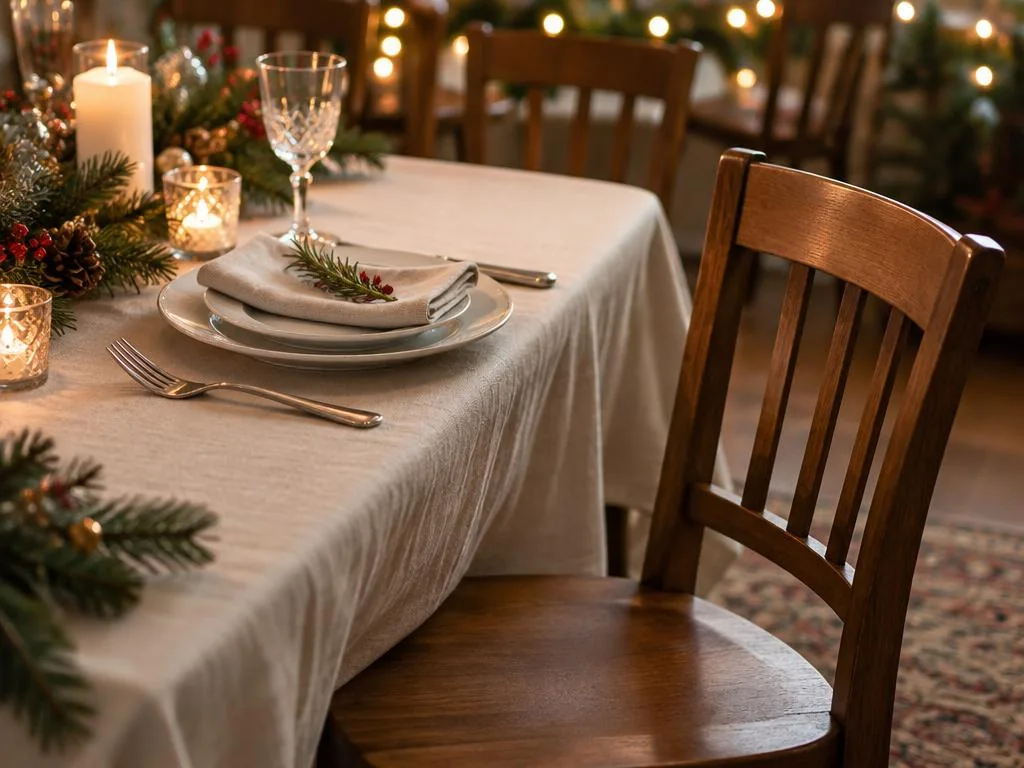
An empty chair at a table set for Christmas dinner

Leave an empty chair

Some families keep a place at the table. Others move the chairs on purpose. Either can be right.
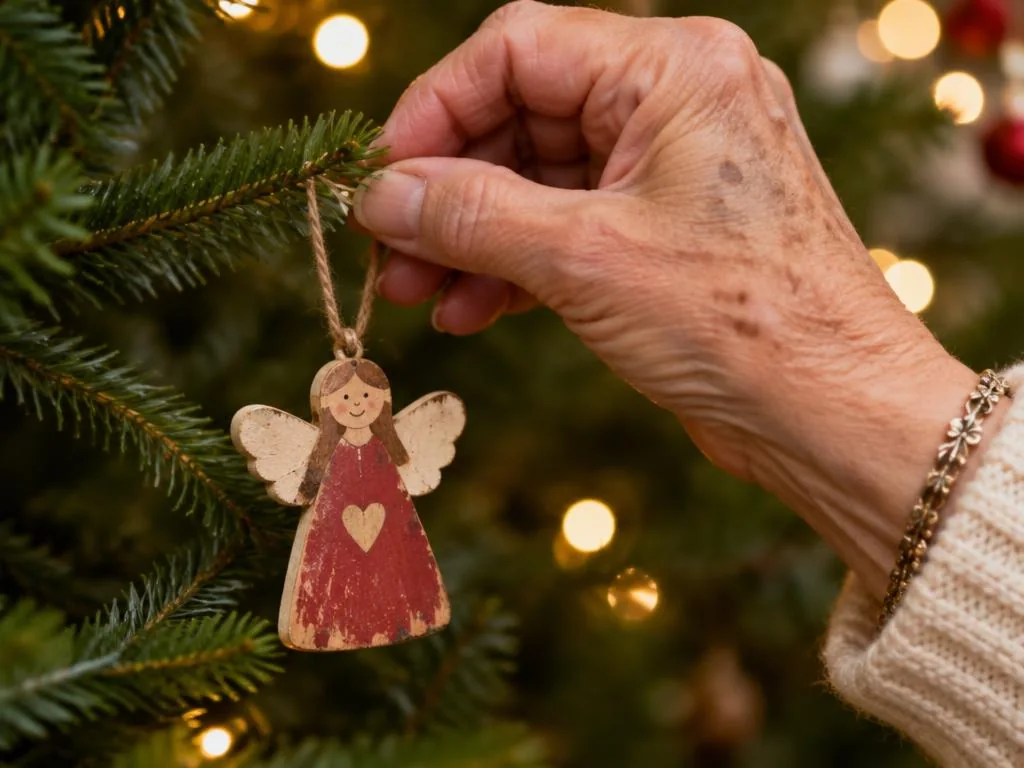
An older woman's hand hanging a small wooden angel on a Christmas tree

Hang their ornament

A favourite decoration, something they made, or a small photo on the tree, hung by someone who loved them.

Hands tying string around a parcel wrapped in brown paper

Give in their name

A donation to a charity they cared about, or a gift to someone they would have wanted to help.

// In loving memory //

Words for a card, if you want them.

Choose what fits you, change them, or use none.
  • In loving memory of [Name].
  • Remembering [Name] this Christmas.
  • Thinking of [Name], today and always.
  • Keeping a place for [Name].
  • Watching over us.
  • Forever in our hearts and prayers.
// Questions //

Questions you may have.

Upload your family's Christmas photo and one clear photo of them on their own, then tap where they should be or describe it in a few words. BringBack adds that one person and matches the light of the room. You can compare the result with your original before you download it.

No. BringBack has no free tier. Each attempt costs 2 credits, and the smallest pack is $4.99 for 4 credits, so it covers two attempts. There's no subscription.

It depends on the person and the family. Some people find comfort in a picture like this, and others don't want one. Both are fine.

It may not. A clear photo helps, and very small or damaged photos are harder. Restoring the photo first can help. Compare their face closely with your original, and if it doesn't feel right, please don't use it.

Yes. They'll appear in colour to match your Christmas photo, and those colours are the AI's best guess. If the old photo is damaged, restore it first.

One at a time. Download the first result, upload it as your family photo, and add the next person. Each attempt costs credits, and the picture works best with 8 people or fewer in total.

Yes. It works in your phone's browser, with no app to install.

A restored photo of their parent, a framed family picture, a memorial ornament or a card with a personal note are all gentle choices. If you're making a picture that includes the person who died, it's kind to ask first.

We'd suggest it, especially for anyone who might take it for a real photograph.

This page makes still pictures only, and we won't add words they never said.

No. Choose words that fit your family, or use none.
// When you're ready //

Include them in this year's picture.

Each attempt costs 2 credits. The smallest pack is $4.99 for 4 credits. It's one payment, nothing renews, and unused credits don't expire.