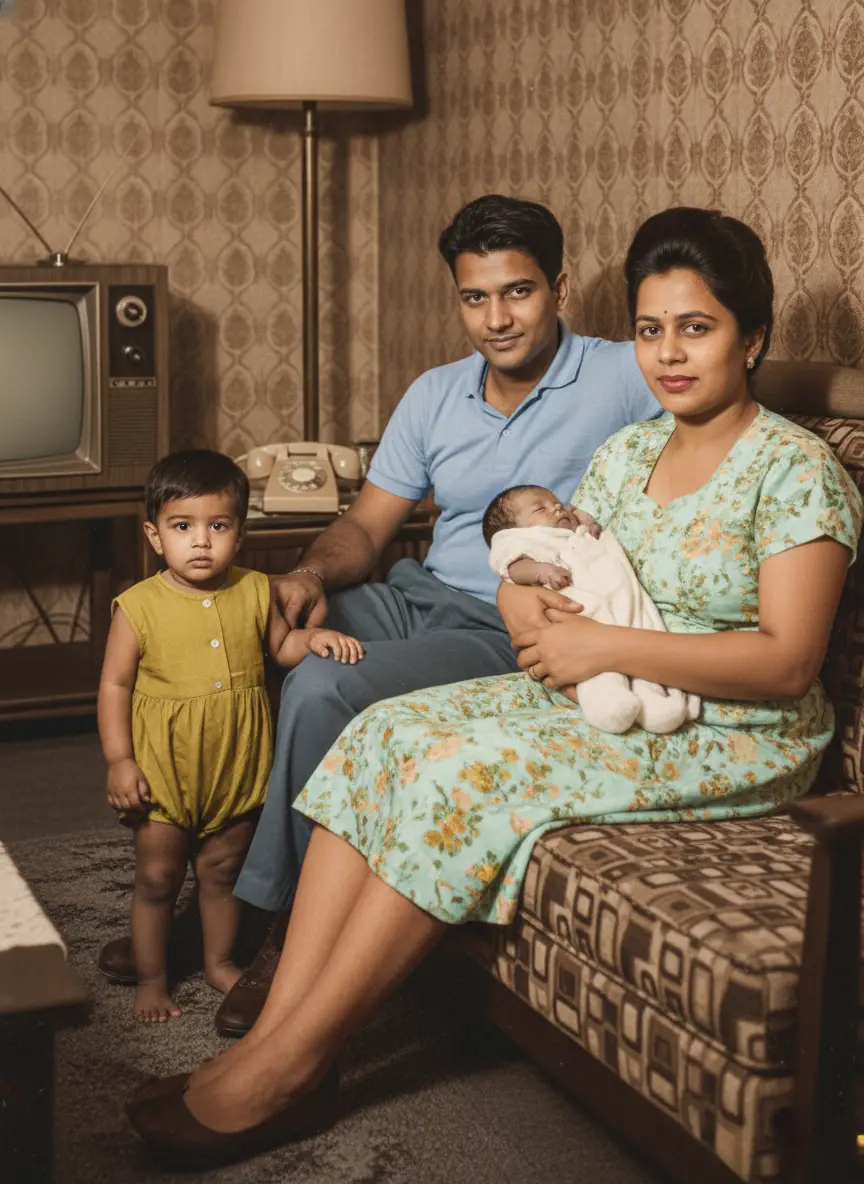
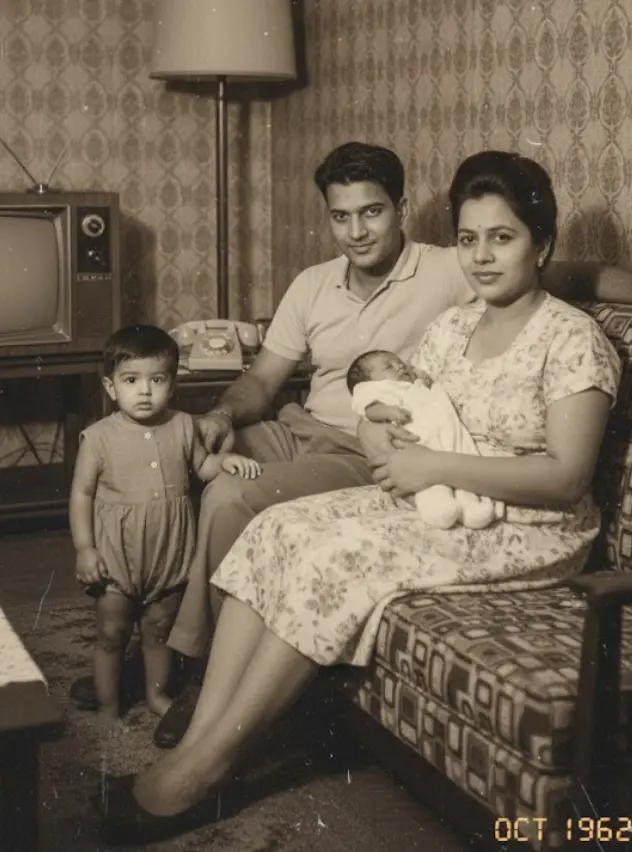
What if you could step inside an old photograph? What if, just for five seconds, the person you miss most could look up, recognize you, and hold you again?
We live in an age of digital miracles. We can restore blurry photos instantly. We can colorize black-and-white memories. But until now, we have never been able to bridge the physical gap between then and now.
Photos are beautiful, but they are frozen. They trap our loved ones in a single static moment.
If you’ve lost someone, you know the specific pain of that stillness. You forget how they moved. You forget the specific way they shifted their weight or how their face softened when they saw you.
We built the Nostalgic Hug (The Reunion Moment) at BringBack.pro to fix this.
How It Works: The Face consistency Technology Explained
You might be thinking: “I only have a blurry headshot of my grandfather. How can you make him hug me without it looking fake?”
This was the hardest engineering challenge we faced. To make this look real—and to avoid the “uncanny valley” effect—we moved beyond simple animation. We built a proprietary 3-Stage Generative Engine.
Here is the non-technical breakdown of the new Identity-Lock Logic that happens when you click “Generate”:
1. The “Solo” Scene Generation
First, the AI doesn’t just look at the face; it looks at the context. We run an initial pass to generate the “Person Alone” scene.
- Reconstruction: We analyze the headshot—age, structure, clothing collar—and generate a biologically accurate full body.
- The Setting: We place them in a warm, nostalgic setting, typically sitting on a vintage sofa in a sunlit room. This establishes the “before” moment—them waiting for you.
2. The Hug Portrait Synthesis
In the second pass, we inject you. The system runs the identity-lock logic again, this time mapping your current photo into the same physical space. It calculates the physics of the embrace to ensure:
- Your arms wrap naturally around them.
- Height differences are respected.
- The lighting on your face matches the lighting in the room.
3. The “Reunion Moment” Video Model
Finally, our video model bridges the gap between those two states. It generates a 5-second Cinematic Transition. It handles the full movement: starting with your loved one sitting alone, seeing you enter the frame, the spark of recognition in their eyes, and ending in the perfect hug.
Step-by-Step: How to Generate AI Hug Video with your loved ones
You don’t need to be a tech wizard. If you can upload a file, you can bring this memory to life.
Step 1: Pre-process Your Photos (Optional but Recommended)
If your old photo is scratched, faded, or blurry, the AI struggles to lock onto the identity.
Recommendation: Use our Photo Restoration Tool first. It costs just pennies (part of our starter plan) and ensures the face is crisp before animation.
Step 2: Upload the “Loved One” Photo
Go to the Nostalgic Hug Tool. Upload the photo of the person you want to hug.
- Best Results: A clear, front-facing photo.
- Don’t worry about the body: Remember, if you only have a bust/headshot, our engine will generate the rest of the body and clothing to match the era (e.g., 90s dad sweater, 70s suit).
Step 3: Upload “Your” Photo

- Upload a current photo of yourself.
- Ensure your face is clearly visible so the AI can map you correctly into the video. If you have your full body photo, prefer that.
Step 4: Generate & Wait
This is a complex process. It takes massive computing power to hallucinate a new reality. It usually takes 1-3 minutes to render the full 5-second clip.

Step 5: Download & Share
You will get a high-definition video file. Many of our users share this directly with family group chats or use it as a digital memorial.
4 Most Popular Ways to Use The Reunion Tool
Our community uses the Nostalgic Hug for more than just grief. Here are the most popular ways to use this technology:
- The “Meeting the Grandchild” Video: Many of our users have parents who passed away before meeting their grandchildren. You can upload a photo of the late grandparent and a photo of the child to create a video of them meeting for the first time.
- The Wedding Day Tribute: Brides and Grooms often use this to create a moving tribute clip of themselves hugging a late parent, playing it privately before the ceremony or projecting it during the reception.
- The “Younger Self” Embrace: It isn’t always about loss. Some users upload a photo of their current self and a photo of themselves as a child. Seeing your adult self hug your inner child can be a powerful therapeutic experience.
- The Digital Memorial: Instead of a static photo on a mantelpiece, families are using digital frames to play these 5-second loops, keeping the memory dynamic and alive in the home.
Pro Tips for Studio-Quality Results
To get the most out of your credits, follow these best practices:
- Match the Lighting: If the photo of your loved one is taken indoors with soft light, try to upload a photo of yourself with similar lighting. It helps the AI blend the two figures seamlessly.
- Avoid Group Photos: For the input files, crop the photos so they only show the single person you want to analyze. This prevents the AI from accidentally picking up the wrong face.
- Use the Restoration Feature: We cannot stress this enough—using a restored, high-definition face input yields a video that looks 10x more realistic.
Are these photos “Fake”?
Technically? Yes. This video never happened.
Emotionally? It is one of the truest things you will see.
We received an email from a user named Sarah last week. She used this tool to generate a video of her late mother hugging her daughter (who was born after the mother passed).
She wrote:
“I know it’s AI. I know my mom never got to hold my baby. But watching this video… seeing her eyes light up the way I remember? It healed a part of me I didn’t know was broken.”
We aren’t trying to rewrite history. We are trying to recover the feeling of love that time stole away.
Pricing & Credits: Affordable Memories
We believe these memories should be accessible to everyone, not just those with big budgets.
- Starter Plan: US$4.99. Perfect for testing the waters with restorations.
- Pro Plan: US$9.99. This gives you 20 credits (enough for 1 High-Quality AI Hug Animations or 20 Restorations).
- Commercial Rights: Unlike other tools, you own the commercial rights to your generations.
Privacy & Safety: Your Memories Are Safe
We understand that uploading photos of deceased loved ones requires immense trust. We are an indie team, not a data-mining corporation.
- Data Deletion: We are not in the business of hoarding data. Your source photos and generated videos are stored securely for you to download and are typically cleared from our processing servers after 7-30 days to protect your privacy.
- No Public Training: We do not use your private family photos to train public AI models. Your memories remain yours.
❓ Frequently Asked Questions
Q: Will it look weird or “glitchy”?
We prioritize safety over speed. If the AI detects that a generation looks “uncanny” or distorted, it usually attempts to correct it. However, because we are generating complex human contact, minor artifacts can happen. But 95% of our results are smooth, warm, and deeply comforting.
Q: Can I use a black and white photo?
Yes! Our system will automatically colorize the subject to match the modern environment, making them feel like they are here with you in the present day.
Q: Does it work with pets?
Currently, the Reunion Moment is optimized for human-to-human hugs to ensure the physics of the embrace are perfect. We are working on a pet version for the future!
🌟 Ready to Bridge the Gap?
You have the photos sitting in your camera roll. You have the memory sitting in your heart.
Don’t let them stay frozen. See them smile at you again.