01
Upload individual portraits
Add up to 8 clear photos from phones, scans, or family albums, then crop each one. Front-facing faces with visible features give the strongest likeness.


JPG, PNG or WebP · up to 8 references
Upload up to 8 family reference photos, choose from 24 curated portrait themes, and include the people and pets who belong in the scene. BringBack creates one new shared portrait rather than a pasted collage.


Explore practical examples for long-distance families, multi-generation reunions, restored ancestor photos, and memorial family keepsakes.

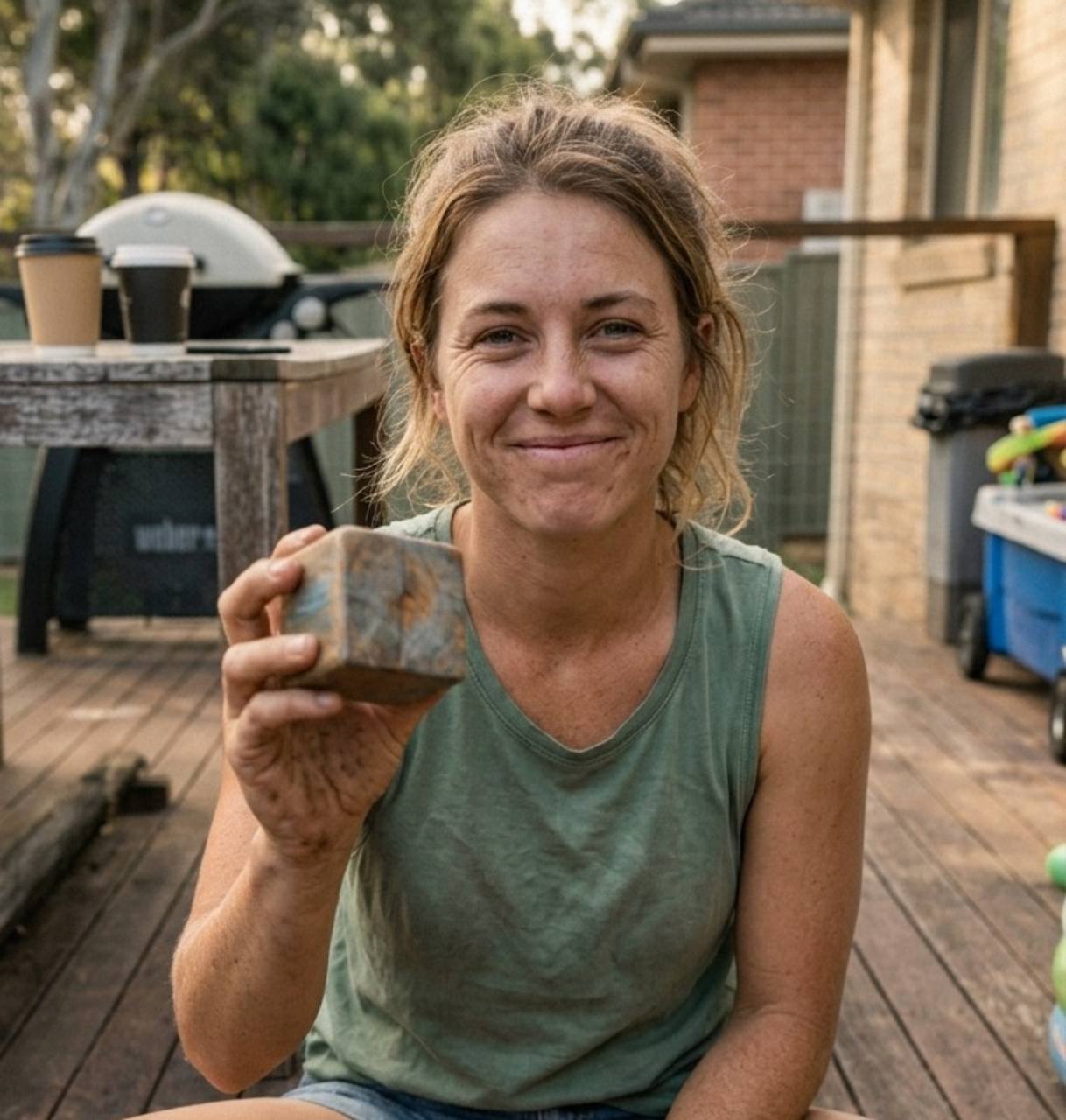
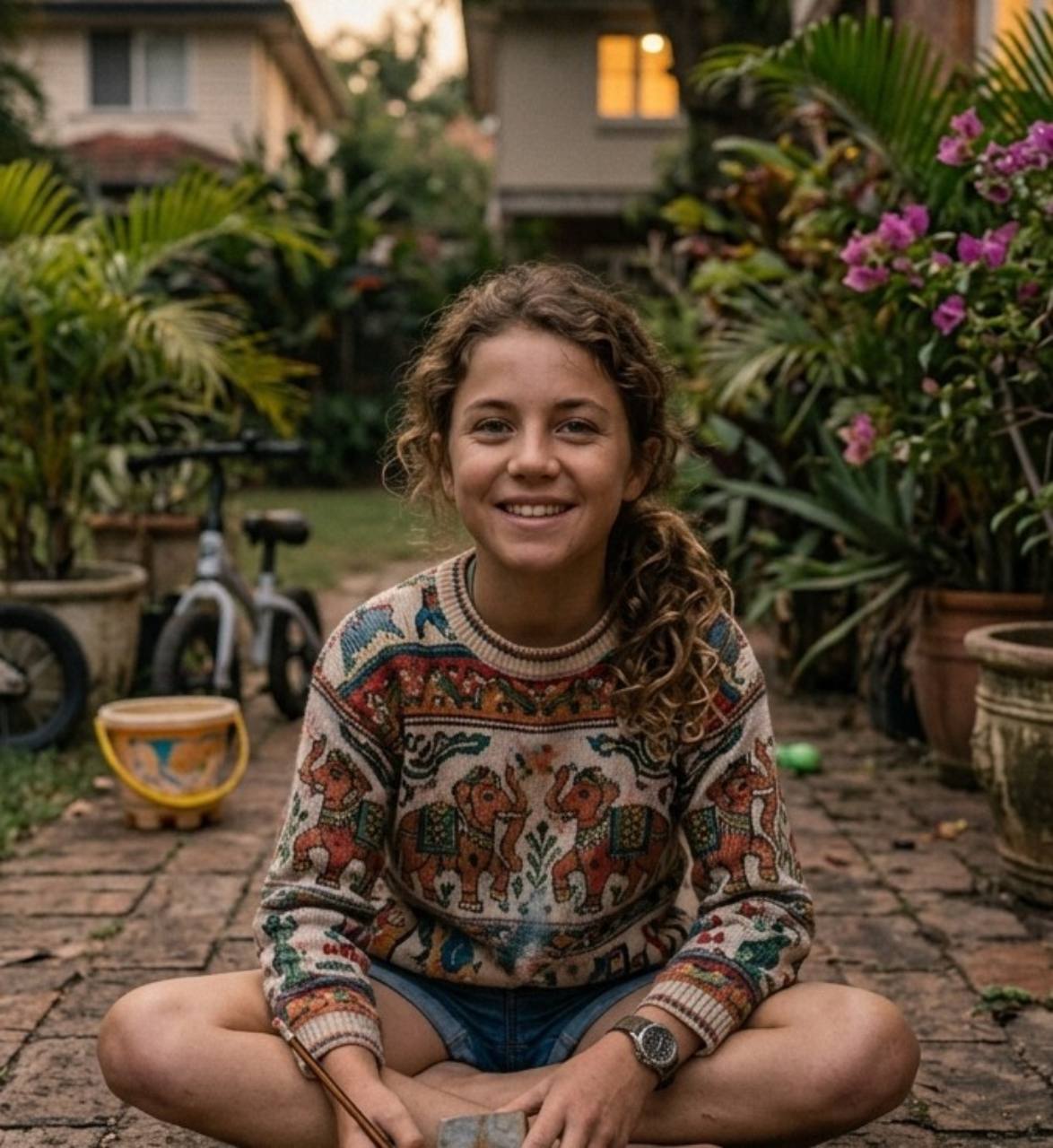
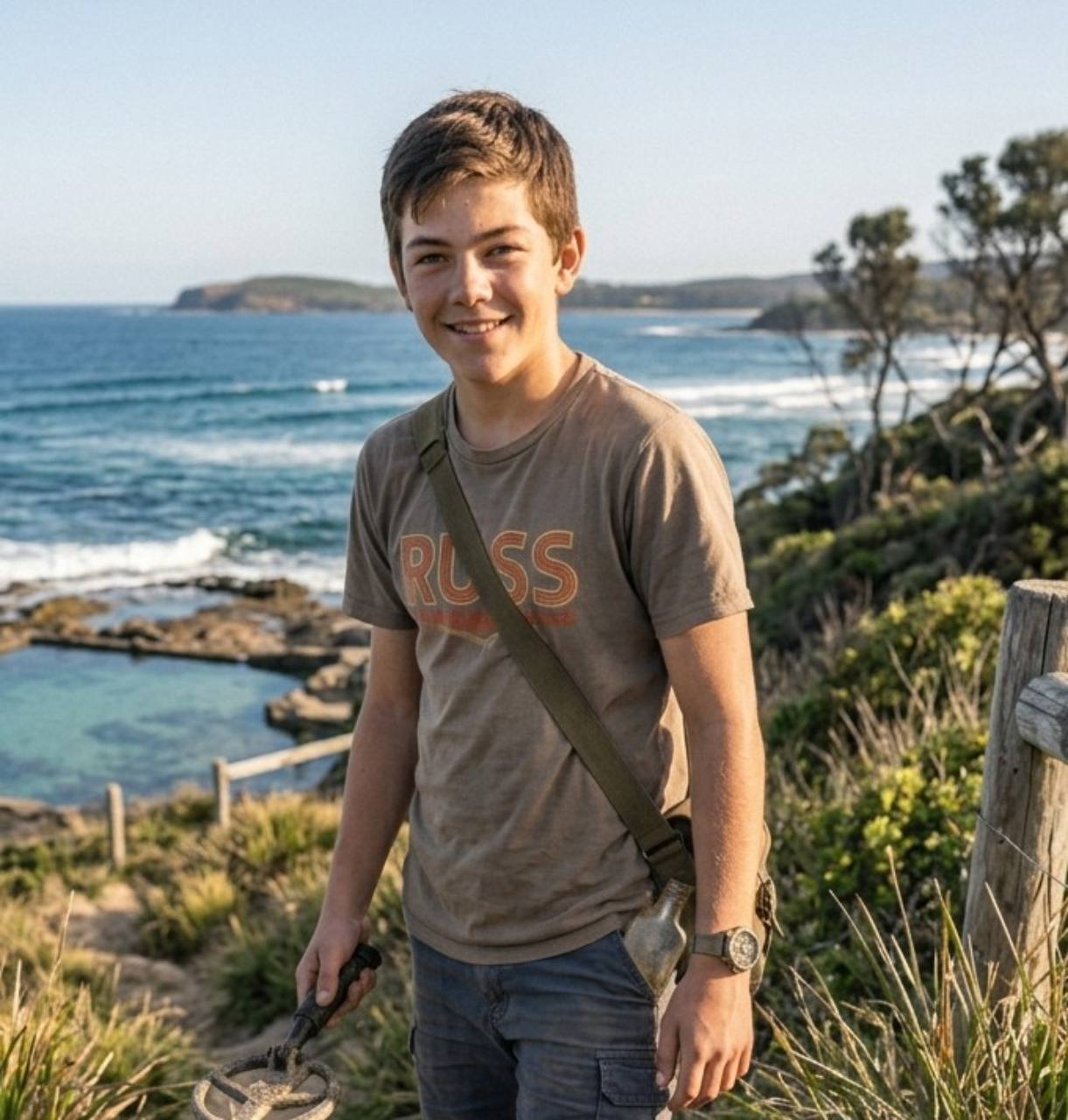
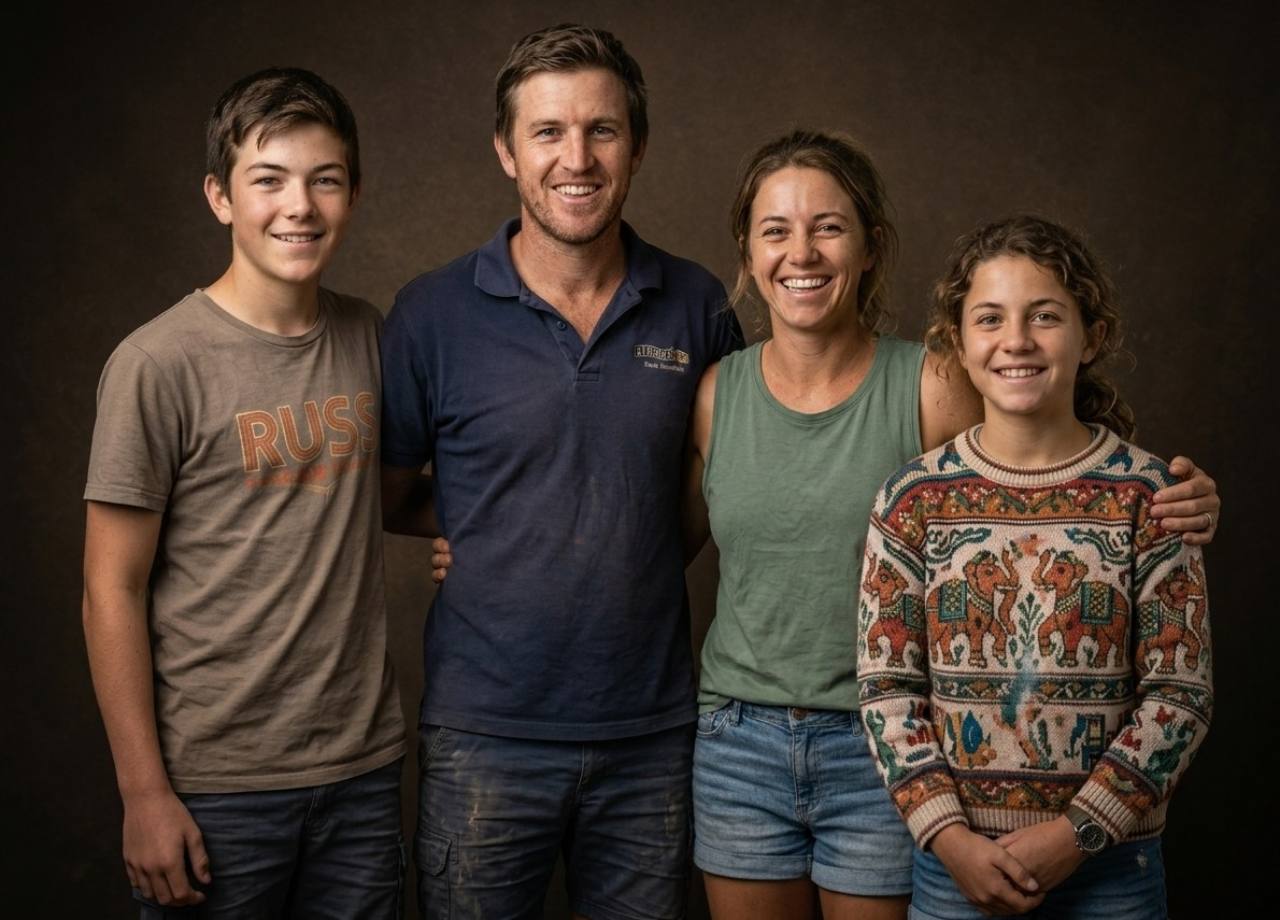
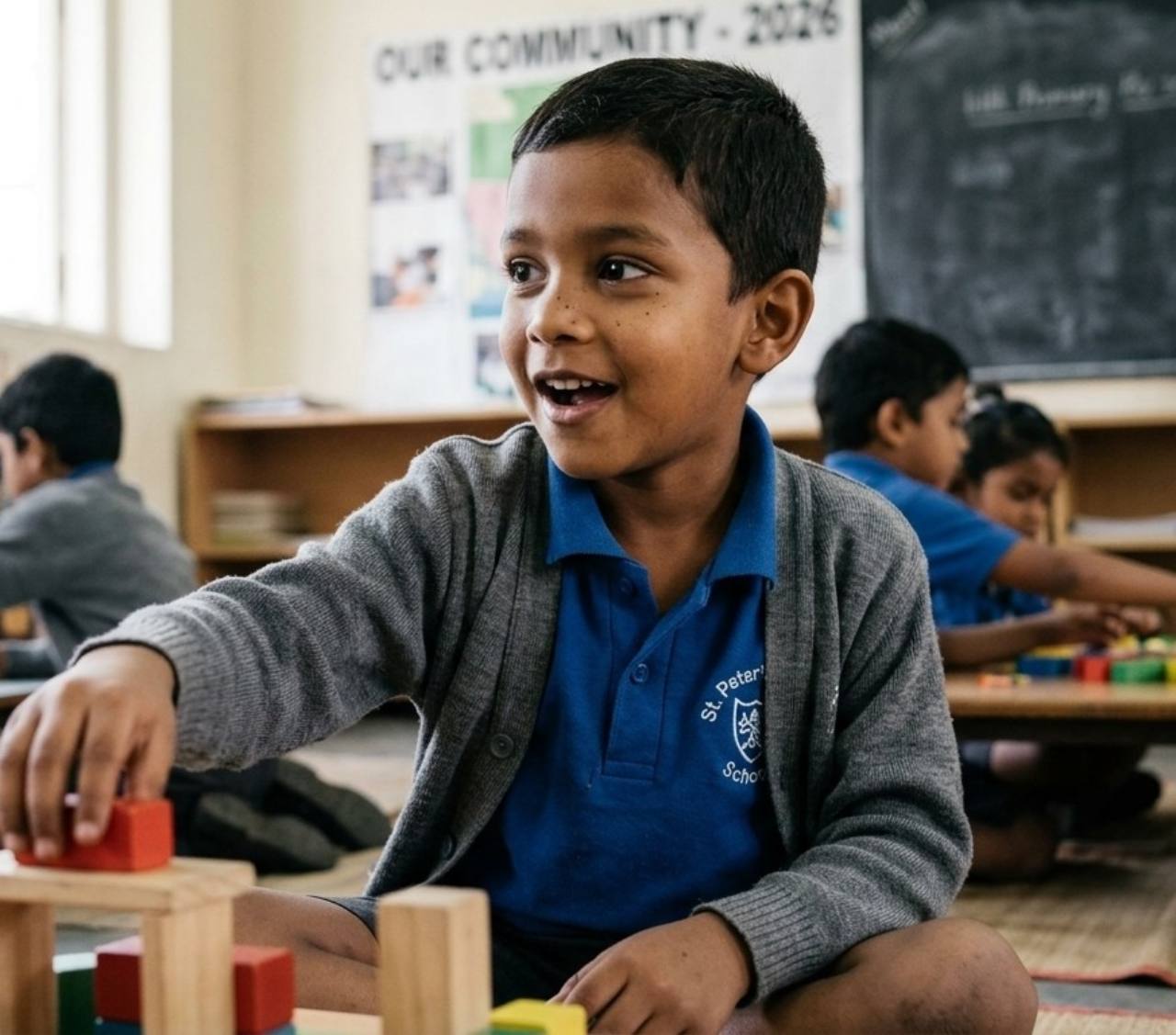
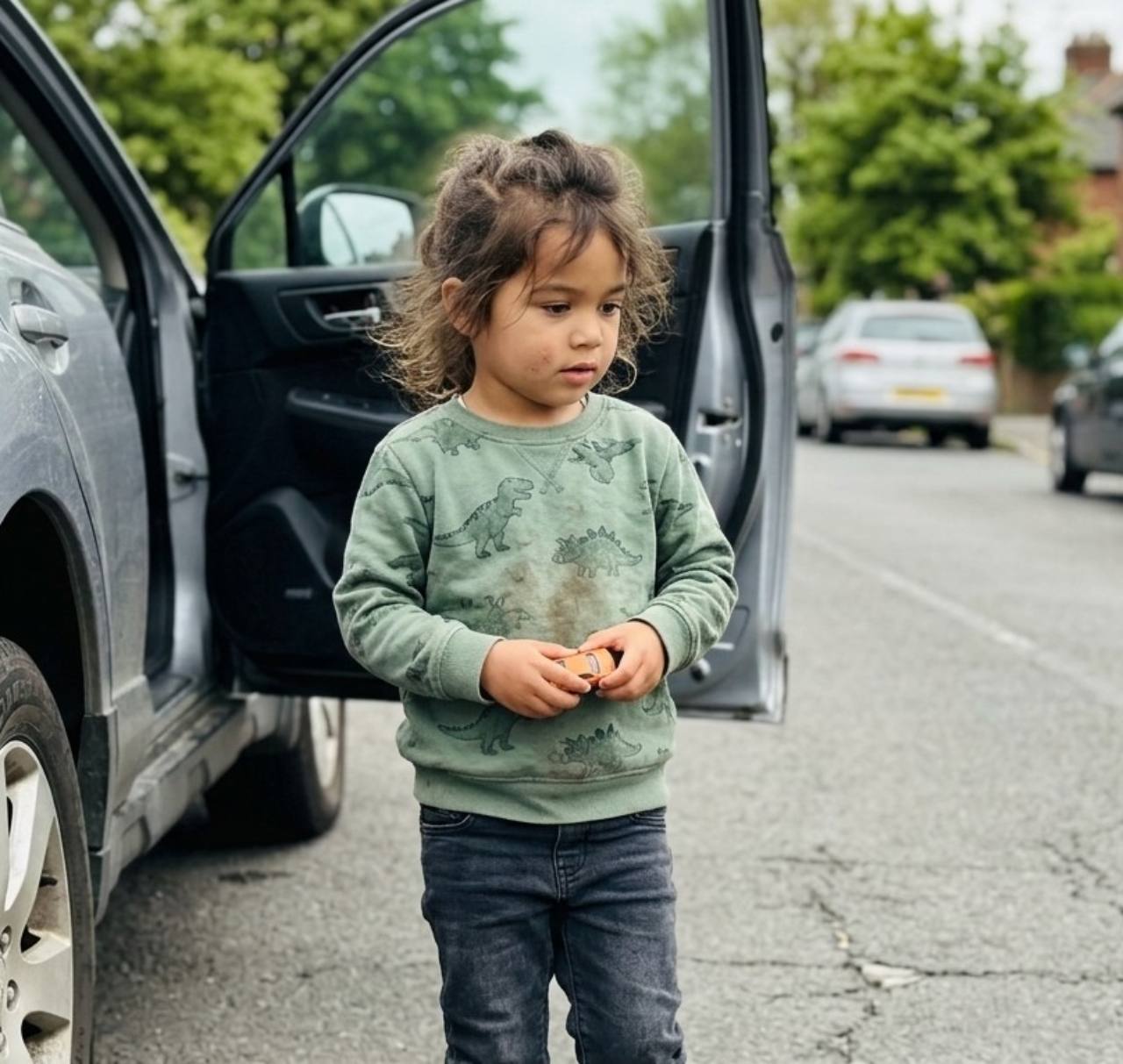
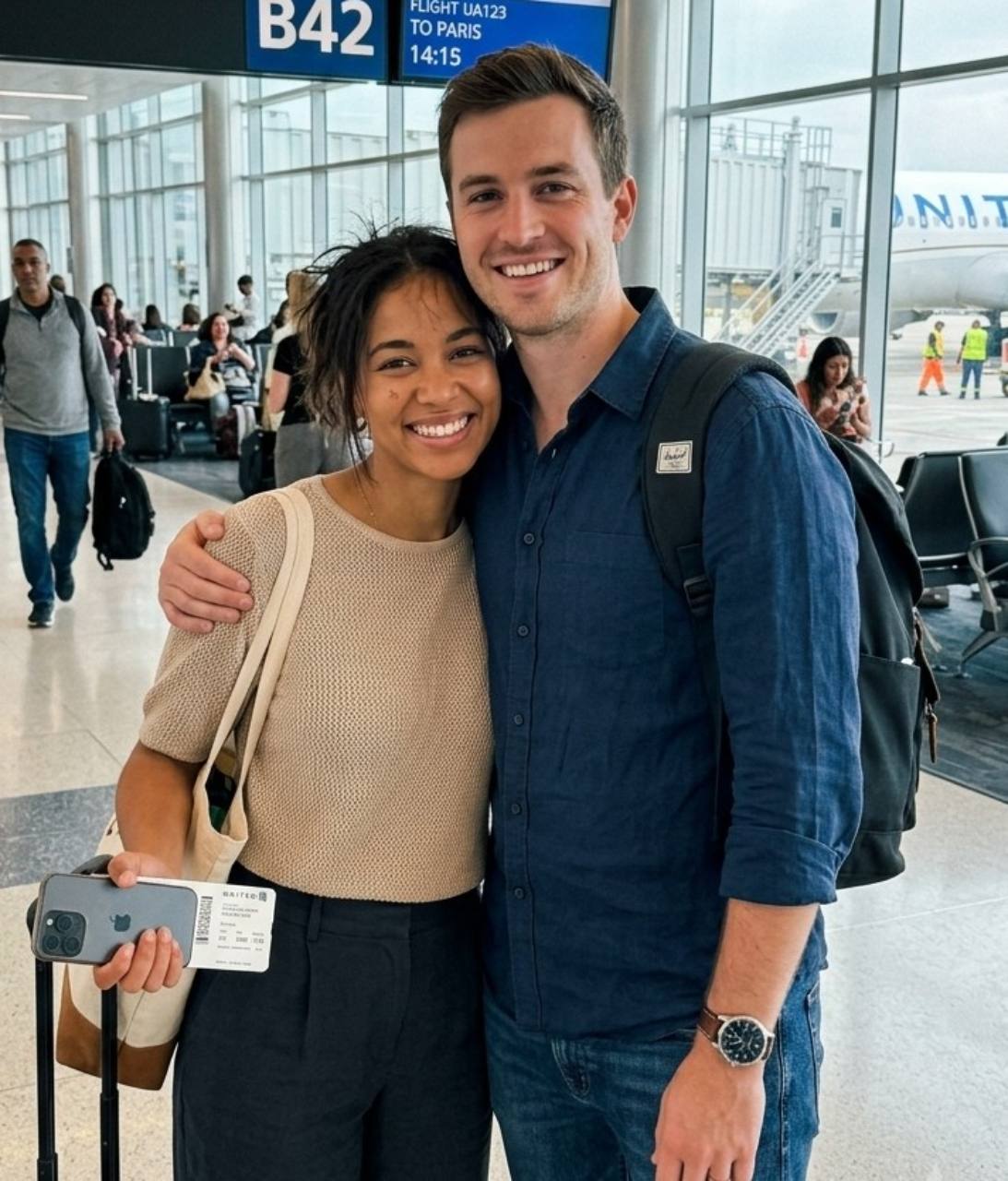
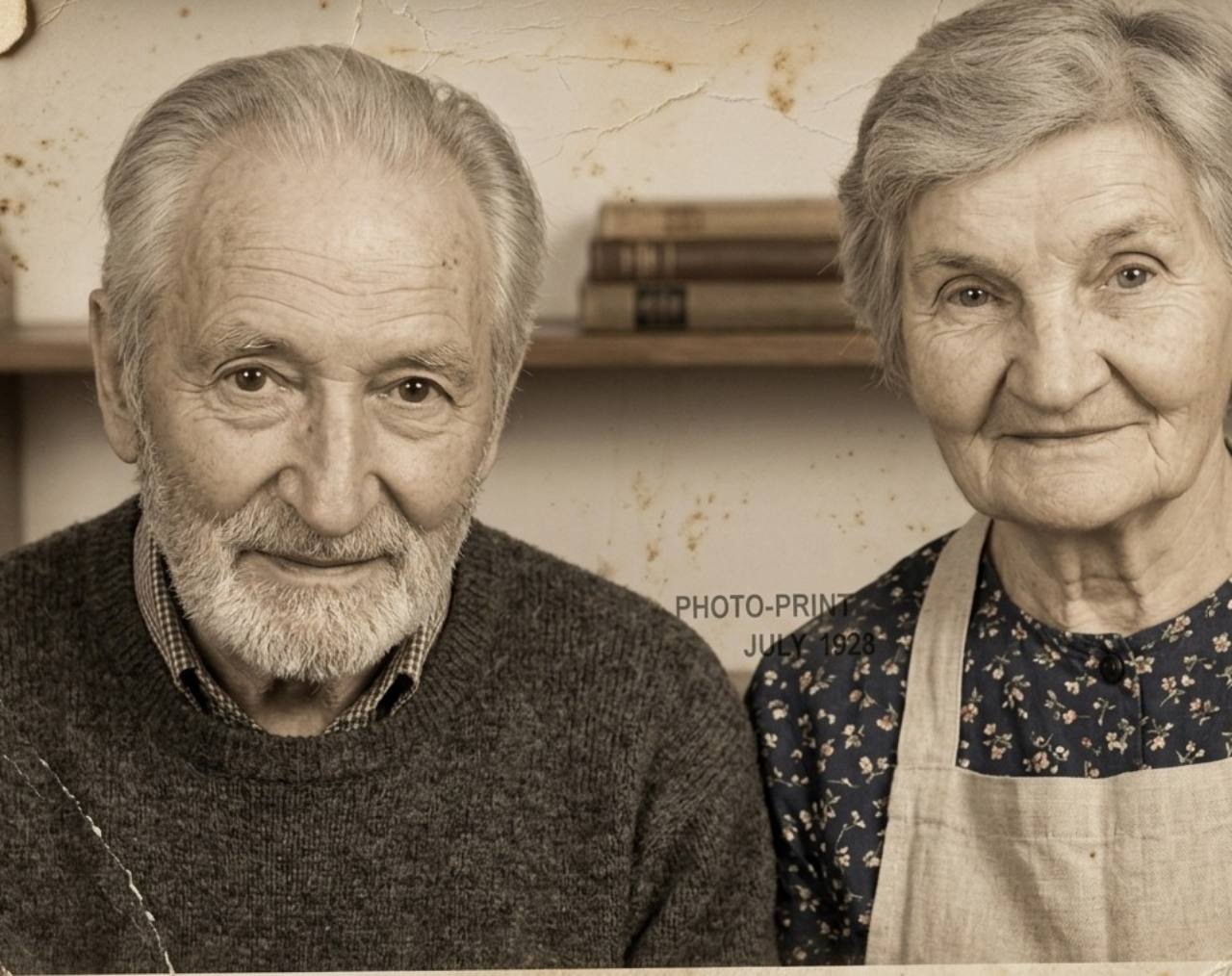
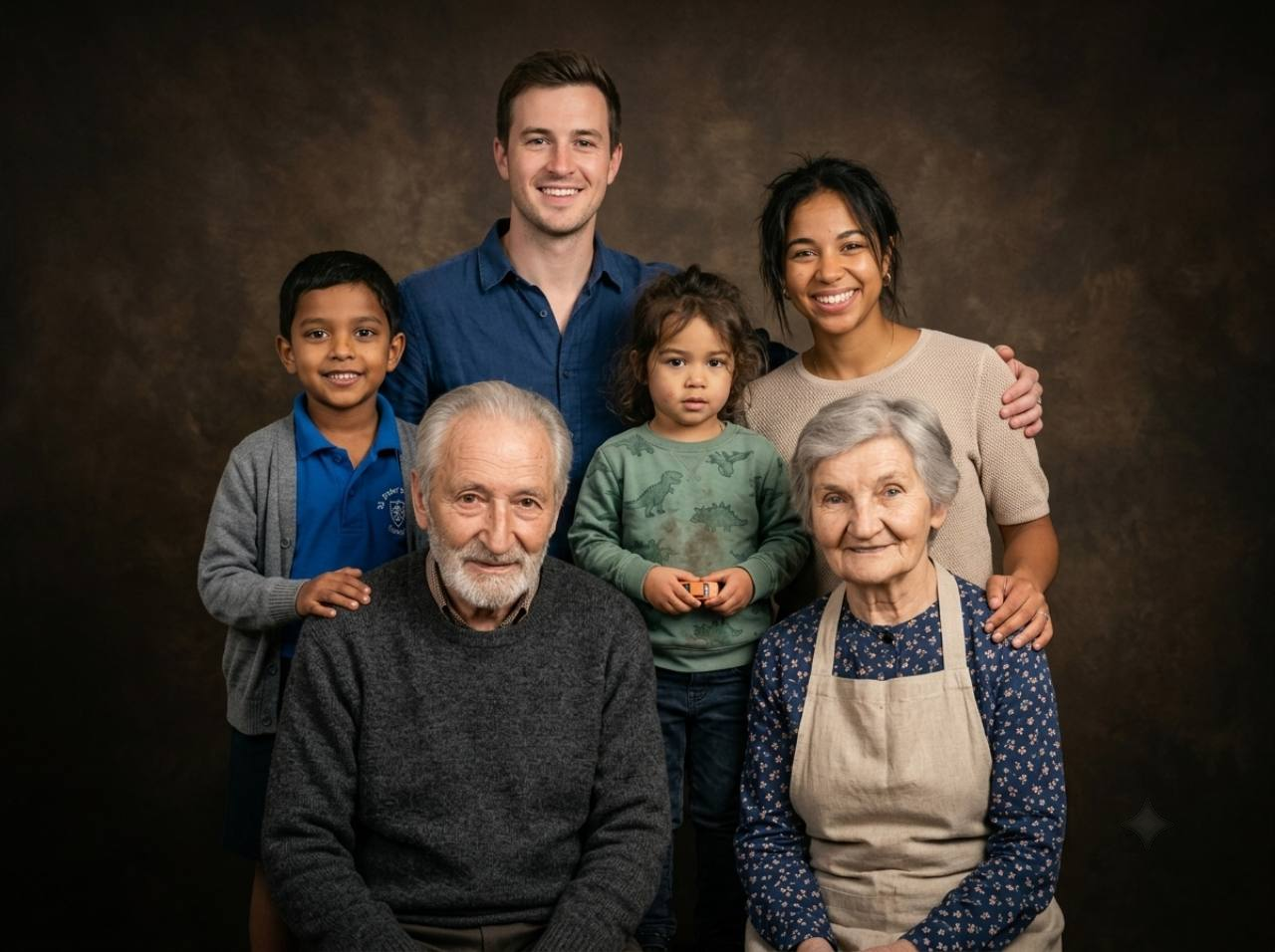
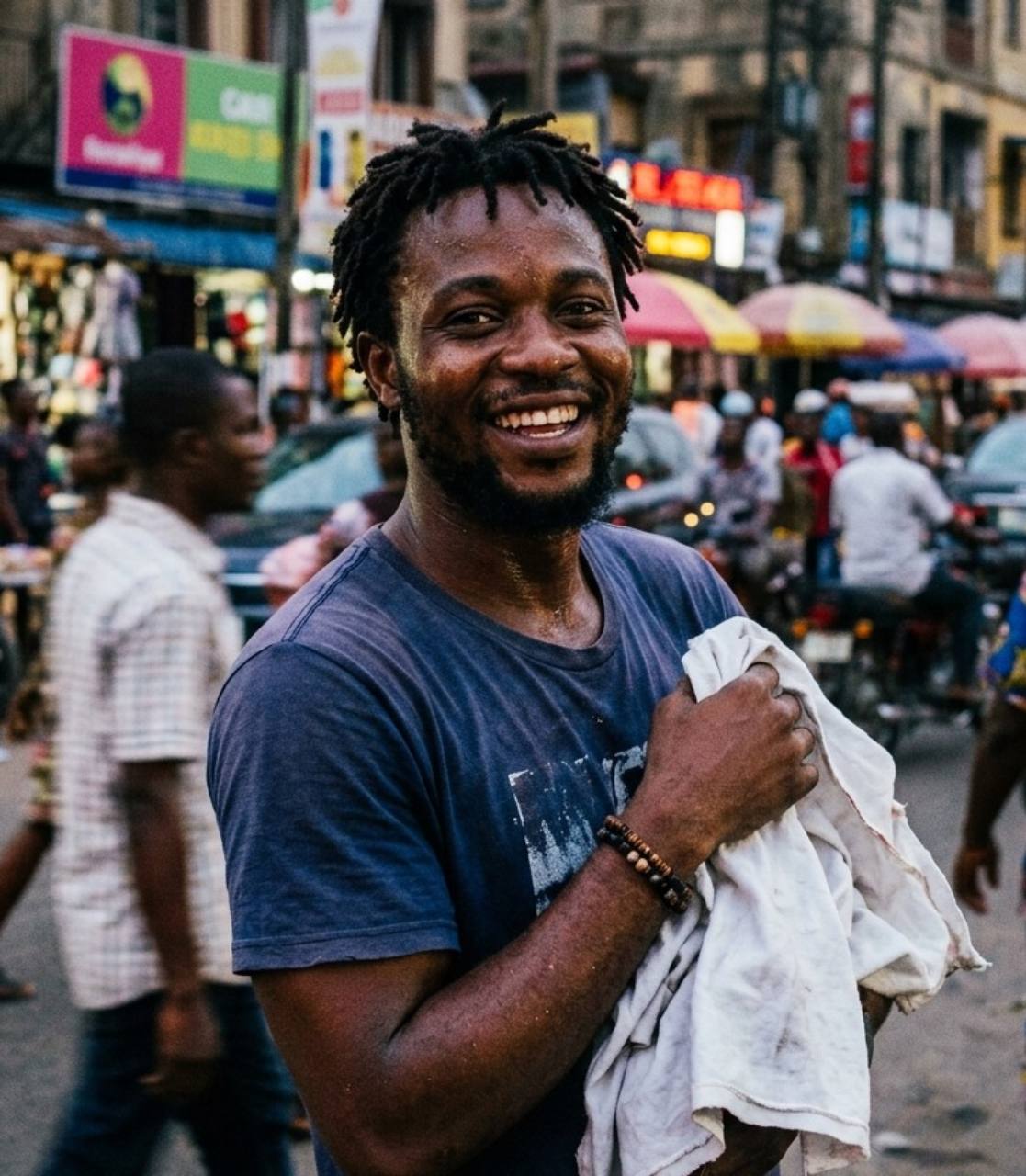
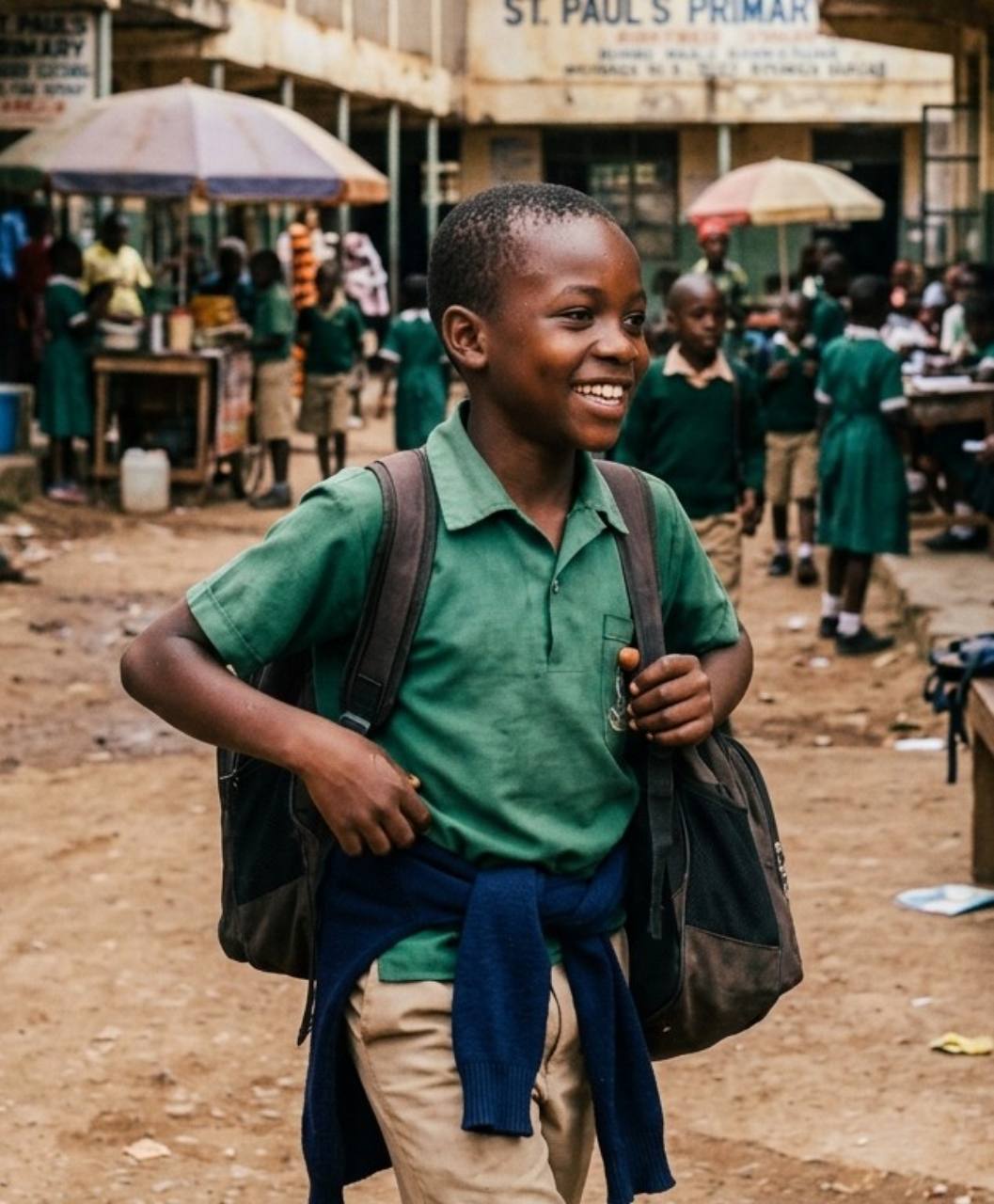
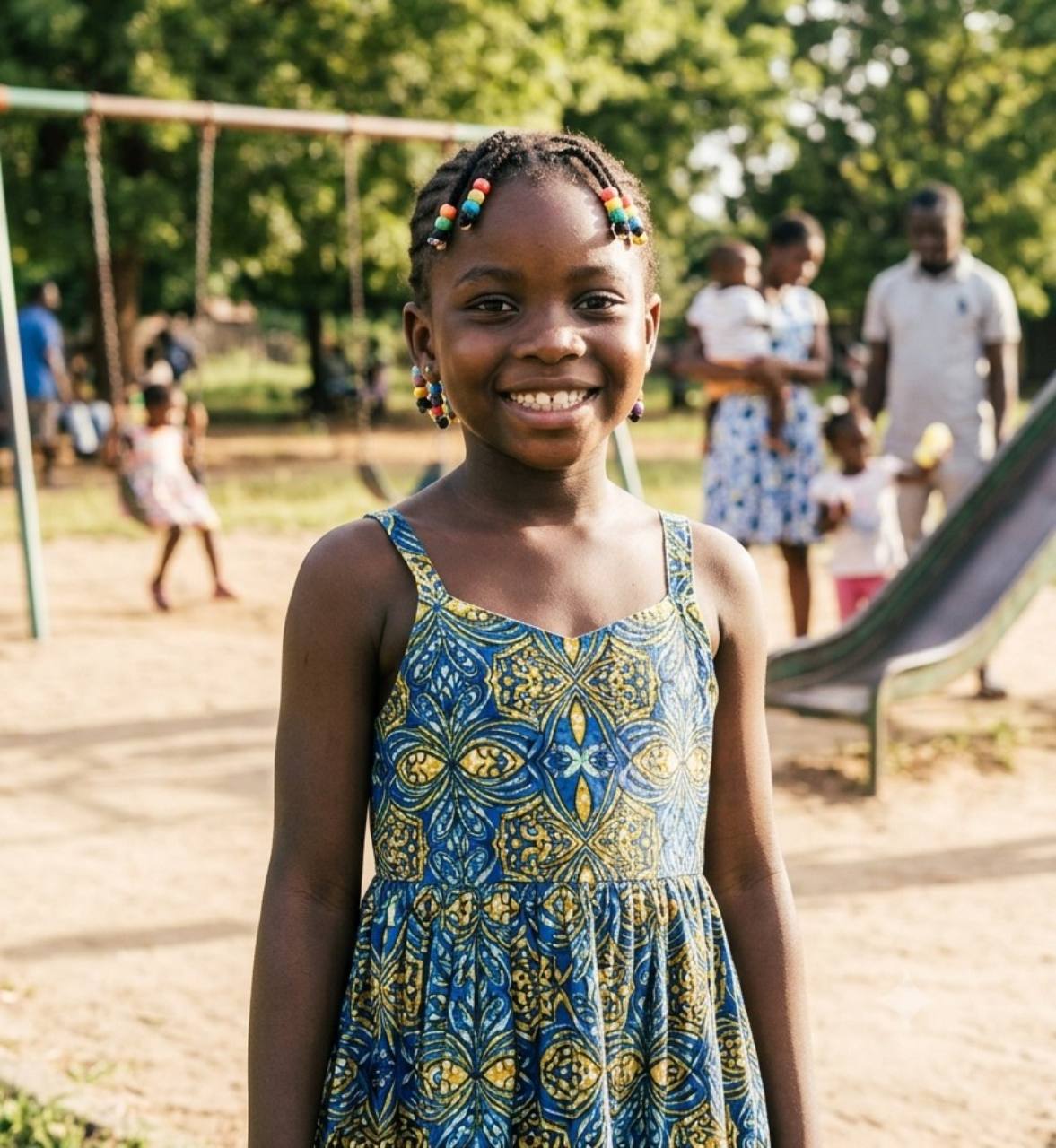
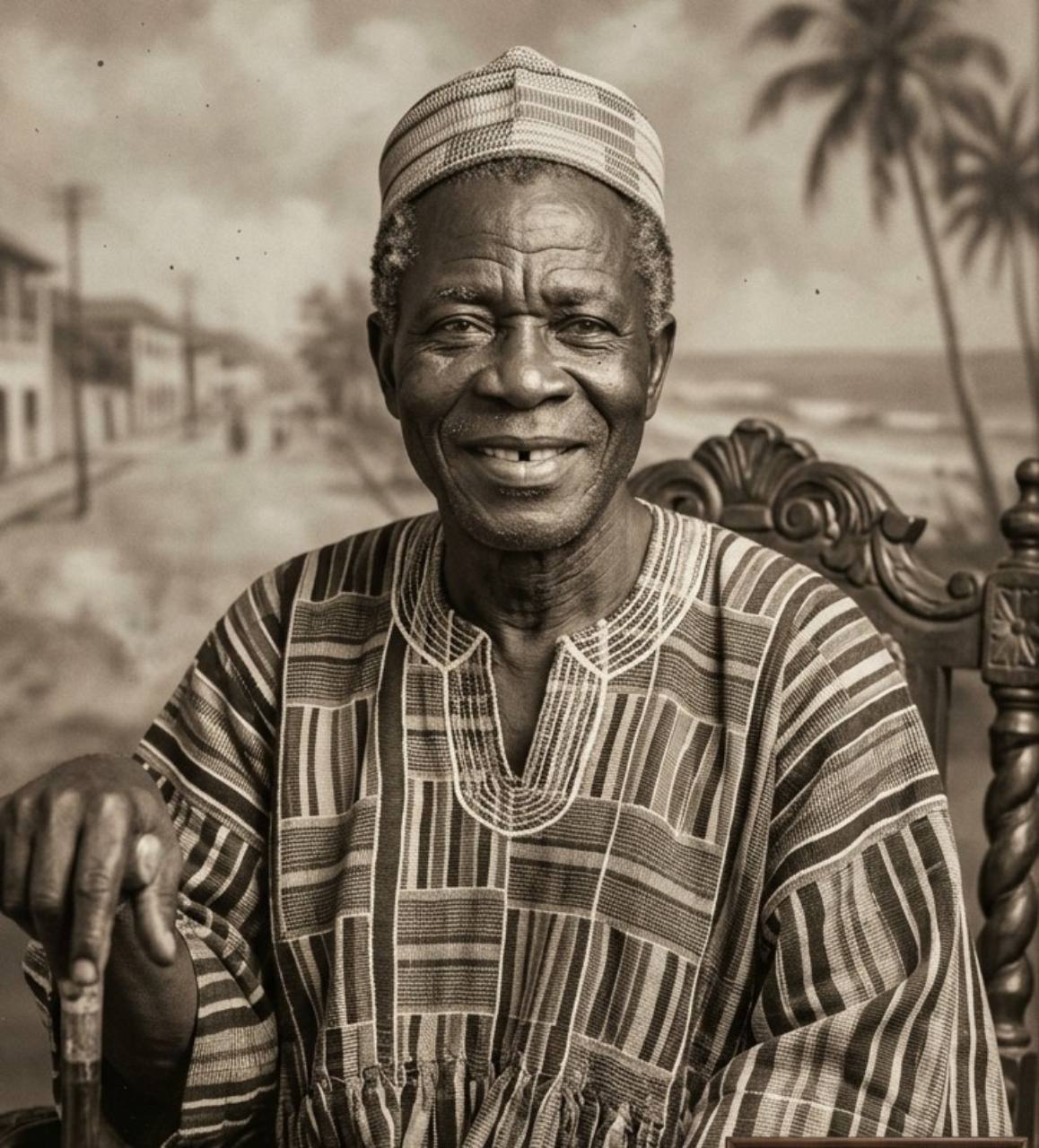
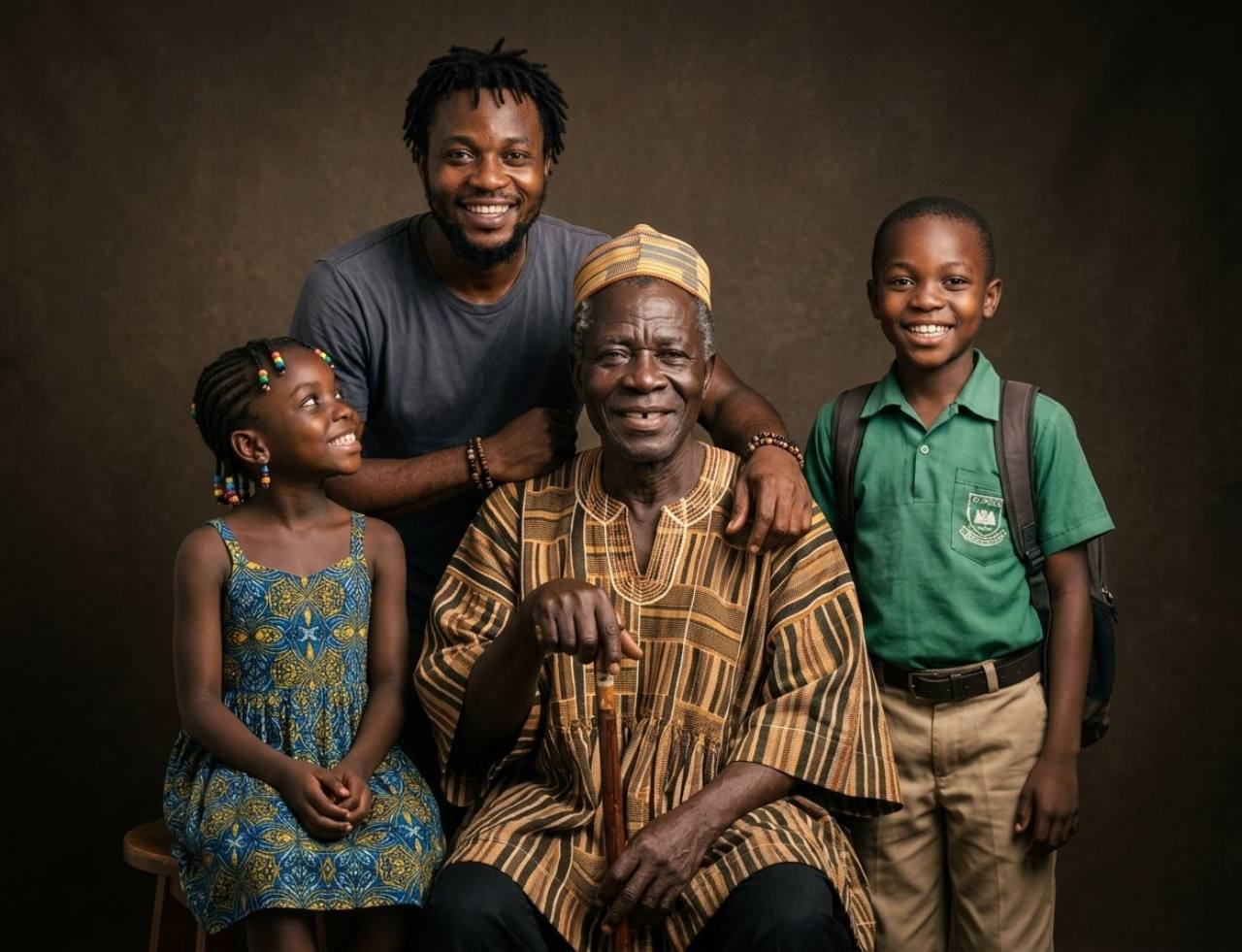
From choosing clear references to reviewing the result, the workflow helps you create one portrait while keeping realistic expectations about AI-generated details.
Add up to 8 clear photos from phones, scans, or family albums, then crop each one. Front-facing faces with visible features give the strongest likeness.
Pick from 24 curated portrait themes, then preserve the clothing from the source photos or coordinate it with the selected setting.
Confirm the number of people and pets, then choose a 1:1, 3:4, 4:3, or 16:9 canvas that gives the group enough room.
BringBack generates one new scene with shared lighting and perspective. Compare every face and detail with the references before downloading.
Ready to download
Review faces, then save
Bring dogs, cats, and other companion animals into the same newly composed portrait as relatives photographed at a different time or place.

Upload relatives and pets from separate photos, then set the people and pet counts independently. BringBack accepts up to eight reference photos and supports up to five pets in one portrait.
Choose a clear photo where the eyes, ears, muzzle, and distinctive coat markings are visible. Crop out empty background, but keep enough of the body to show the pet's size and shape.
People and pets have separate count controls. You can include up to five pets, which gives the model a clear target when it arranges the finished portrait.
For several relatives and animals, a 4:3 or 16:9 canvas gives each subject more room. Place the clearest references first and avoid photos where a pet is tiny or partly hidden.
AI may reinterpret coat markings, eye color, body size, collars, or paws. Compare the finished portrait with every source photo before printing or sharing it.
Create a family portrait with petsNot another generic merge app. True group composition, real creative controls, transparent credits, and private results you control in My Media.
BringBack builds true AI family photos from your references — one shared scene with unified lighting, color, and perspective. Faces stay recognizable, and the result feels like a real family sitting together, not cutouts on a background.
Pick a tested studio, outdoor, lifestyle, seasonal, formal, retro, royal, or fine-art direction. Preserve clothing or match it to the theme, set people and pet counts, and choose 1:1, 3:4, 4:3, or 16:9 for the group.
A multi-subject photoshoot can run hundreds of dollars. Family portrait costs 2 credits — the $4.99 Restoration Starter includes 4 credits (up to 2 portraits). Pay once; credits never expire.
Photos are processed securely for the feature you request. Generated files stay in your account until you delete them. Memory Book keepsakes are stored only when you explicitly save them. We do not use your family photos to train general-purpose AI models.
Exact credit costs: restore 1, family portrait / add person 2, animation 10, hug video 19. Starter cannot fund animation or hug.
Low-risk way to restore a few important photos. Not enough credits for animation or hug video.
Enough credits for restorations plus animation or family reunions.
For albums, multi-person projects, and the private Family Memory Book.
Practical answers about our AI family photo generator — how references work, styles, pets, pricing, and privacy.
Repair scratches, tears, and sepia fading while preserving authentic facial character.
Seamlessly insert a missing relative or passed loved one into an existing family snapshot.
Bring historical black & white photographs to life with historically accurate realistic colors.
Remove digital noise, high-ISO grain, and compression artifacts while keeping sharp textures.
Family Photo AI
Upload separate photos and create one shared set of AI family photos you can download and print.
Create Your Family Portrait