You have a box. We all do.
It’s sitting in a closet or an attic, smelling faintly of dust and time. The faces of people you love, some you’ve never even met, are staring back at you from cracked, faded paper. You feel a deep connection to them, a responsibility to them, but you’re overwhelmed. What do you do with a box of inherited old photos?
So you close the lid. The memories stay trapped. The stories stay untold.
You tell yourself that you’ll deal with it “one day.” But you know the truth. You’re in a race against time. Every year, the photos fade a little more, the stains get a little deeper, and the memories get a little harder to reach.
This article is your roadmap. It’s your plan to stop being a “keeper of the box” and start being a “teller of the stories.” We’re going to show you how to unlock those trapped memories and turn them into active, living parts of your family’s life, starting with one essential step.
The Essential First Step: Digitizing and Restoring Your Family Archive
Before you can create a beautiful gift or a stunning gallery wall, you need clean, high-quality digital copies of your photos. This is the foundation for everything. Digitizing your family photo albums is the single best way to preserve your old family photographs, protecting them forever from fire, floods, and the simple decay of time.
This used to be a massive hurdle. You’d find a precious photo, but it was ripped, faded, or covered in scratches. The memory was there, but it was damaged.
This is where AI changes the game.
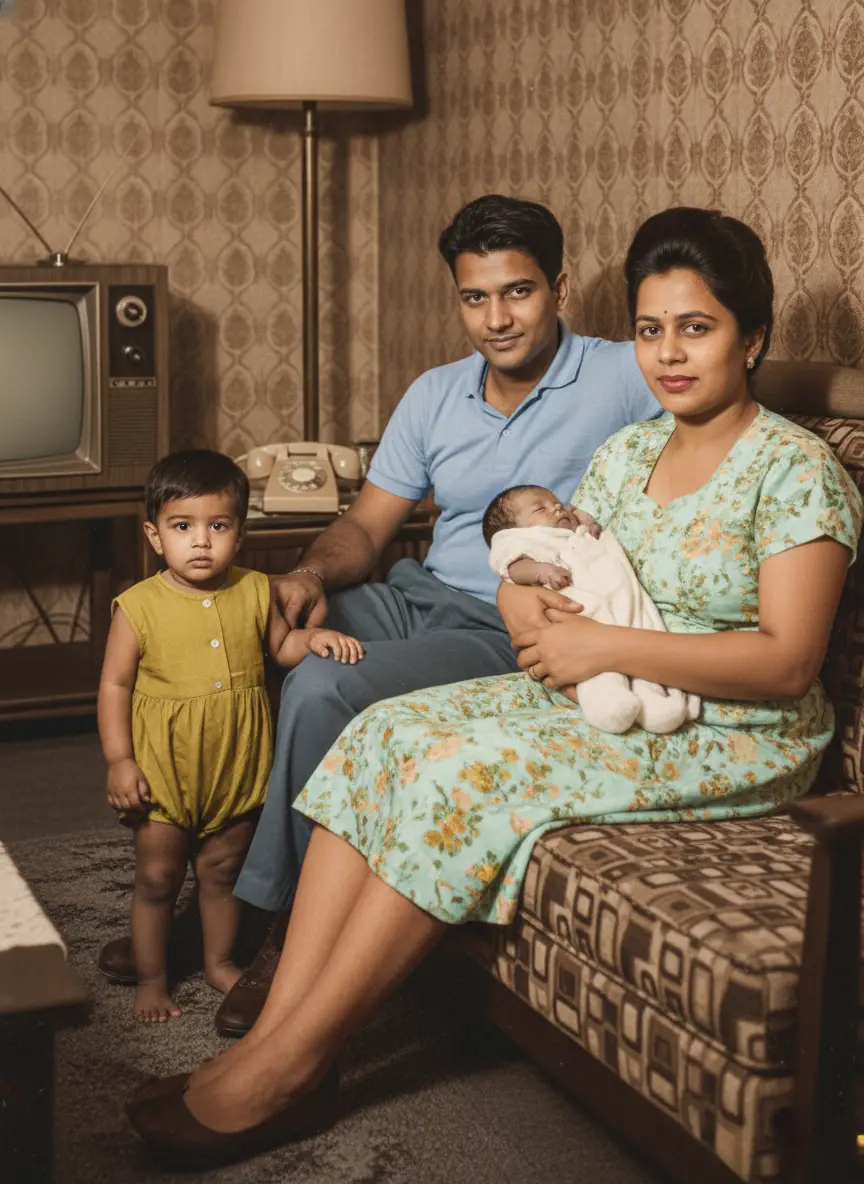
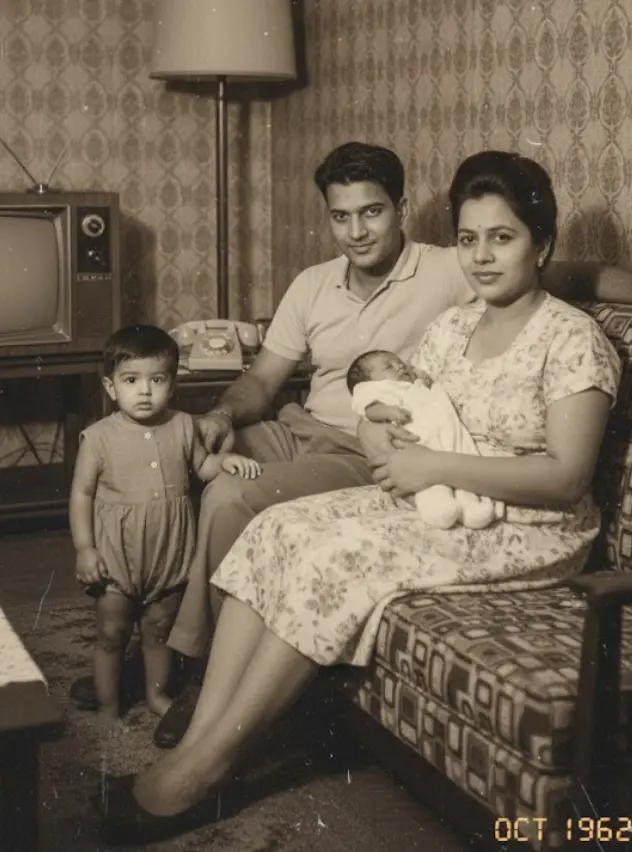
Modern AI tools are the bridge from your physical past to your digital future. They can repair damage and restore life to these fragile images with stunning accuracy.
If your photos have physical damage, our guide on How AI Can Fix Tears, Scratches, and Water Damage is the perfect place to start.
Once you have your clean, restored digital files from a tool like BringBack.pro, the real fun begins. You’re no longer just saving your photos; you’re ready to live them.
Creative Gift Ideas for Family History Lovers
A restored photo is a powerful starting point. But when you combine it with modern tools, you can create truly unforgettable gifts that will be cherished for generations. Here are four practical, high-impact ideas, complete with the tools you need to make them happen.
1. The “Then and Now” Diptych
The Idea: Create a framed piece that places a restored photo of an ancestor next to a modern photo of a family member recreating the exact same pose. It’s a powerful visual that collapses time.

- What You’ll Need:
- Your restored photo from BringBack.pro.
- A smartphone camera.
- A free design tool like Canva.
- How to Do It (The Workflow):
- Analyze the Pose: Study your restored photo. Is your grandfather leaning against a classic car? Is your mother reading in a specific chair? Pay attention to the posture, the lighting, and the background.
- Recreate the Shot: Get your son, niece, or even yourself to recreate the pose as closely as possible. The contrast between the vintage setting and the modern one is what makes it magical.
- Combine in Canva: Use Canva’s free “Grid” or “Frame” feature. Create a two-panel layout. Drop your restored vintage photo in one side and your new photo in the other. Add a simple text caption below with the names and years, like “John Miller, 1952” and “Leo Miller, 2024.”
- Print & Frame: Download the final image as a high-quality PDF and get it printed. This becomes a stunning piece of art that tells an instant story.
2. The Animated Family Story Video
The Idea: Go beyond static images. Use the animation feature on your restored photos to create a short, deeply emotional video for a family reunion, anniversary, or milestone birthday.
- What You’ll Need:
- Several restored and animated photos from BringBack.pro.
- A simple video editing tool like CapCut (mobile) or Clipchamp (web/Windows), which are both free.
- How to Do It (The Workflow):
- Generate the Clips: In BringBack.pro, use the animation feature on 5-10 of your best-restored portraits. Download each short video clip.
- Arrange the Story: Import the clips into CapCut or Clipchamp. Arrange them in chronological order to tell a story of your family’s journey.
- Add Music & Text: Add a gentle, royalty-free instrumental track in the background. Use the text tool to add simple captions identifying each person and the year.
- Share Emotionally: This video will be the highlight of any family gathering. It’s not just a slideshow; it’s a living tribute.
3. The “Ancestor Story” Photo Book
The Idea: Create a professional-quality, hardcover photo book that combines your restored photos with the stories that give them meaning. This is the ultimate family heirloom.

- What You’ll Need:
- Your collection of restored photos from BringBack AI.
- A print-on-demand photo book service like Mixbook or Shutterfly.
- How to Do It (The Workflow):
- Gather the Stories: This is the most important part. For each photo, write a short paragraph. It could be a famous family story, a key life date, or a simple quote. Ask relatives for help—this process of gathering stories is a gift in itself.
- Choose a Simple Template: On Mixbook or your chosen service, pick a clean, minimalist template. You want the photos and stories to be the heroes, not a busy design.
- Design Each Page: Typically, you’ll place a large, beautifully restored photo on one page and the corresponding text on the facing page. It’s a classic, elegant layout.
- Proofread and Print: Double-check all names and dates. Then, order the book. When you hold it in your hands, you’ll realize you didn’t just make a book; you created a physical archive of your family’s legacy.
4. The Interactive Ancestor Calendar
The Idea: A family calendar where each month features a restored ancestor, but with a modern tech twist that links to more information.

- What You’ll Need:
- 12 restored and colorized photos from BringBack.pro.
- A calendar design tool (Canva is perfect for this).
- A free QR code generator (like Canva’s built-in one).
- How to Do It (The Workflow):
- Assign Each Month: Choose an ancestor for each month, ideally one with a birthday or anniversary in that month.
- Create a Digital Hub: For each of the 12 ancestors, create a simple shared folder in Google Drive or a page in Notion. Add more photos, stories, and key facts about that person. This is your “digital deep dive.”
- Design the Calendar: In Canva, use a calendar template. For each month, feature the large, restored photo. Mark important family birthdays and anniversaries.
- Add the Interactive Link: For each month’s page, generate a QR code that links to that ancestor’s specific Google Drive folder or Notion page. Place it subtly in the corner of the calendar page. Now, your calendar is not just a schedule; it’s a gateway to 12 different family stories.
Telling Family Stories Through Pictures: Displaying Your Restored Photos
Your memories don’t deserve to live on a hard drive. Here’s how to bring them into your daily life.
5. The “Ancestor Wall”

Dedicate a wall in your home to your family’s history. Get high-quality prints of your best-restored photos—especially the newly colorized black and white ones—and create a stunning gallery wall. It’s a bold statement that you are proud of where you come from.
6. The Digital Photo Frame Slideshow
A digital photo frame is the modern equivalent of a family album. Load it with hundreds of your restored photos. It’s a beautiful, passive way to surround yourself with your family’s journey, turning a corner of your home into a living, ever-changing museum.
7. The Blog or Social Media Series
Start a personal project by posting one restored photo a week with the hashtag #AncestorStory. Sharing the image and a small piece of their story is a fantastic way of telling family stories through pictures with a wider audience, connecting with cousins you may have never met.
Passing It On: Archiving Your Digital Legacy
You’ve done the work. Now, make sure it’s never lost again.
8. The Cloud Archive
Create a shared family cloud folder on a service like Google Drive or Dropbox. Invite all your relatives to view, download, and contribute their own photos. This becomes the central, protected hub for your family’s entire visual history.
9. The Physical Backup (The “Legacy Drive”)
Don’t rely on the cloud alone. Purchase a dedicated USB drive, load it with all the high-resolution restored photos, and give it as a physical gift to your siblings or children. This ensures your archive has multiple copies in multiple households.
10. The QR Code Link
This is a brilliant final touch. On the back of any new framed prints you create, add a small sticker with a QR code. When a family member scans it, it links them directly to the shared cloud folder with more photos and stories about that person. It turns every picture frame into a gateway to your entire family history.
A restored photo isn’t the end of the process; it’s the beginning of a new story. You’re not just a keeper of old things; you are a family historian, a storyteller, and the crucial link between your past and your future.
Your family’s story is waiting to be told. Start by bringing one photo back to life with BringBack.pro, and see where the journey takes you.